4
01
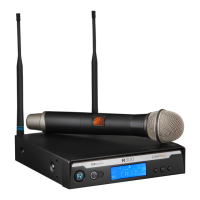
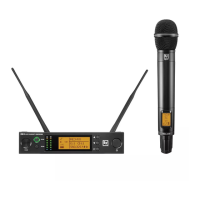
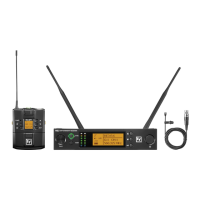
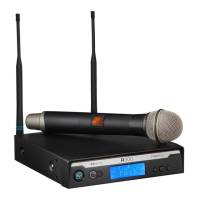
QUICK SETUP: RECEIVER
1. Do not connect the receiver to any other equipment yet!
2. Connect the two Antennas to the receiver.
3. Install the blades into the power supply, plug it into the back of the receiver,
and into an outlet.
4. Press the POWER switch. Display will light up.
5. Press and hold the button until CLEARSCAN scrolls across the screen.
6. When CLEARSCAN stops, the receiver will be set to the clearest channel.
7. Mute the Audio Mixer channel where the receiver will be plugged in, or set it to minimum.
8. Leave the receiver ON and connect it to the audio system using either the XLR connector or
¼-inch line level jack.
Receiver “Quick Set-up” is complete.



 To Next Page