5
QUICK SETUP: TRANSMITTER
1. With the Power switch on the transmitter OFF, install two fresh AA batteries into the transmitter.
2. Press the transmitter Power Switch until the display comes on.
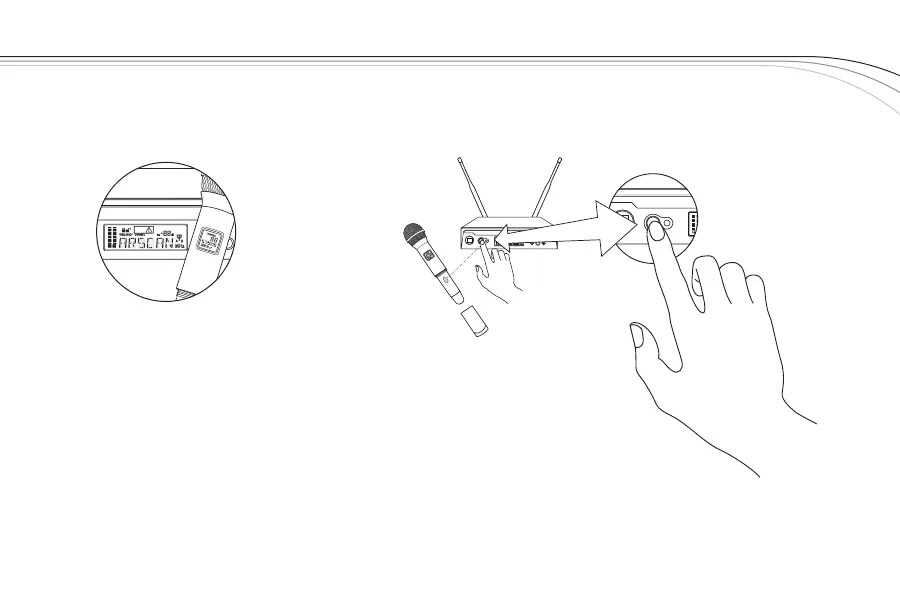
3. Loosen the transmitter battery cover to expose the EZsync Port, as shown.
4. Hold the transmitter with the EZsync Port facing the receiver, about a
foot (30 cm) away.*
5. Press the SYNC Button on the receiver, SYNC will show in the display.
6. Once the channel is set in the transmitter, the display will switch to the main
display and show RF and Audio Levels.
*Note: When performing EZsync, make sure lighting conditions are not too bright. Extremely
bright lighting can interfere with EZsync.
Transmitter “Quick Set-up” is complete.
SYNC
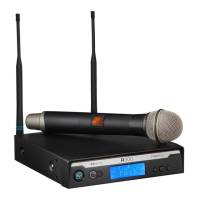
R300
EZsync
Clear
SET
SYNC
EZsync



 To Next Page