EasyManua.ls Logo

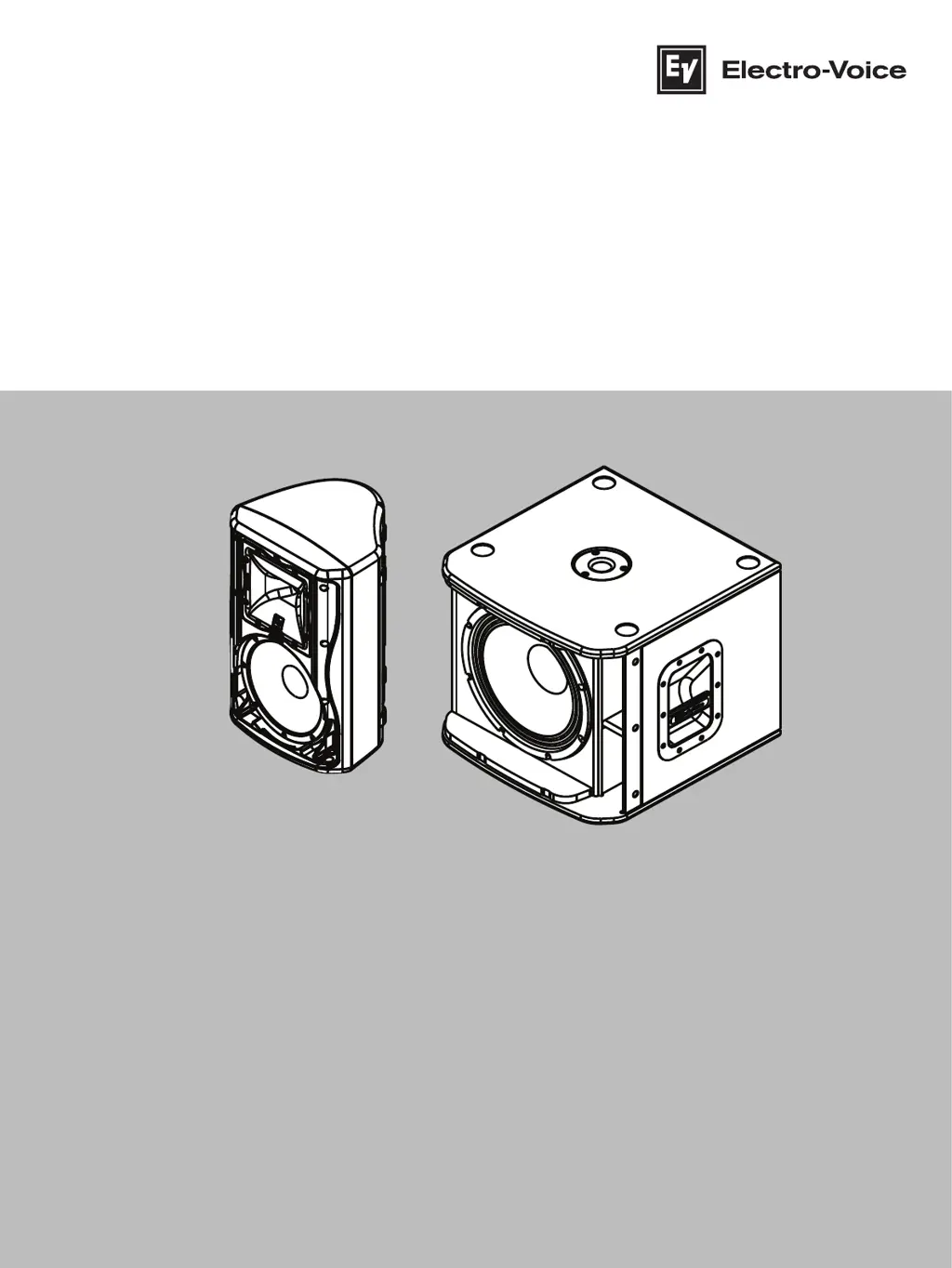
Electro-Voice ZxA1-90 - User Manual

Electro-Voice ZxA1-90
28 pages
Print Icon
To Next Page IconTo Next Page
Loading...
ZXA1 Series Loudspeaker
ZXA1‑90, ZXA1‑SUB
en
User manual

Other manuals for Electro-Voice ZxA1-90

Questions and Answers

  • P
    paul62Sep 12, 2025
    Why do Electro-Voice Speakers have acoustic feedback when the microphone input level is amplified?
    • M
      Megan JohnstonSep 12, 2025
      Acoustic feedback from your Electro-Voice Speakers when the microphone input level is amplified can occur due to a few reasons. First, there might be an incorrect gain structure; reduce the microphone levels at the mixing console or input source. Second, the microphone position may be too close to the front of the speaker. Set up the speakers so the microphone is behind them to mitigate feedback.
  • J
    Justin MayAug 25, 2025
    What to do if Electro-Voice Speakers sound distorted and LIMIT LED is on?
    • C
      Carlos HansenAug 25, 2025
      If the sound from your Electro-Voice speakers is distorted and the LIMIT LED is constantly on or flashing regularly, it could be due to excessive input level or incorrect input connection. Try these solutions: * Reduce the Master Level or loudspeaker level knobs to prevent limiting. * Ensure that line-level sources are plugged into the LINE IN, not the MIC IN.
  • J
    Jordan FernandezAug 26, 2025
    How to stop microphone feedback with Electro-Voice ZxA1-90 Speakers?
    • K
      Katherine KentAug 27, 2025
      If your microphone produces acoustic feedback when the input level is amplified through your Electro-Voice speakers, the issue likely stems from incorrect gain structure or microphone placement. Try these solutions: * Reduce the microphone levels at the mixing console or input source. If the microphone is connected directly to the speaker, reduce the MIC LEVEL on the speaker. Positioning the microphone close to the sound source will increase gain-before-feedback. * Whenever possible, set up the speakers so the microphone is behind them. If using the speakers in a monitor position, aim the speaker to the back of the microphone.
  • N
    Natasha HubbardAug 27, 2025
    What to do if Electro-Voice ZxA1-90 have crackling sound?
    • A
      ashleyharrisAug 28, 2025
      If you're experiencing intermittent output, such as crackling or distortion, from your Electro-Voice speakers, a faulty connection is a likely cause. Check all connections at the amplifier and speakers to ensure they are clean and tight. If the problem persists, it may be in the amplifier or wiring. Refer to the troubleshooting steps for 'No Sound'.
  • N
    nathan77Aug 29, 2025
    Why do Electro-Voice ZxA1-90 sound distorted when LIMIT LED is off?
    • W
      wolfecindyAug 29, 2025
      If your Electro-Voice speakers are producing distorted sound and the LIMIT LED is not blinking, the source input (mixing console/preamp) might be overdriven. Verify that the level controls of the source are properly structured.
  • C
    Christian HuffAug 31, 2025
    Why is there no sound from the microphone connected to MIC IN on Electro-Voice Speakers?
    • R
      rharrisAug 31, 2025
      If no sound is produced when a microphone is connected to the MIC IN of your Electro-Voice speakers, the microphone might require phantom power. Use a dynamic microphone that does not require phantom power or, if using a microphone that requires it, use an external phantom power source.
  • N
    Nicholas FlynnNov 20, 2025
    How to troubleshoot no sound from my Electro-Voice Speakers?
    • W
      William RyanNov 20, 2025
      If your Electro-Voice speakers produce no sound, the issue might stem from the amplifier or the wiring. * **Amplifier Issues:** Connect a working test speaker to the amplifier outputs. If there's still no sound, ensure all electronics are powered on, the signal routing is correct, the source is active, and the volume is adequately adjusted. Correct, repair, or replace components as needed. If the test speaker works, the problem lies in the wiring. * **Wiring Problems:** Verify the correct wire pairs are connected to the amplifier. Play audio at a low level and connect the test speaker in parallel with the malfunctioning line. A significant drop in sound level indicates a short circuit, possibly from damage to the wire. Normal sound level suggests an open wire, like a cut or disconnec...
  • K
    kenneth50Sep 13, 2025
    What to do if Electro-Voice Speakers produce no sound?
    • J
      Joseph ArnoldSep 13, 2025
      If your Electro-Voice Speakers are producing no sound, it could be due to the amplifier or wiring. Connect a known working signal source to the amplifier inputs. Also, verify you have connected the correct cables to the amplifier.
  • L
    Lindsey JonesSep 10, 2025
    Why is my Electro-Voice ZxA1-90 Speakers sound distorted even though the LIMIT LED is not blinking?
    • S
      stevenshollySep 10, 2025
      If your Electro-Voice Speakers' sound is distorted but the LIMIT LED is not blinking, the source input (mixing console/preamp) might be overdriven. Verify the level controls of the source are properly structured to resolve this issue.
  • D
    Diane LewisSep 6, 2025
    What to do if my Electro-Voice Speakers produce constant noise?
    • I
      Isaiah KruegerSep 6, 2025
      If your Electro-Voice Speakers are producing constant noise such as buzzing, hissing, or humming, the issue could stem from several causes. It might be a defective source or another electronic device. If noise is present even without program material playing, evaluate each component to isolate the problem. Poor system grounding or a ground loop could also be the cause; check and correct the system grounding as needed. Finally, verify that the level controls of the source are properly structured, as an incorrect gain structure can also lead to constant noise.

Summary

Safety

Important safety instructions

Crucial safety guidelines to prevent fire, electric shock, and ensure proper operation.

FCC information

Details on compliance with FCC rules for digital devices and potential interference.

Precautions

Important precautions for using loudspeakers in various environments and protecting hearing.

Description

Quick setup

Step-by-step guide for quickly setting up the ZXA1 loudspeaker into operation.

Features

Detailed features of the ZXA1 2-way powered speaker and ZXA1-SUB subwoofer.

Installation

Floor monitor, tripod and pole mount

Instructions for positioning the speaker as a floor monitor or mounting on a tripod.

Pole mount

Details on using pole mount cups for ZXA1-SUB loudspeakers and mounting a full-range speaker.

Suspending the loudspeakers

Guidelines and warnings for safely suspending ZXA1 speakers using suspension kits.

Rotating the horn

Instructions on how to rotate the horn assembly for optimal sound coverage.

Rotating the logo

Procedure for rotating the ZXA1 logo badge for desired orientation.

Amplifier controls

LIMIT Control

Explanation of the LIMIT LED indicator, its blinking and constant states.

MASTER, MIC, and Input;Output Controls

Details on MASTER, MIC, MIC IN, LINE IN, SUB/FULLRANGE, MASTER OUT, POWER, MAINS IN.

MAINS IN, LIMIT, Level, Boost, and Polarity Controls (ZXA1-SUB)

Controls for ZXA1-SUB: MAINS IN, LIMIT, LEVEL, BOOST, POLARITY, XLR INPUT.

XLR Output, Power, and Mains Input (ZXA1-SUB)

Controls for ZXA1-SUB: XLR OUTPUT, POWER switch, and MAINS IN connector.

Recommended configurations

Daisy-chaining full-range systems

Demonstrates connecting two ZXA1 loudspeakers in a daisy-chain configuration.

Using full-range systems as monitors

Illustrates using ZXA1 loudspeakers for stage monitoring applications with various sources.

Stereo full-range systems with subwoofers

Configuration for stereo full-range ZXA1 systems paired with ZXA1-SUB subwoofers.

Stereo full-range systems with mono subwoofer

Setup for stereo full-range ZXA1 systems with a single ZXA1-SUB subwoofer.

Troubleshooting

No sound or poor frequency response issues

Troubleshooting steps for 'No sound' and 'Poor low-frequency response' problems.

Distorted sound, noise, and feedback issues

Troubleshooting steps for distorted sound, noise, and acoustic feedback.

Technical data

ZXA1-90 and ZXA1-SUB Specifications

Detailed technical specifications for ZXA1-90 and ZXA1-SUB models.

Dimensions

Provides detailed physical dimensions for the ZXA1 and ZXA1-SUB units.

Frequency response graphs

Graphs illustrating the frequency response of the ZXA1-90 loudspeaker.

ZXA1 models and accessories

Lists available ZXA1 system models, their configurations, and relevant accessories.

Warranty information

Warranty Information

Information regarding warranty coverage and extension options for Electro-Voice products.

Electro-Voice ZxA1-90 Specifications

General IconGeneral
Product colorBlack
Housing materialABS synthetics
Recommended usageSpeaker set unit
Suitable for outdoor use-
TweeterYes
Speaker type2-way
Woofer diameter204 mm
Tweeter diameter25 mm
Number of drivers2
Speaker placementTabletop/bookshelf
Audio output channels1.0 channels
Woofer diameter (imperial)8 \
Tweeter diameter (imperial)1 \
Amplifier classD
Amplifier output power800 W
Impedance- Ω
Frequency range48 - 20000 Hz
RMS rated power- W
Crossover frequency1800 Hz
Signal-to-Noise Ratio (SNR)126 dB
Connectivity technologyWired
AC input frequency50 - 60 Hz
Package weight10300 g
Weight and Dimensions IconWeight and Dimensions
Depth264 mm
Width282 mm
Height457 mm
Weight8600 g

Related product manuals