- 12 -
SETTING THE TIME
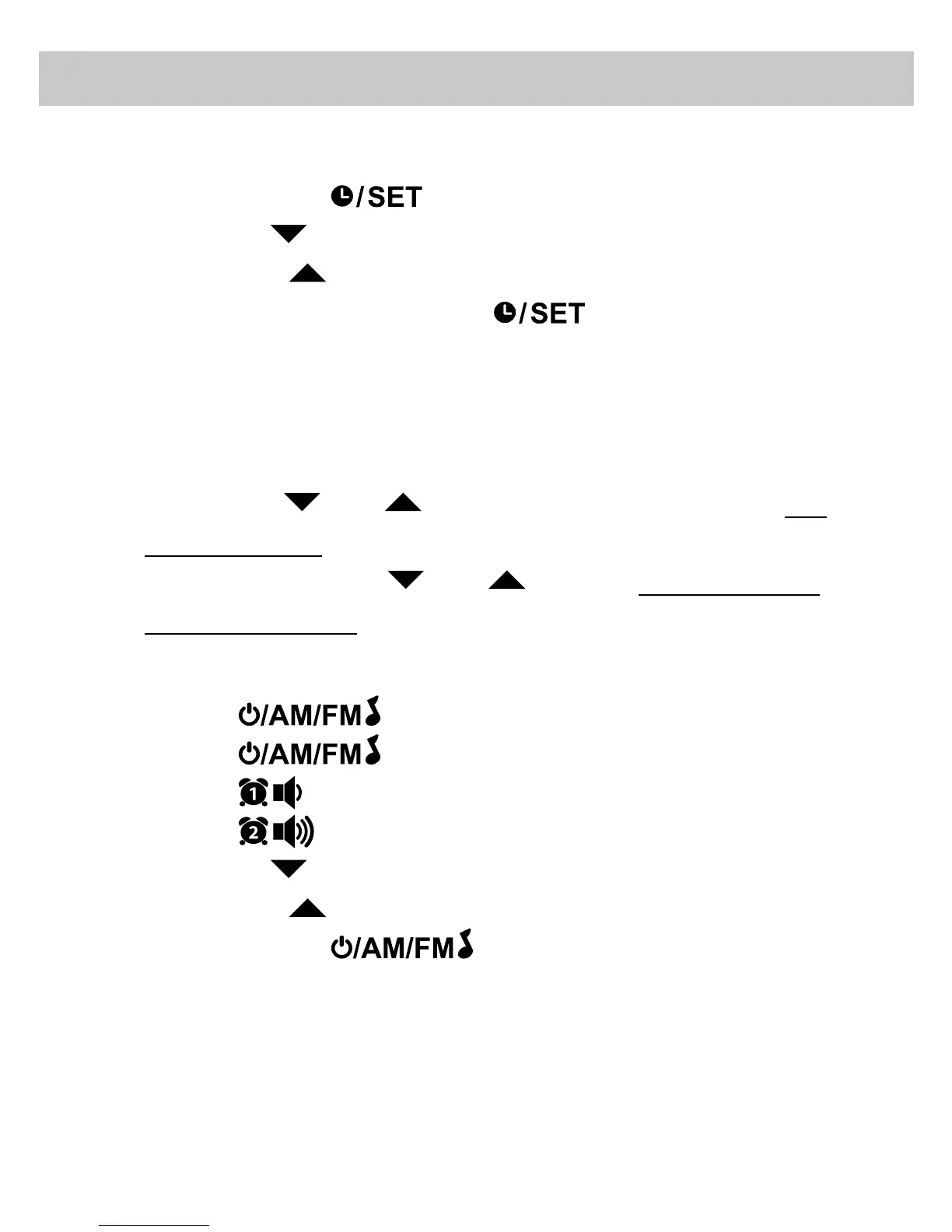
1. Press and hold the
button, the time will start to ash.
2. Press the HR
button to increase the HOUR.
3. Press the MIN button to increase the MINUTES.
4. Once time is set correctly, press the button.
NOTE:
• For PM setting - Red LED dot appears to the right of PM indicating time
is set to PM; no red dot for AM.
• Press the HR
/ MIN button once to decrease / increase one
number at a time.
• Press and hold the HR / MIN button to quickly decrease /
increase the numbers.
PLAYING THE RADIO
1. Press the
button once to turn radio ON.
2. Press the button to select between FM and AM station.
3. Press the button to decrease the volume.
4. Press the button to increase the volume.
5. Press the HR button to decrease the AM /FM frequency.
6. Press the MIN button to increase the AM /FM frequency.
7. Press and hold the button to turn radio OFF.
OPERATING INSTRUCTIONS


 To Next Page