- 15 -
SLEEP TIMER
The sleep timer allows you to play music for a preset amount of time ranging
from 90 minutes to 10 minutes. It is commonly used by people who prefer to
go to sleep to music.
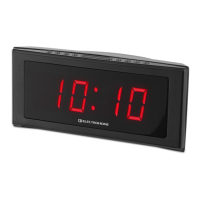
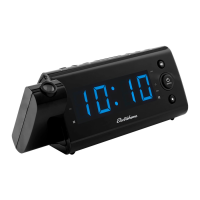
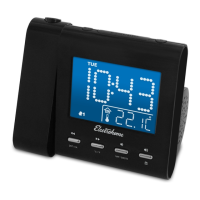
1. Press the SNOOZE/SLEEP/DIM button. The display will show 90 minutes,
your clock radio will turn o in 90 minutes.
3. To change the number of minutes for the SLEEP timer, press the
SNOOZE/SLEEP/DIM button until you see the desired number of minutes.
The SLEEP timer decreases in increments of 10.
4. To cancel the SLEEP timer, press the SNOOZE/SLEEP/DIM button until
you see OFF in the display or press and hold the
button.
DIMMER FUNCTION
You can adjust the brightness of the LED display making it brighter or dimmer
when the radio is OFF. Press and hold the SNOOZE/SLEEP/DIM button to
toggle between the 3 brightness settings.
If you experience a problem with this unit, check the chart below before
calling for service.
SYMPTOM POSSIBLE CAUSE POSSIBLE SOLUTION
GENERAL
Power does not come on. AC cord not plugged in. Insert plug rmly into AC outlet.
RADIO
No Sound. Power is not on.
Press
to turn the
unit on.
VOLUME control at minimum
position.
Turn the VOLUME control up.
TROUBLESHOOTING
OPERATING INSTRUCTIONS


 To Next Page