- 14 -
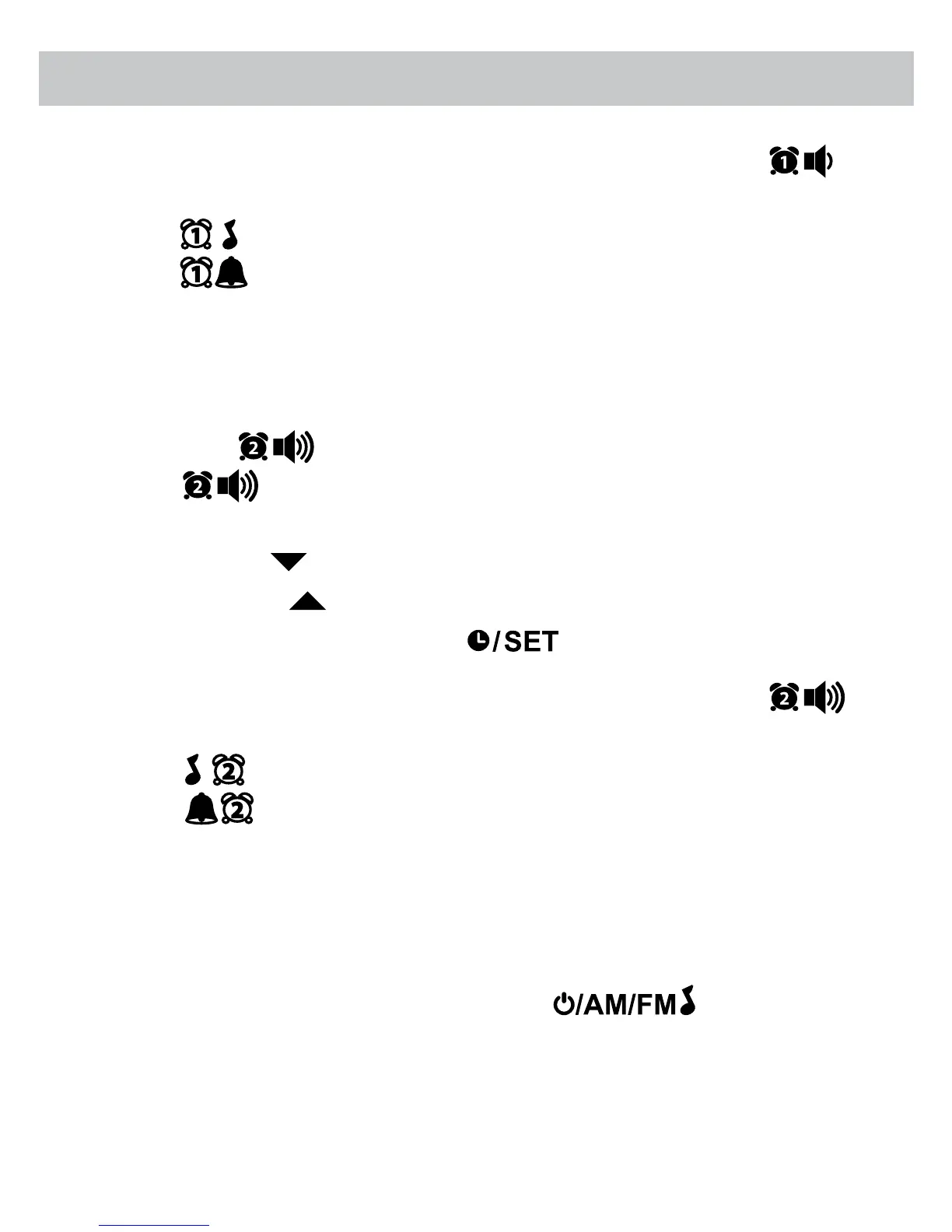
• To toggle between Buzzer and Radio alarm mode, press the
button until the desired option is highlighted on the LED display.
• - Radio Alarm 1 (Red LED dot appears to the right when set)
• - Buzzer Alarm 1 (Red LED dot appears to the right when set)
SETTING ALARM 2
1. Please ensure the radio is OFF.
2. Press the
once to view current alarm setting then press and hold
the
button to set ALARM 2. The alarm time will ash on
the display.
3. Press the HR button to increase the HOUR.
4. Press the MIN button to increase the MINUTES.
5. Once alarm time is set, press the button once to conrm setting.
• To toggle between Buzzer and Radio alarm mode, press the
button until the desired option is highlighted on the LED display.
• - Radio Alarm 2 (Red LED dot appears to the left when set)
•
- Buzzer Alarm 2 (Red LED dot appears to the left when set)
SNOOZE FUNCTION
1. When the alarm (buzzer or radio) is triggered, press the SNOOZE/SLEEP/
DIM button. The alarm will turn o for approximately 9 minutes.
2. To cancel the SNOOZE function, press the
button.
OPERATING INSTRUCTIONS


 To Next Page