10
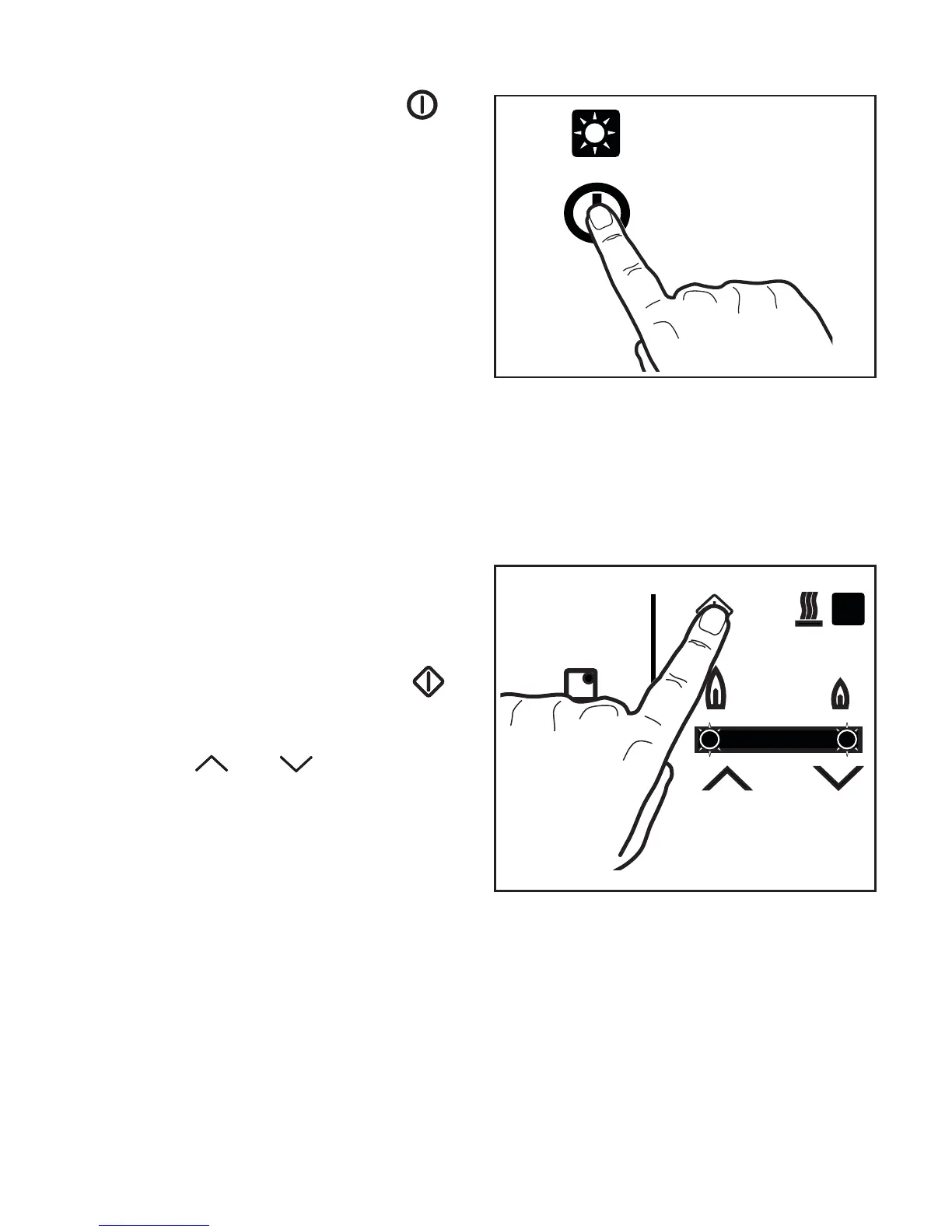
How to light a burner
1. Touch the main ON/OFF Control for
about 3 seconds to switch on the hob.
The red indicator next to the touch
control lights up, an acoustic signal
sounds and the hob is ready to use.
2. Touch the Burner Ignition Control of
the required burner. The flame level
indicators located right below the
symbols and illuminate.
!



 To Next Page