Step 6 Fill the water drawer with cold water to the maximum level (around 950 ml).The wa‐
ter supply is sufficient for approximately 50 minutes. Use the scale on the water
drawer.
WARNING!
Use only cold tap water. Do not use filtered (demineralised) or distilled
water. Do not use other liquids. Do not pour flammable or alcoholic liquids
into the water drawer.
Step 7 Dry the wet water drawer with a soft cloth. Push the water drawer to its initial posi‐
tion.
Step 8
Press .
Steam appears after approximately 2 minutes. When the oven reaches the set tem‐
perature, the signal sounds.
Step 9 When the water drawer is running out of water, the signal sounds. Refill the water
drawer.
At the end of steam cooking, the cooling fan runs quicker to remove steam.
The signal sounds at the end of the cooking time.
Step 10 Turn off the oven.
Step 11 Empty the water drawer after steam cooking is completed.
Step 12 Residual water can condensate in the cavity. After cooking, open the door carefully
to avoid the water spillage. When the oven is cold, dry the cavity with a soft cloth.
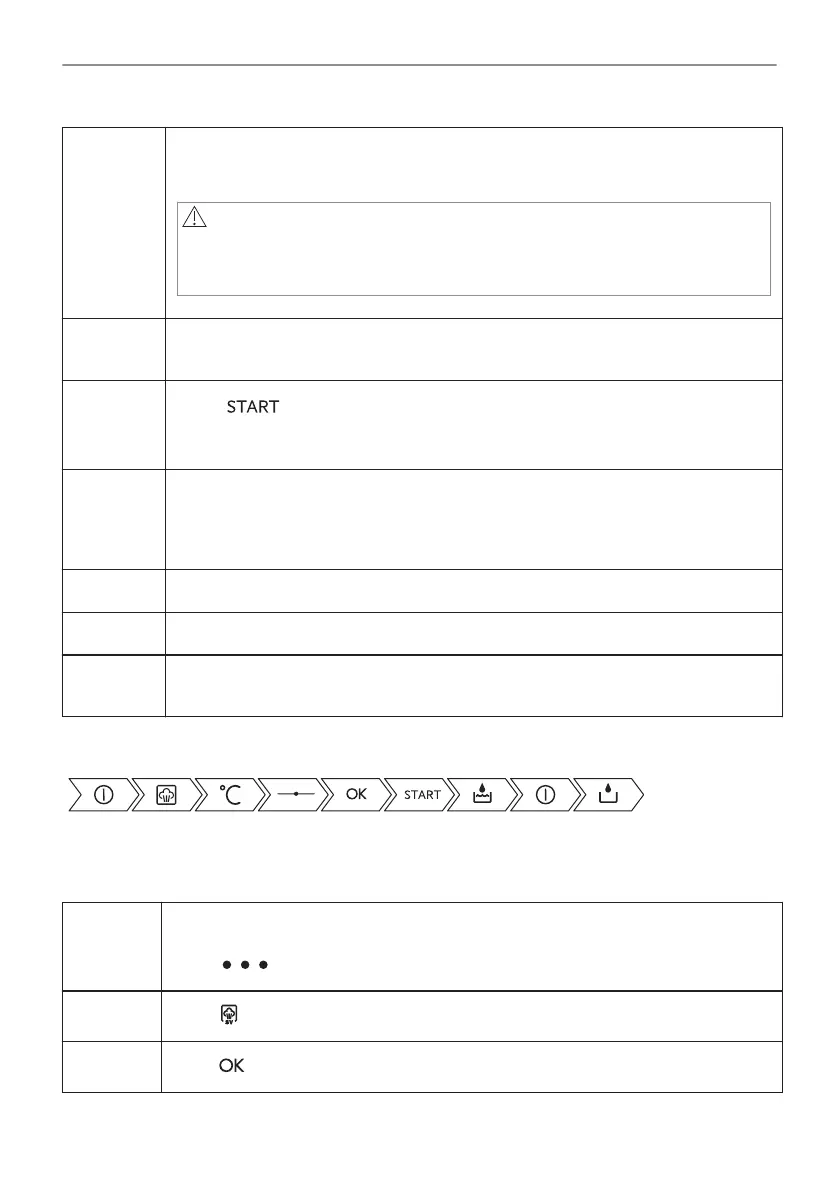
Take a shortcut!
6.4 How to set: SousVide Cooking
Step 1 Turn on the oven.
The display shows the default heating functions. To see more heating functions
press .
Step 2
Press to set the function: SousVide Cooking.
Step 3
Press .
21/64
DAILY USE




 To Next Page