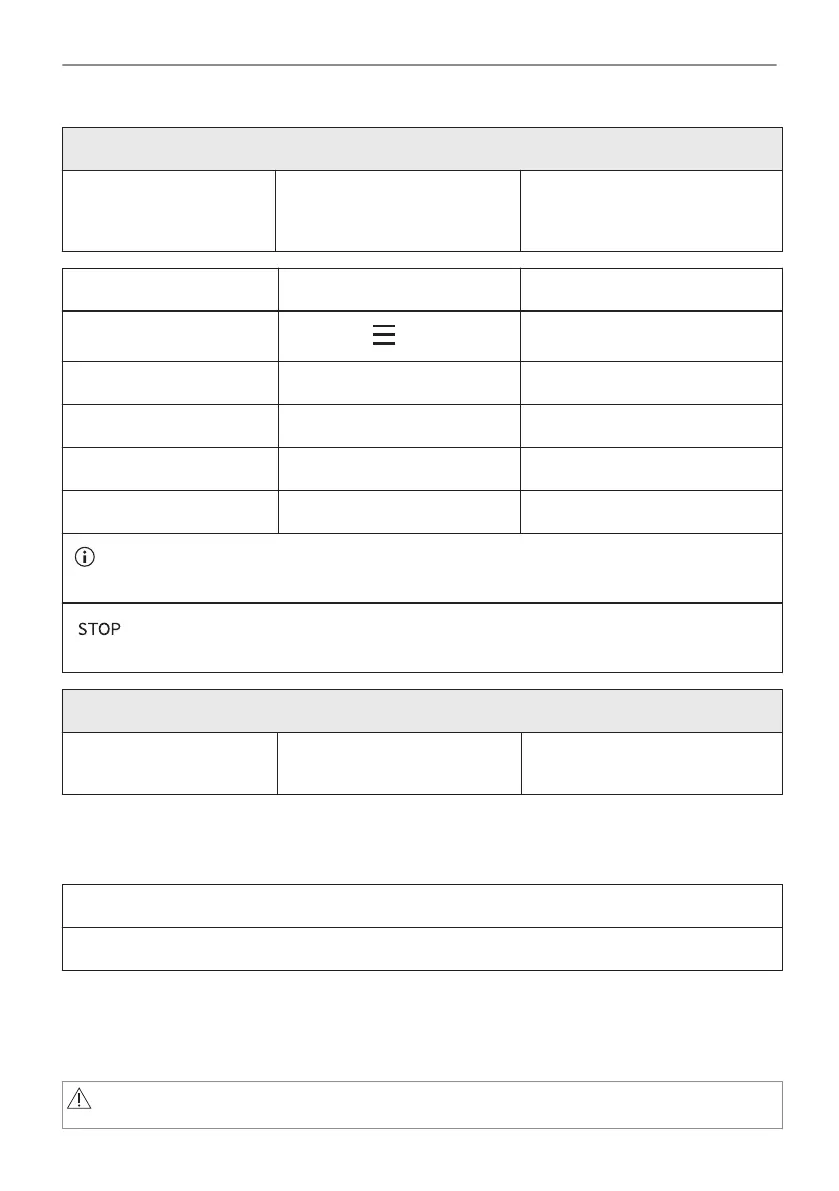
Before the Pyrolytic Cleaning:
Turn off the oven and wait
until it is cold.
Remove all accessories. Clean the oven floor and the in‐
ner door glass with warm water,
a soft cloth and a mild detergent.
Step 1 Step 2 Step 3
Turn on the oven.
Press: / Cleaning.
Select the cleaning mode.
Option Cleaning mode Duration
Pyrolytic cleaning, quick Light cleaning 1 h
Pyrolytic cleaning, normal Normal cleaning 1 h 30 min
Pyrolytic cleaning, intense Thorough cleaning 2 h 30 min
When the cleaning starts, the oven door is locked and the lamp is off. The cooling fan works at
a higher speed.
- press to stop the cleaning before it is completed.
Do not use the oven until the door lock symbol disappears from the display.
When the cleaning ends:
Turn off the oven and wait
until it is cold.
Clean the cavity with a soft
cloth.
Remove the residue from the
bottom of the cavity.
12.4 Cleaning Reminder
When the reminder appears, cleaning is recommended.
Use the function: Pyrolytic Cleaning.
12.5 How to remove and install: Door
The oven door has three glass panels. You can remove the oven door and the internal glass
panels to clean them. Read the whole "Removing and installing door" instruction before you
remove the glass panels.
CAUTION!
Do not use the oven without the glass panels.
32/48
CARE AND CLEANING





 To Next Page