EasyManua.ls Logo

Electrolux In General - Input and Control Panels

Electrolux In General
29 pages
Print Icon
To Next Page IconTo Next Page
To Previous Page IconTo Previous Page
Loading...
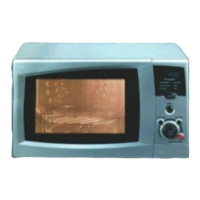
Mechanical timer
1. capacity
2. timer
3. door opener
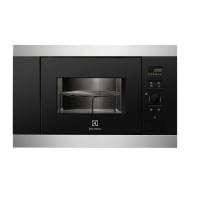
Easy-to-use electronic
1 display
2 capacity
3 timer
4 8. start button and
functions
9 door opener
Here, the mechanical
timer is replaced by an
electronic with a display.
Instead of a controller it is
also possible to use input
fields.
Here is a typical portray
of the control panel
from an instruction
manual.
Just with appliances
controlled by electro-
nics, you can find the
most different equip-
ment features and pro-
grammes.
The basic function of
the microwave oven is,
on the whole, always
the same
Input Control Panels
created by TSE-N, Reiner Kurzke Page 9

Related product manuals