Step
2
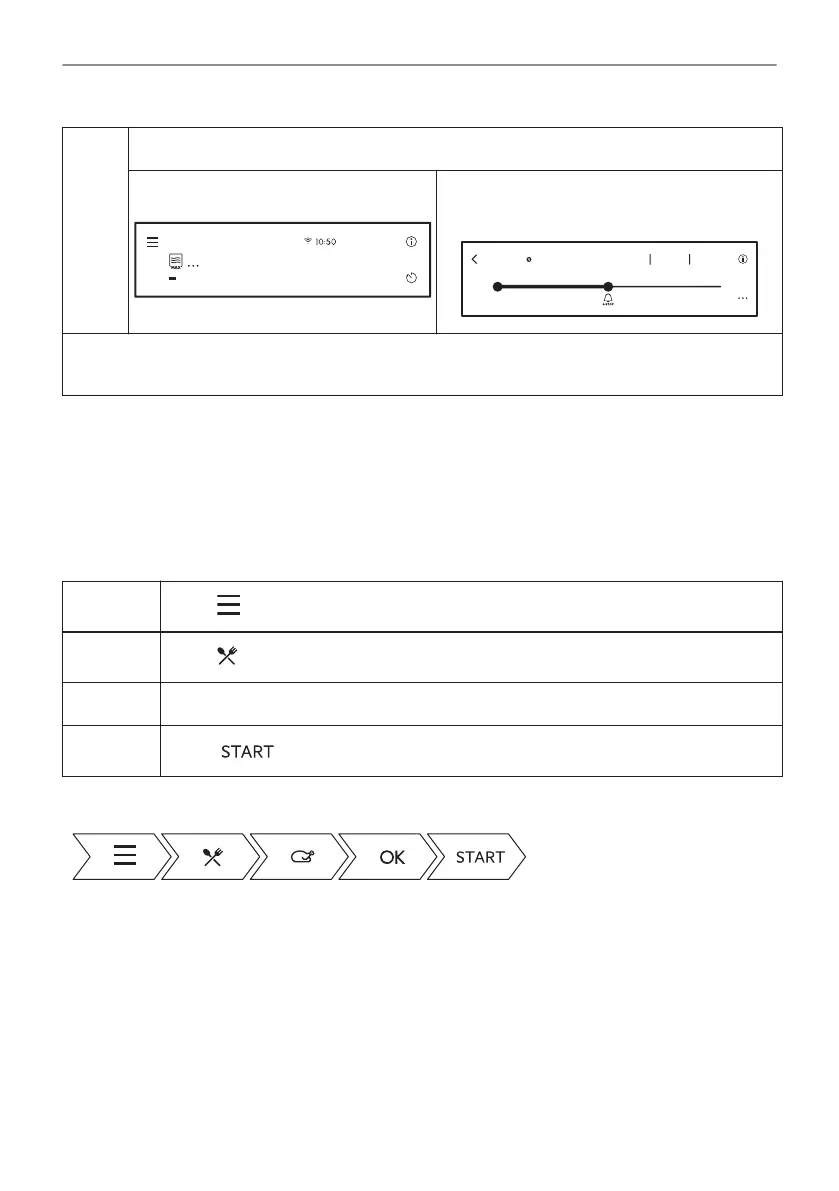
To add extra time:
Press one of the time shorts on the dis‐
play.
STOP
29sec
1000 W
+5 sec
+10 sec
+30 sec
Microwave
Press on the running time value to go to time
slider. Move the dot on the time slider to the
chosen value.
18sec
2min50sec30sec
+60sec
Now
Microwave can be switched on with Microwave Quick Start any time.
The only exception: ECO Mode.
6.3 How to set: Assisted Cooking
Every dish in this submenu has a recommended function and temperature. Temperature and
time can be adjusted manually according to the user's preference.
The degree to which a dish is cooked:
• Rare or Less
• Medium
• Well Done or More
Step 1
Press .
Step 2
Press to enter Assisted Cooking.
Step 3 Choose a dish or food type.
Step 4
Press .
Take a shortcut!
18/48
DAILY USE







 To Next Page