7. CLOCK FUNCTIONS
7.1 Clock functions description
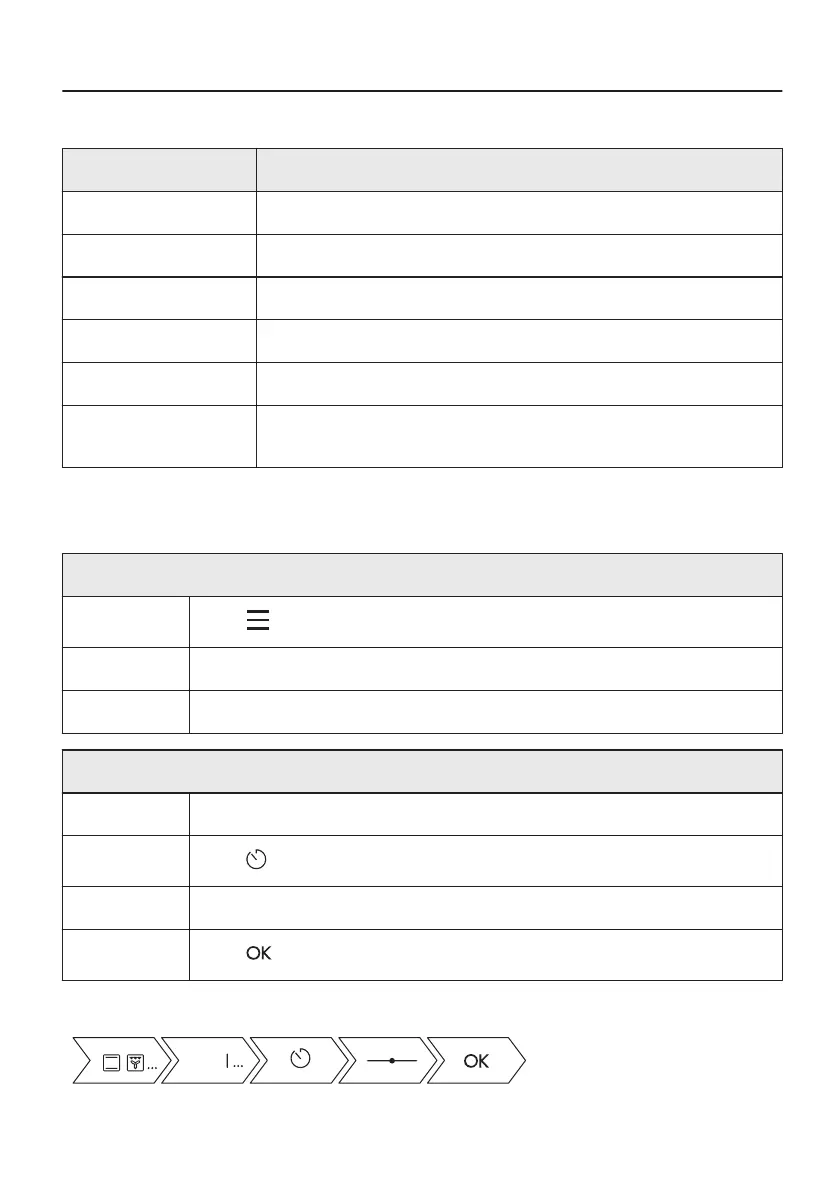
Clock function Application
Cooking time To set the length of cooking. Maximum is 23 h 59 min.
Start Criteria To set when the timer starts counting.
End Criteria To set what happens when the timer ends counting.
Set start time To postpone the start and / or end of cooking.
Time Extension To extend cooking time.
Reminder To set a countdown. Maximum is 23 h 59 min. This function has no ef‐
fect on the operation of the oven.
Start Criteria, End Action and Delay of cooking are not available for microwave functions.
7.2 How to set: Clock functions
How to set the clock
Step 1
Press on the display.
Step 2 Press: Settings / Setup / Time of Day.
Step 3 Slide and press to set the clock.
How to set cooking time
Step 1 Choose an oven function and set the temperature.
Step 2
Press to set the cooking time.
Step 3 Move the dot on the slider or press the preferred time icon.
Step 4
Press . Timer starts counting down immediately.
Take a shortcut!
22/48







 To Next Page