11
Programming
Adjusting operating temperatures
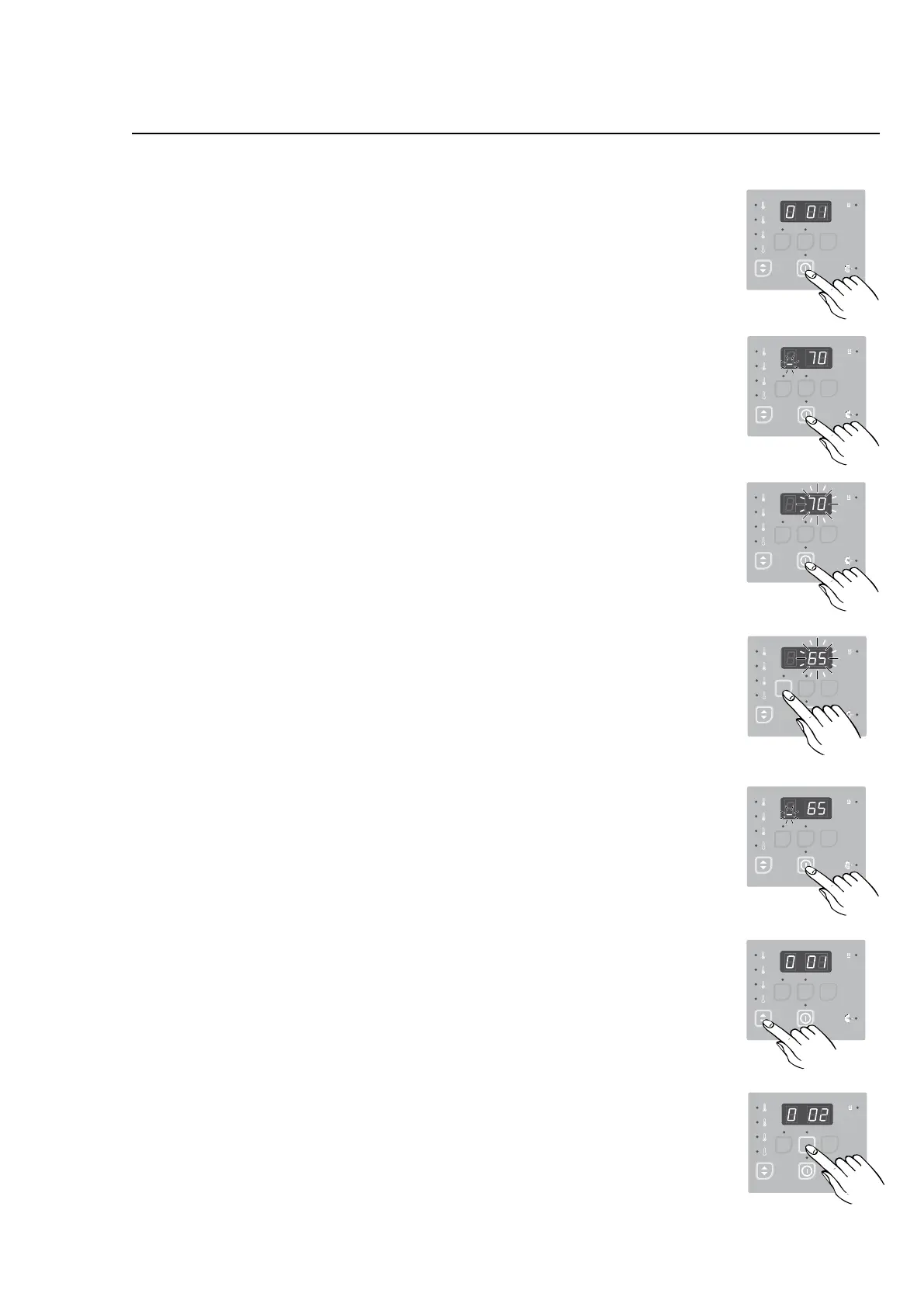
1. PressEnter.
The display shows 0 01, indicating Group 0, parameter
location01=Hightemperature.
2. PressEnteragaintoenterthisparameterlocation.The
displayshows_70(°C).
Note: The ashing bar at the bottom of the left digit
indicates that this is a two-digit parameter.
3. PressEnterkeytoeditthisparametervalue.The“70”will
begintoflash.
4. PressDowntolowerthevalueorUptoincreaseit.
Note: The Up and Down may be pressed and held to
make more rapid value changes.
5. PressEnterkeytosavethenewvalue
Inthisexample,theHightemperaturehasbeenchanged
to65°C.Thevalueissavedwhentheparameterstops
flashing and the flashing _ reappearsintheleftdigit.
6. PressReturntoleavethisparameter.
7. ToadjusttheMediumorLowtemperature,pressUptogo
totheproperparameterlocation.
Location 0 02 is the Medium drying temperature (factory
setto60°C).
Location 0 03 is the Low drying temperature (factory set
to50°C).
PressDowntogobackifyoupassthedesiredlocation.
Press Enter to enter and edit the Medium or Low tempe-
rature,asdescribedinsteps3-5.
8. PressservicebuttonAwhentheprogrammingisdone.
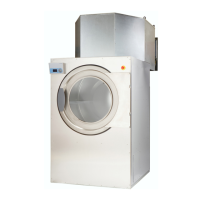
9. Assembleandtestthedryer.
487 22 93 40.00
SEL EC TA CO N T RO L
487 09 10 00.00
4
7 22
4
.
SEL EC TA CO N T RO L
487 09 10 00.00
4
7 22
4
.
SEL EC TA CO N T RO L
487 09 10 00.00
4
7 22
4
.
SEL EC TA CO N T RO L
487 09 10 00.00
4
7 22
4
.
SEL EC TA CO N T RO L
487 09 10 00.00
1.
4
7 22
4
.
SEL EC TA CO N T RO L
487 09 10 00.00
2.
3.
5.
4.
6.
4
7 22
4
.
SEL EC TA CO N T RO L
7.



 To Next Page