12
Reading the hour counter in Group 1
Example:
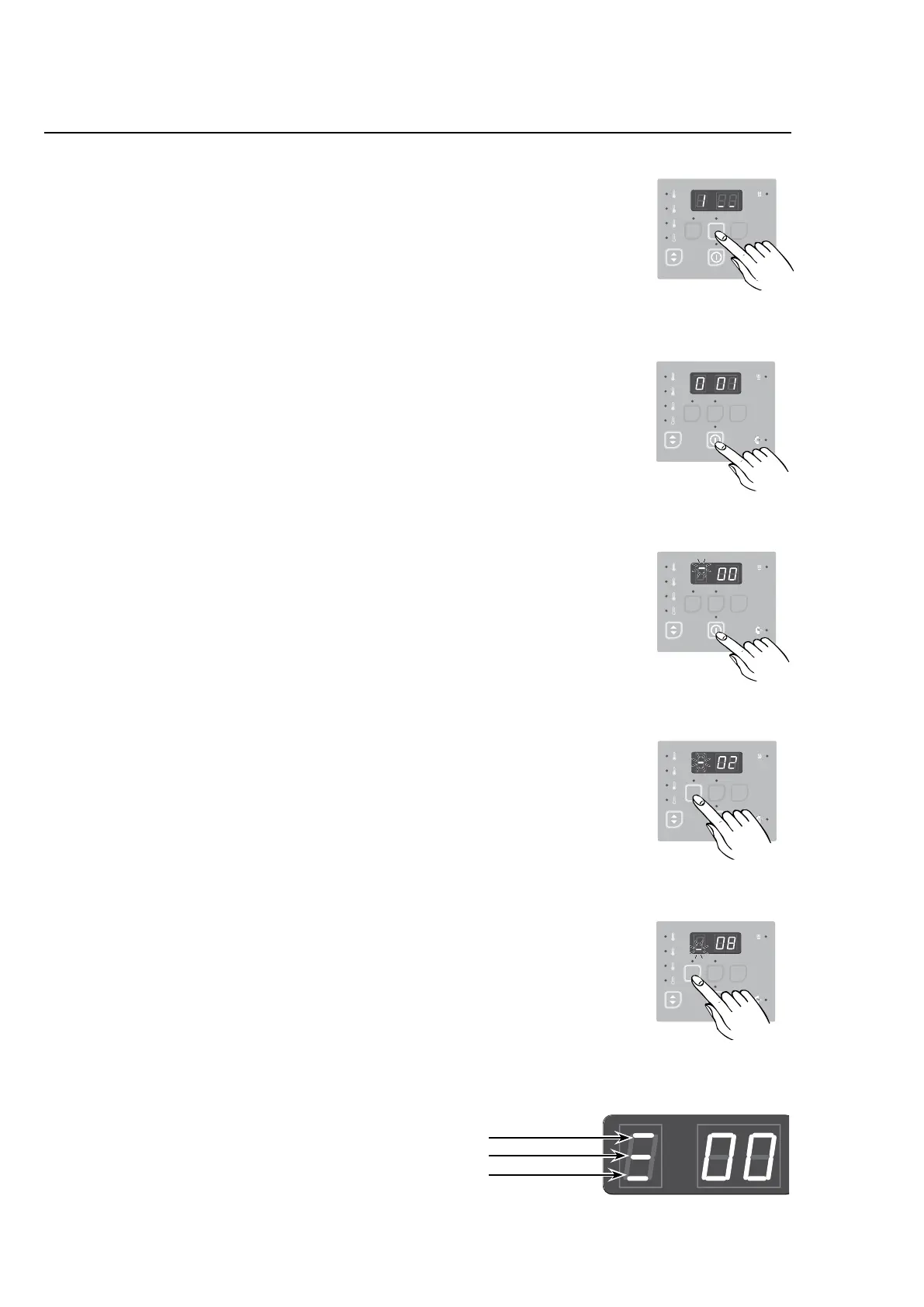
1. PressUp.
The display shows 1 _ _ indicating Group 1 = Reading total
counters
2. PressEnter.
The display now shows 1 01 indicating Group 1, parameter
01 = Permanent total hour counter.
3. PressEnteragaintoenterthisparameterlocation.
The display shows
-
00.
Note: The ashing bar in the top of the left digit indica-
tes that these are the rst two digits of a six-digit para-
meter value (00 xx xx hours).
4. PressDown.
Thedisplayshows-02.Theflashingbaratthemiddleof
the left digit now indicates that these are the two middle
digitsofthesix-digithourcounter(0002xxhours).
5. PressDownagain.
The display now shows
-
08.Theflashingbaratthebot-
tom of the left digit now indicates that these are the last two
digitsofthesix-digithourcounter(000208hours).
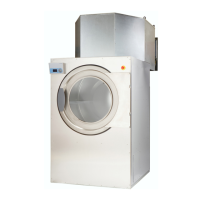
Inthisexamplethetotalhourcountershowsthatthedryer
hasoperatedfor208hours.
6. PressservicebuttonAwhentheprogrammingisdone.
7. Assembleandtestthedryer.
4
7 22
4
.
SEL EC TA CO N T RO L
1.
4
7 22
4
.
SEL EC TA CO N T RO L
487 09 10 00.00
2.
487 22 93 40.00
SEL EC TA CO N T RO L
487 09 10 00.00
3.
487 22 93 40.
SEL EC TA CO N T RO L
487 09 10 00.00
4.
4
7 22
4
.
SEL EC TA CO N T RO L
487 09 10 00.00
First two digits
Middle two digits
Last two digits
5.
Programming



 To Next Page