7
Programming
Programming
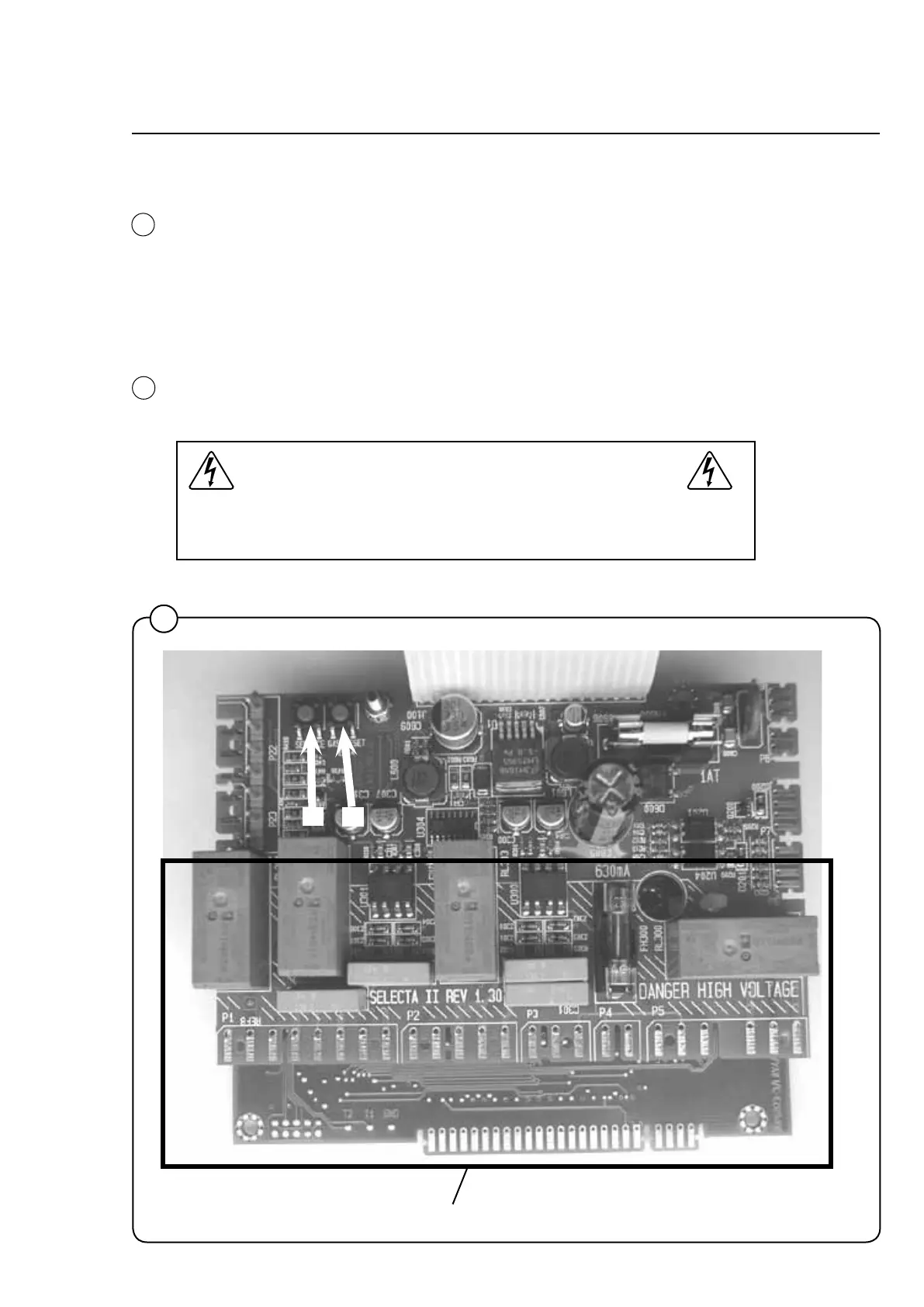
To enter the programming mode press service button A.
After pressing the service button A the display shows:
0 -- = Group 0.
Programthedryer,seeServiceManualforSelectaControlfromver.4.xx
forprogrammingdetails.
Gas reset button
The button Bisthegasresetbutton.
High voltage on the printed circuit board
Note that there is high voltage on the circuit board. Never touch
high voltage parts without rst breaking the current at the main
power switch.
.
1
A
B
1
1
High voltage



 To Next Page