14
C4 END OF WORK AND DAILY CLEANING
The appliance is designed to carry out an automatic
cleaning cycle to help flush out any residues and to
guarantee greater health and hygiene.
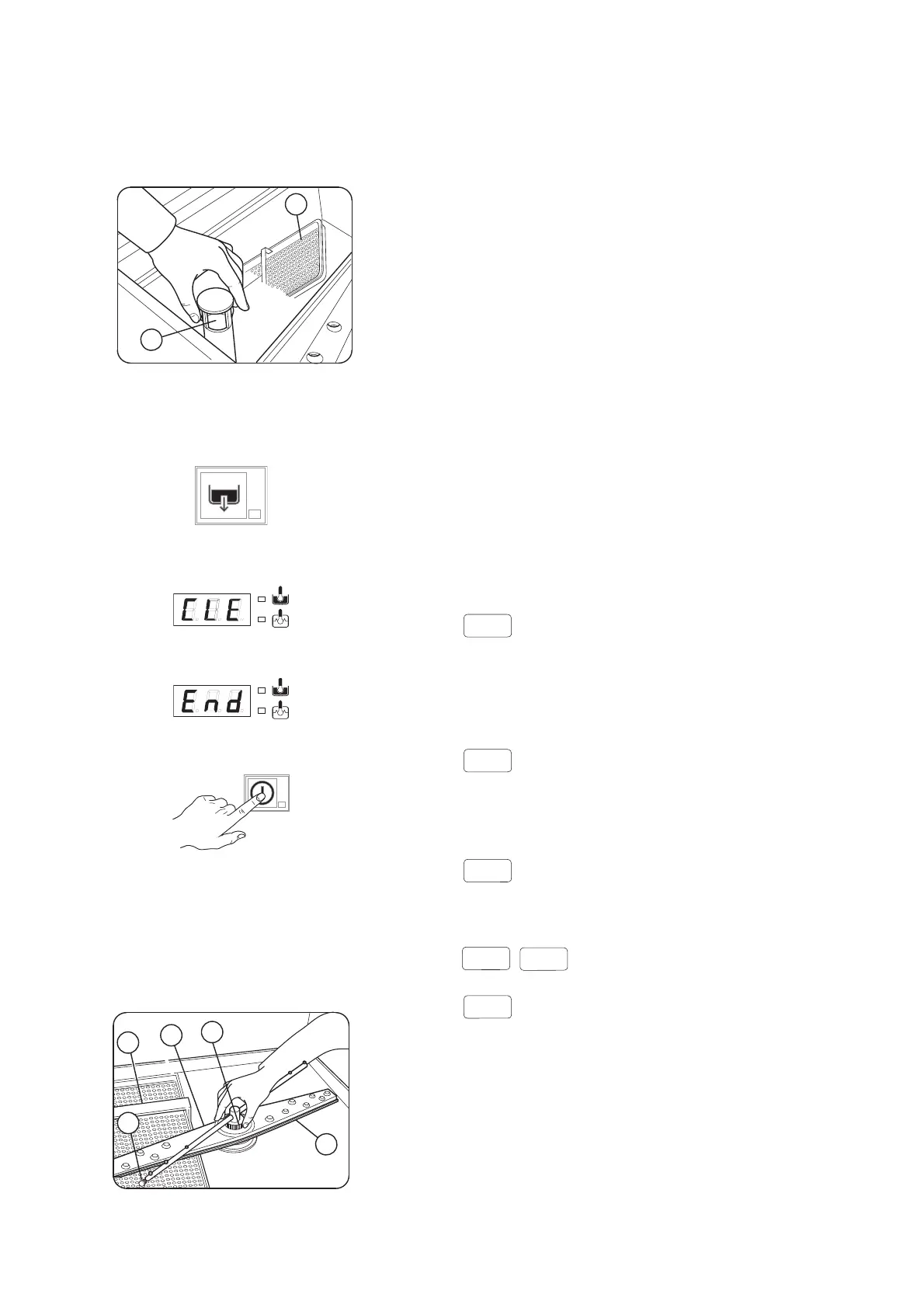
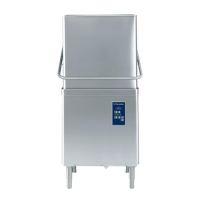
• Lift the hood and take out the clean dishes.
• Remove the tank filter “C” and the overflow “W” to
drain the water from the tank.
Fig. 14
• Close the hood.
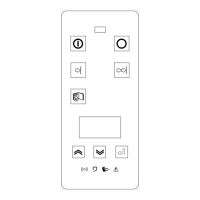
• Select the drain cycle by pressing button “B”
(Fig. 12).
The message "CLE" ("CLEAN") will be displayed
throughout the drain cycle:
• After a few minutes, 3 beeps indicate the end of the
cleaning cycle and “END” blinks on the display:
• Switch off the dishwasher by pressing button “A”
(Fig. 12).
• Switch off at the mains.
• Close the water supply cock.
• Before operating the appliance again, replace the
components that have been removed.
Cleaning the nozzle jets
• Remove the top and bottom jets “F” and “I”,
unscrewing the ring nut “H”.
Fig. 15
• Unscrew plugs “L” from the rinse jets and clean
using a water spray. Do not use sharp implements
to clean the nozzle holes, which could otherwise be
damaged.
• Upon completion of cleaning operations, replace
the parts removed previously.
Cleaning the exterior surfaces
Before carrying out any cleaning operations, turn off
the power at the mains.
Clean the stainless steel surfaces using warm soapy
water; never use detergents containing abrasive sub-
stances nor steel scrapers, common wire wool,
brushes or scrapers; rinse thoroughly using a wet cloth
and carefully wipe dry.
Clean the control panel using a soft damp cloth and a
neutral detergent if necessary.
Do not wash the appliance using direct or high-pres-
sure water jets.
To reduce the emission of pollutants into the environ-
ment, clean the appliance (externally and where nec-
essary internally) with products having a
biodegradability of over 90%).
Leave the hood partially raised up a few centimetres in
periods when the appliance is not being used.
C5 WARNING MESSAGES DISPLAYED ON THE
CONTROL PANEL
NO WATER
- Check that the cock is open
- Check that the water inlet filter is clean
- Check the minimum mains pressure
- Check that the overflow pipe is inserted
INEFFICIENT DRAINAGE
- Check if the overflow has been removed.
- Check for obstruction on the waste outlet pipe and
the overflow aperture.
TANK WATER LEVEL TOO HIGH
- Check for obstruction on the waste outlet pipe and
the overflow aperture.
CALL THE SERVICE CENTRE
CALL THE SERVICE CENTRE
- The appliance continues to operate, but appropri-
ate checks by a technician are recommended.
C1..C9



 To Next Page