INITIAL SETUP
When you turn on your television set for
the first time, be sure to place it on a solid
stable surface.
To avoid danger, do not expose the TV
to water, or a heat source
(e.g. lamp, candle, radiator).
Do not obstruct the ventilation grid
at the rear and be sure to leave sufficient
gaps around the unit.
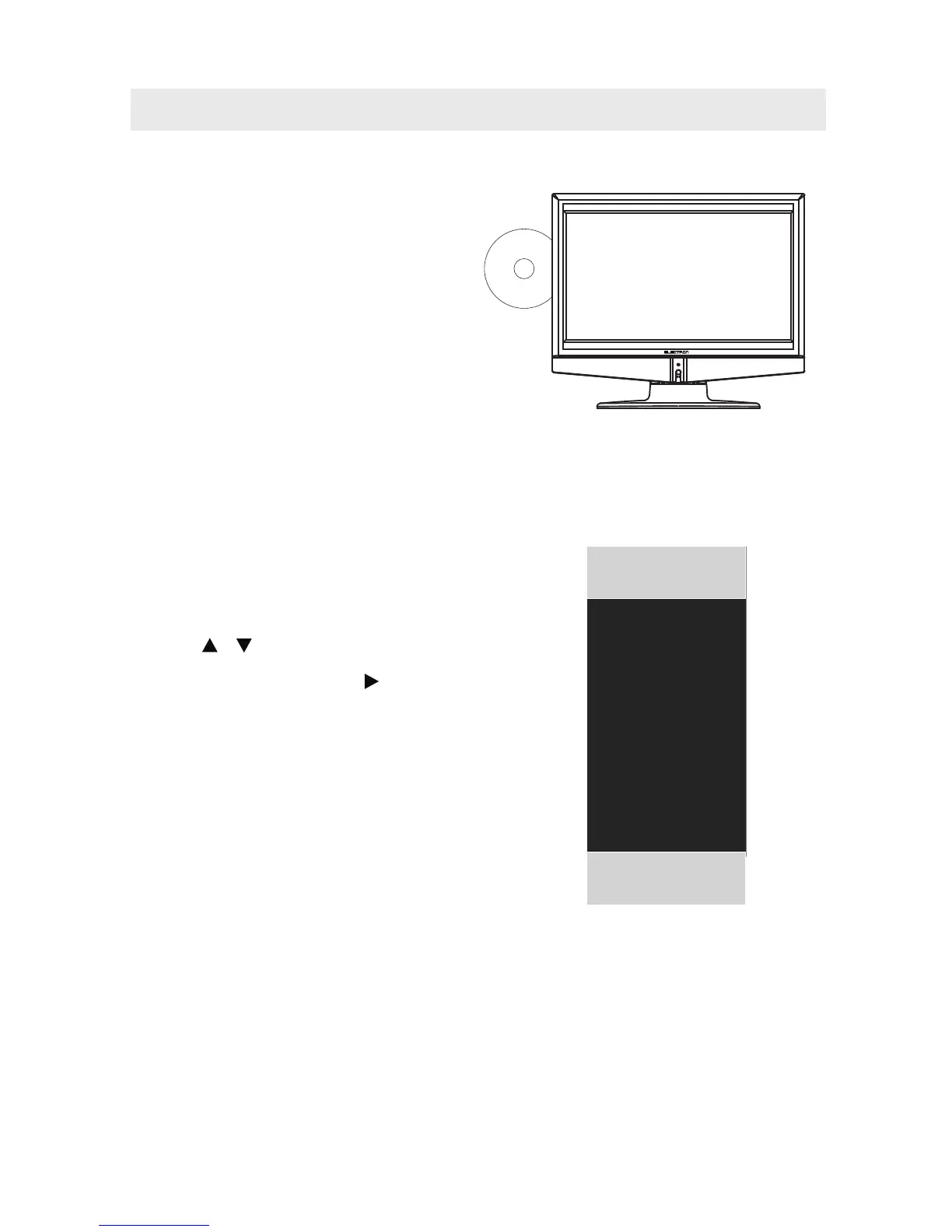
PUTTING THE UNIT ON A PROPER PLACE
SOURCE SELECTION
1. Press the TV /AV button on the remote control.
2.
TV, AV, S-Video, Y Pb Pr, HDMI, PC, DVD)
and select any of them using the button or
the ENTER button.
ource
NOTE:
Before watching please make sure all necessary
cables and devices are connected.
Use the or button to select the options
(A
(The screen will change to your desired s ).
ATV
AV
S-Video
YPBPR
HDMI
PC
SOURCE
DVD
12



 To Next Page