NOTE: In Setup mode, the following functions may be cancel or pause :
TITLE, SUBTITLE, DISPLAY, PLAY, PAUSE, STOP, SLOW , FF, FR, PREV, NEXT,
GOTO, ZOOM, ANGLE, LANGUAGE, PROGRAM, REPEAT, A-B.
DVD Function General setup
CUSTOMIZING THE DVD FUNCTION SETTINGS
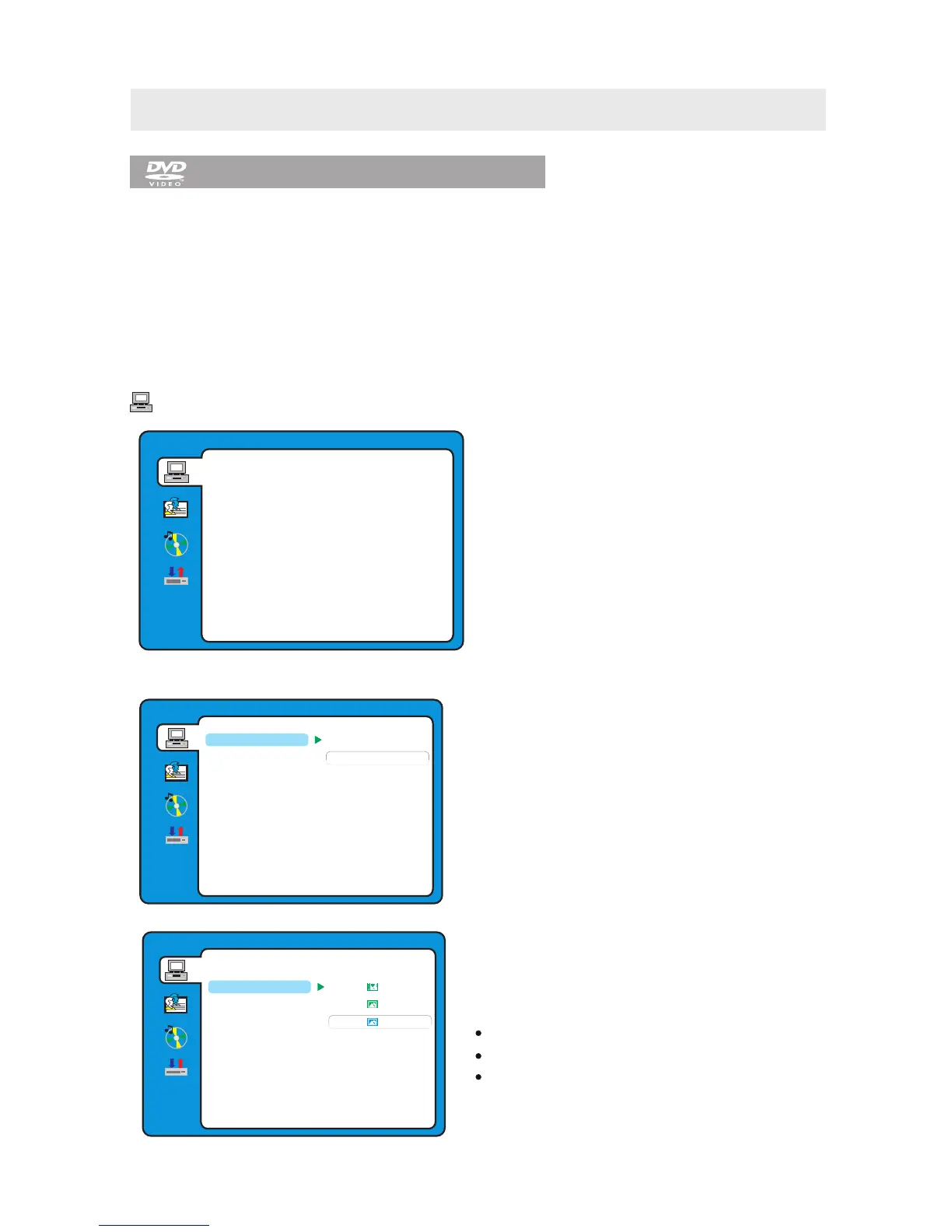
SYSTEM SETUP
DVD SETUP MENU is only available in DVD mode. So before starting to set up please make sure the unit
is switched to the DVD mode.
Press the TV/AV button and use to highlight the DVD option, then press the Enter button
to enter into the DVD mode.
▲ or ▼ button
SYSTEM SETUP
NTSC
PAL
AUTO
EXIT SETUP
RATING
PASS WORD
TV TYPE
TV SYSTEM
DEFAULT
NOTE:
NTSC format is generally used for TVs.
Check your TV user guide for supported formats.
If PAL is selected with a non-compatible television
you may experience interference or picture
scrolling.
TV SYSTEM
Select the TV system available.
SYSTEM SETUP
EXIT SETUP
RATING
PASS WORD
TV TYPE
TV SYSTEM
DEFAULT
1. Press the D.SETUP button to activate the DVD
player OSD menu.
2. Use the ▲ or ▼ button to select the
SYSTEM SETUP menu, then press the
► button to enter the setting.
3. Use the ▲ or ▼ button to select the options
(TV System, TV Type, Pass Word, Rating, Default,
Exit Setup) , then press the ► button to enter into
for detailed options and adjust them using
the ▲ or ▼ buttons.
4. Press the ◄ button to return to previous
menu, repeat step 3 to adjust other settings.
5. Press the D.SETUP button to exit the OSD menu,
or move the highlight to EXIT SETUP then press
the ENTER button to exit.
SYSTEM SETUP
EXIT SETUP
RATING
PASS WORD
TV TYPE
TV SYSTEM
DEFAULT
4:3PS
4:3LB
16:9
TV TYPE
DVDs are produced in a variety of screen
aspect ratios. This menu enables you to select one
of the three aspect ratios:
4:3 PS (Normal)
4:3 LB (Normal)
16:9 (Wide)
Select the most appropriate aspect ratio for the
DVD being viewed.
27



 To Next Page