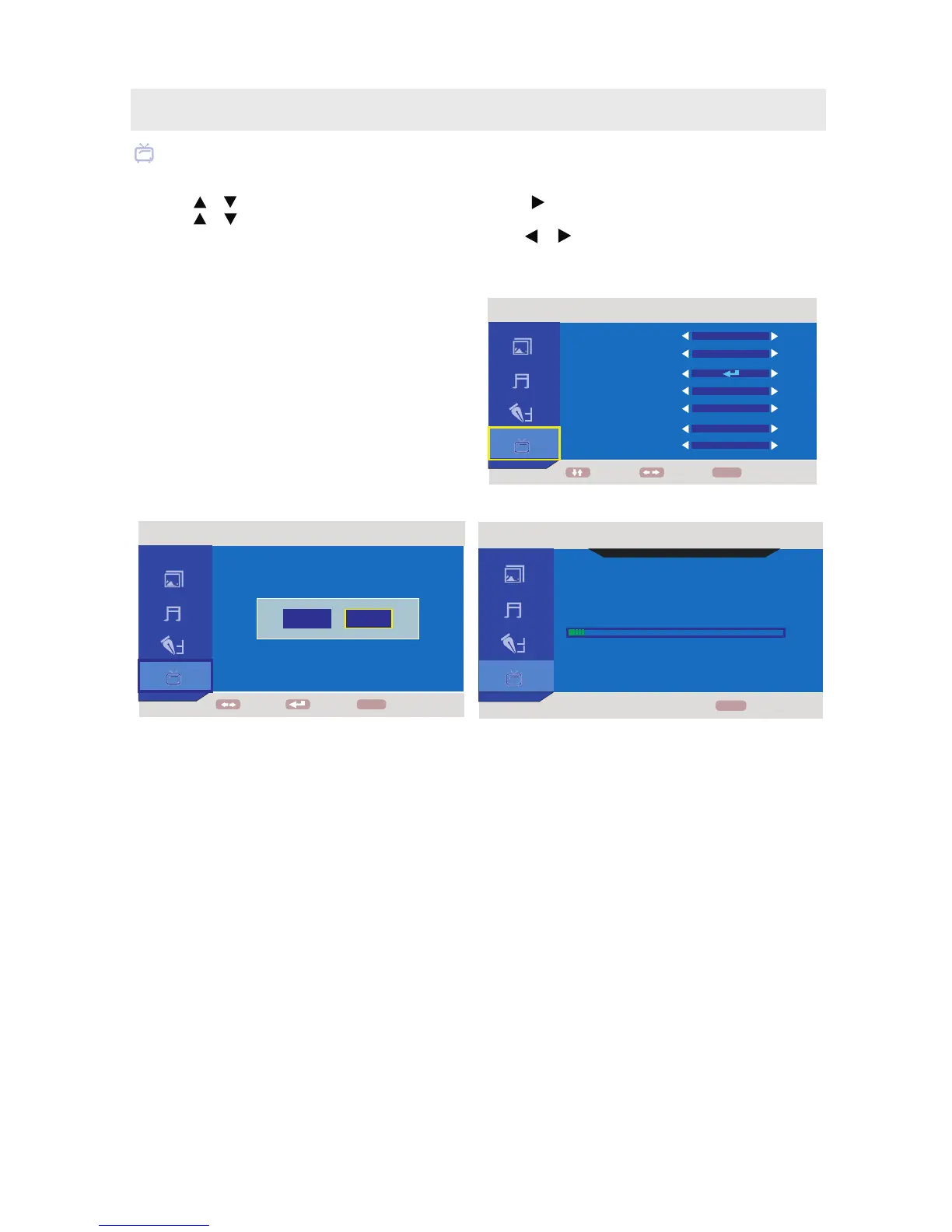
ATV MENU
1. Press the MENU button.
2. Use the or button to select the TV menu, then press the button to enter the setting.
3. Use the or button to select the options (Channel, Search Type, Auto Search, Color System,
Sound System, Fine Tune, Skip) and adjust them using the or buttons.
4. Press the MENU button to return to previous menu, repeat step 2 to adjust other settings.
5. To exit the MAIN MENU and return to the normal screen, press the EXIT button on the remote control.
In ATV mode
Channel : Switch the channels by the sequence of
digit
.
Search Type :
Search automatically.
Color System : Select the color system available:
NTSC / PAL / AUTO.
Sound System : Select the sound system available:
M / AUTO.
AIR (over-the-air broadcasts, CH 2-69),
CATV (cable/satellite broadcasts, CH 1-125),
HRC (CH 1-125) or IRC (CH 1-125)
mode are available.
Auto : Search for usable stations and stores them in memory
Fine Tune : The frequency changes to allow fine
tuning.
On - Skip weak channels.
Off - No channel skip.
Skip :
TV SETUP
ATV
FOUND CHANNEL:
(CHANNEL 002 43.75 MHz
BACK
TV\AUDIO SEARCH
000
MENU
10 %
ATV
MOVE ENTER
BACK
MENU
NO
YES
ATV
COLOR SYSTEM
SOUND SYSTEM
FINE TUNE
SKIP
MOVE ADJUST
BACKMENU
CHANNEL
SEARCH TYPE
AUTO SEARCH
OFF
77.25 MHz
005
AIR
M
NTSC
18



 To Next Page