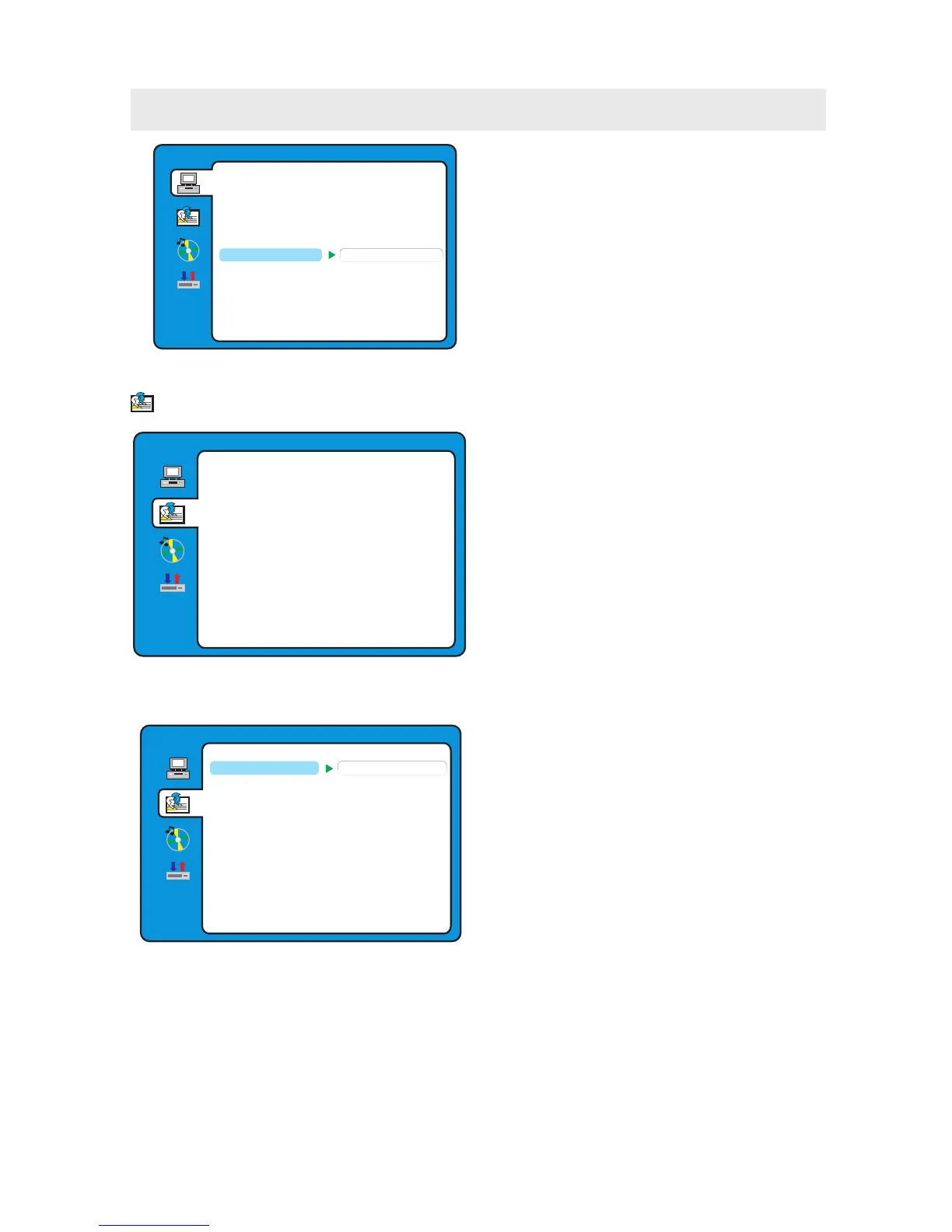
DEFAULT SETTING
Press the ENTER button to restore factory default.
It takes 3-5 seconds to reset the DVD settings to
the factory default.
SYSTEM SETUP
RESTORE
EXIT SETUP
RATING
PASS WORD
TV TYPE
TV SYSTEM
DEFAULT
OSD LANGUAGE
Use the navigation buttons to select the
OSD LANGUAGE setup icon, press the ENTER button
to confirm. There are 6 languages for your selection,
press the ▲ and ▼ buttons to switch among
different languages (
FRENCH/PORTUGUESE/ITALIAN ).
Press the ENTER button to confirm.
ENGLISH/GERMAN/SPANISH/
NOTE:
If the selected language is not included in you DVD
disc content, it will select the default language
of the disc automatically.
LANGUAGE SETUP
AUDIO LANG
SUBTITLE LANG
MENU LANG
EXIT SETUP
OSD LANGUAGE
CUSTOMIZING THE DVD FUNCTION SETTINGS
LANGUAGE SETUP
1. Press the D.SETUP button to activate the DVD
player OSD menu.
2. Use the ▲ or ▼ button to select the
LANGUAGE SETUP menu, then press the
► button to enter the setting.
3. Use the ▲ or ▼ button to select the options
(OSD Language, Audio Lang, Subtitle Lang,
Menu Lang, Exit Setup) , then press the ► button
to enter into for detailed options and adjust them
using the ▲ or ▼ buttons.
4. Press the ◄ button to return to previous
menu, repeat step 3 to adjust other settings.
5. Press the D.SETUP button to exit the OSD menu,
or move the highlight to EXIT SETUP then press
the ENTER button to exit.
LANGUAGE SETUP
AUDIO LANG
SUBTITLE LANG
MENU LANG
EXIT SETUP
OSD LANGUAGE
ENGLISH
GERMAN
SPANISH
FRENCH
PORTUGUESE
ITALIAN
29



 To Next Page