8
Standard Setting ( Front Projection )
Please refer to the table below, install the projector at a distance in
accordance to the screen size. Please make sure the projector is placed on
a stable mount, taking care not to block any of the ventilation openings
(allow a space of 30cm all-round).
Warning
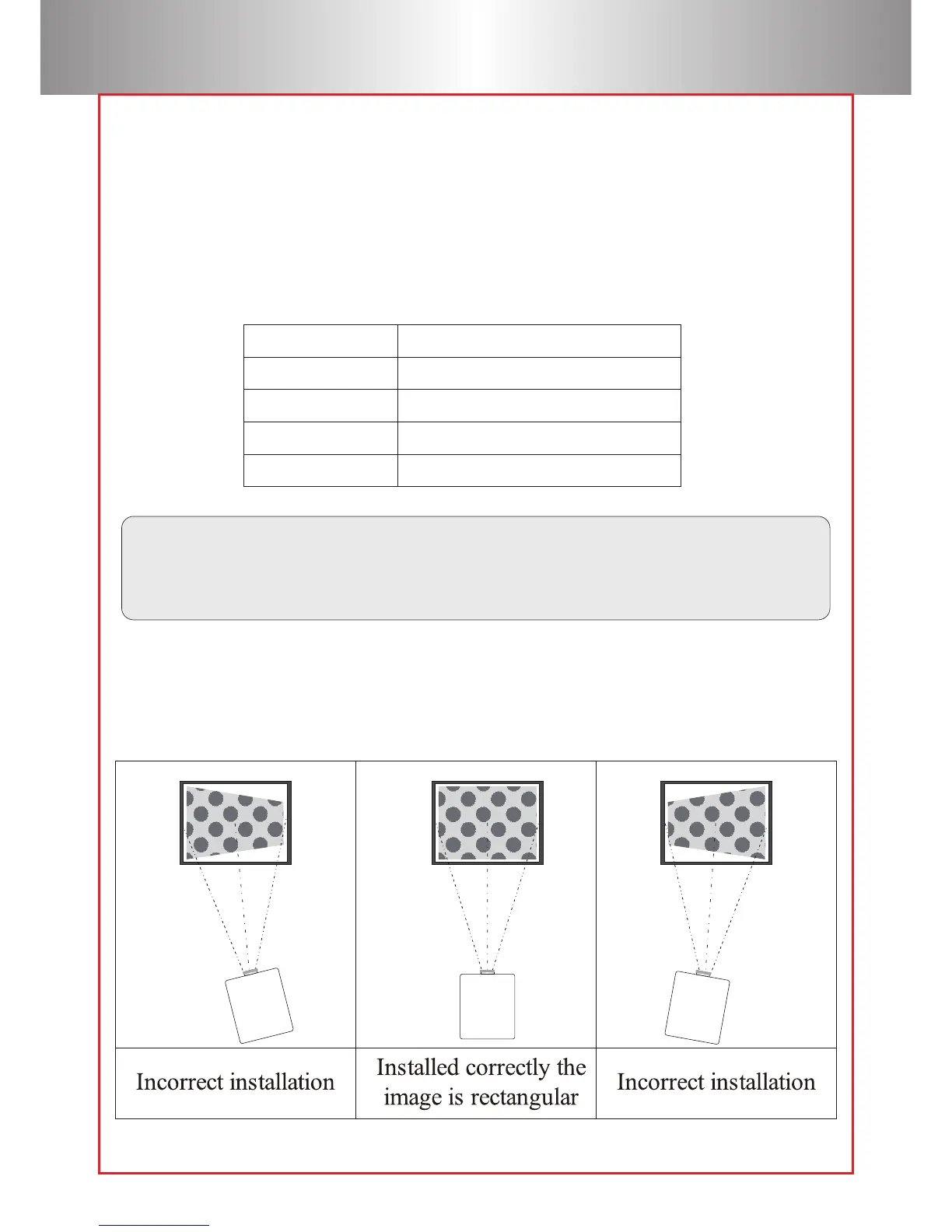
Please check the following pictures for the trapezoid adjustment.
The data may have 3% error, due to the image size according to
the projector and screen. If the distance is less than 2m or more than
5m, the image may appear unclear.
screen size Projection distance(m)
60”
72”
84”
100”
2.0~2.1
2.3~2.5
2.7~2.9
3.2~3.4



 To Next Page