13
Turn on
Turn off
If the projector is new, please read the projector install chapter,
place the projector and connect the cables, follow the below steps to turn
on / off.
1. Put in two 7-size batteries in the
remote control before using.
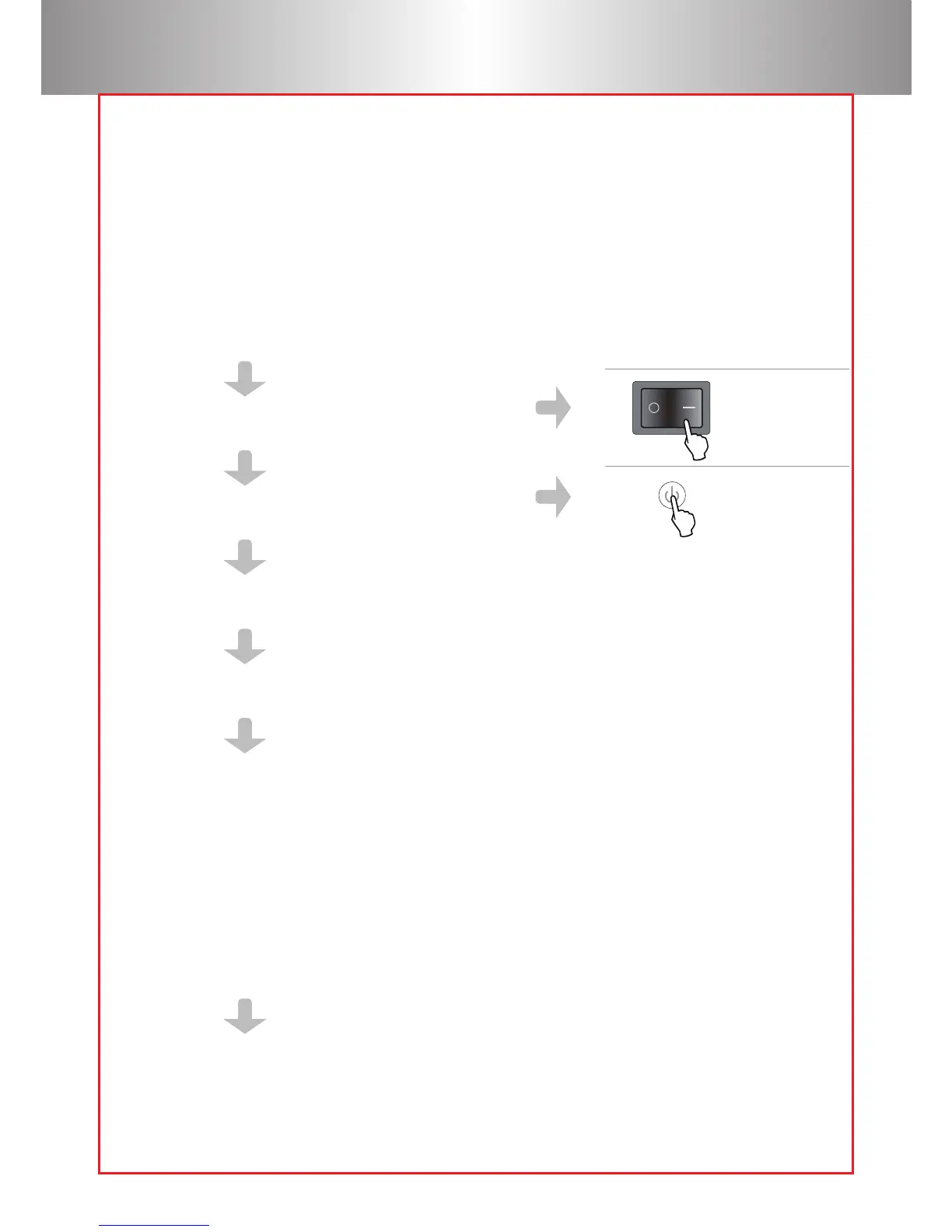
2. Press the power switch on the backboard
so that the power light turns red.
3. Press the power key on the remote or
panel, the indicator light will turn green.
4. The lamp will start working 2 seconds later, when an image is
projected on the screen the machine is working smoothly.
5. The new projector may have problems like an unclear image or trapezoid
distortion, Please read "image adjustment" chapter.
6. If the image is still unclear, keep adjusting the parameters to setup the
system until a clear image is achieved.
1. Press the power button when the projector is in use, this will
cause it to switch to standby mode.
2. when the projector switch into standby mode ,the light will
turn green from red.



 To Next Page