14
Keystone
Screen
Projector
Height
Porjector
Screen
Height
Height-feet
adjustment
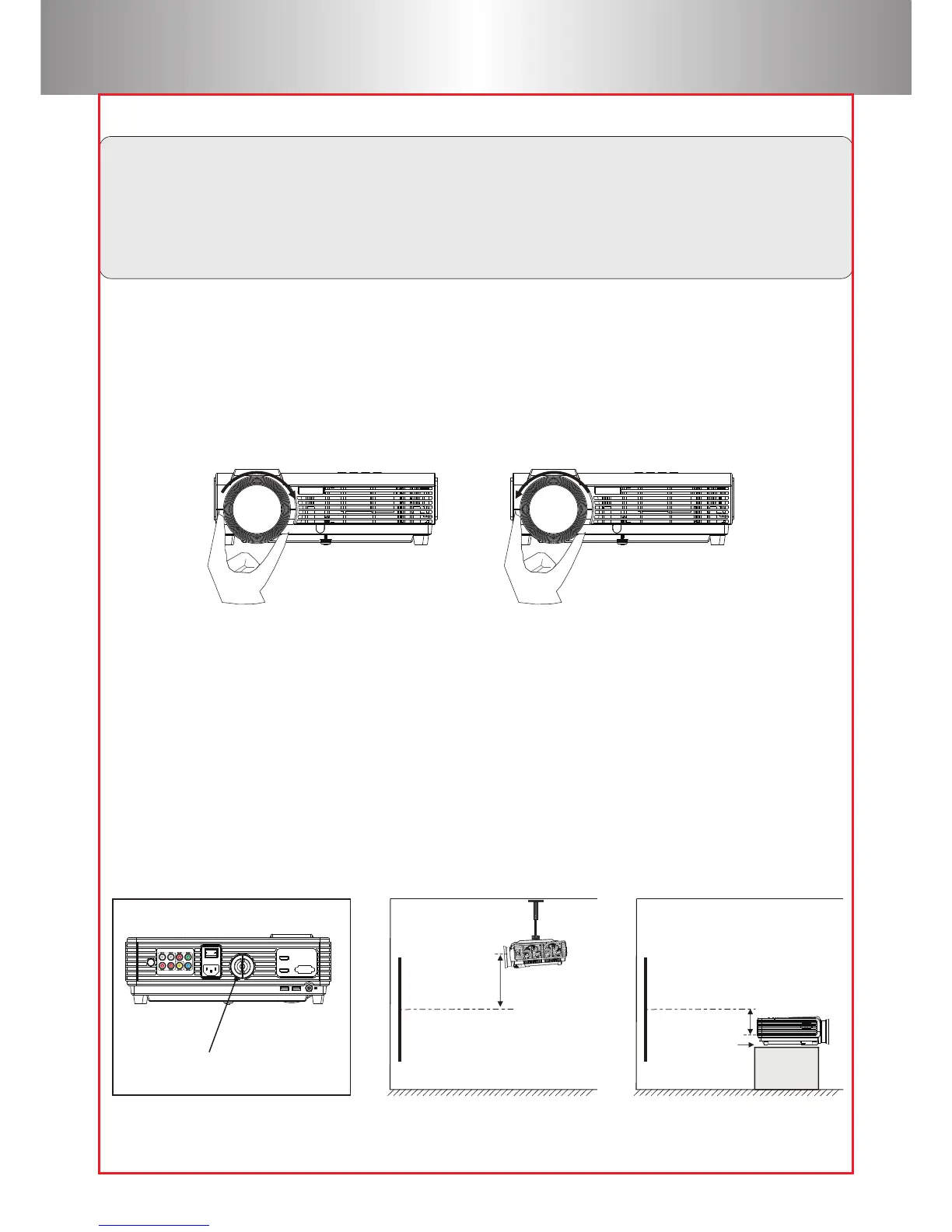
Focus Adjustment
Keystone
When using the projector for the first time, it normally displays an
unclear image. This is due to the lens being out of focus or incorrect
trapezoid setting.
Please follow the below steps to correct:
Rotate the lens into the projector slowly. At the same time, while rotating
the lens outward, check the resolution point carefully. The best focus point
for the lens would be where the image most clear.
If a projected picture has keystone distortion, correct image with
Keystone adjustment. The image becomes a trapezoid shape when the
screen or projector is not level. Please reposition the projector to improve
its angle to the screen. However, the circumference of the image may not
be focused.



 To Next Page