Http://www.elego.cc
12 / 137
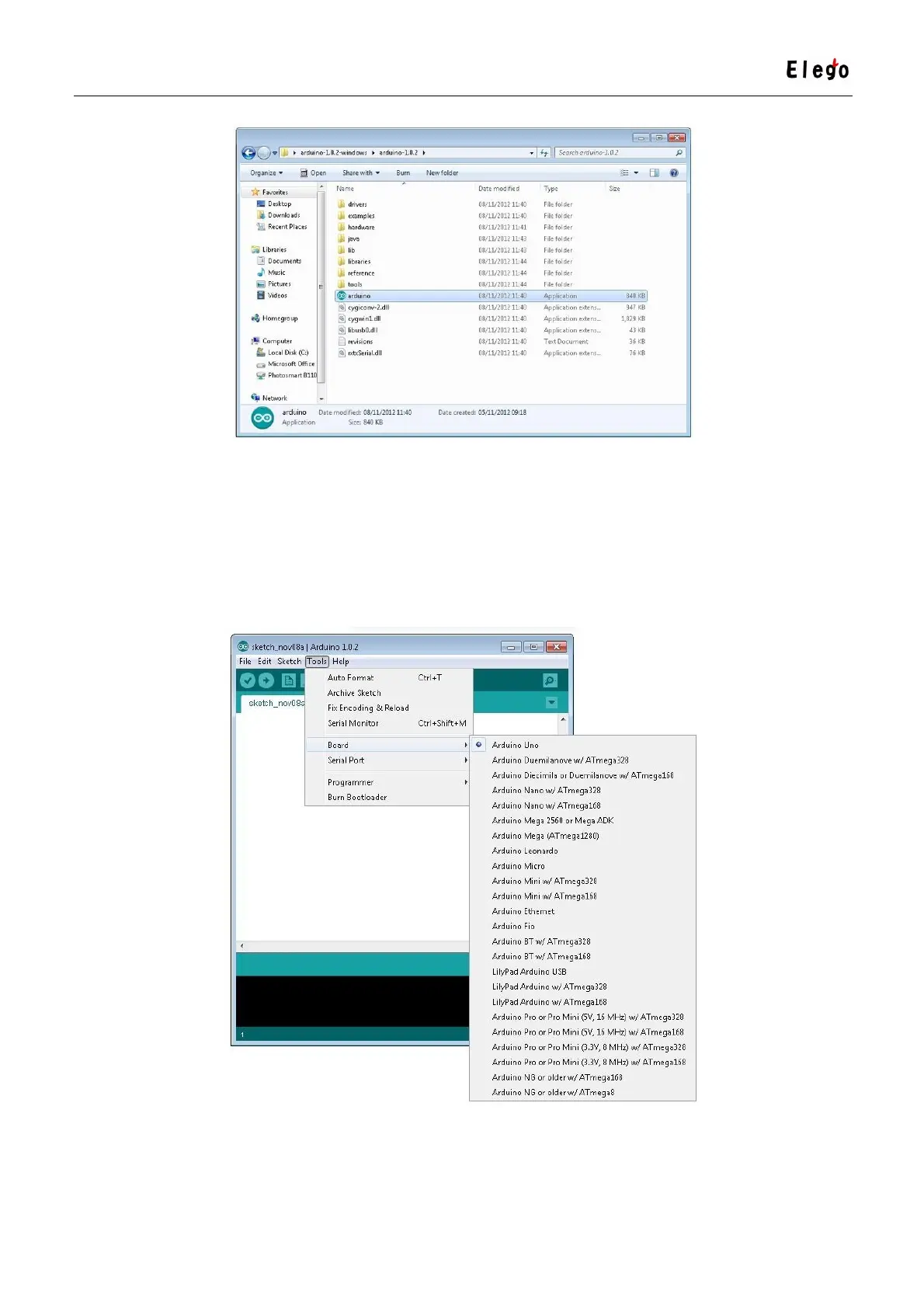
This will start the Arduino IDE, but before you can get programming, you have to tell the
Arduino software which type of Arduino board you are using and also select the port it is
connecting to.
To tell the Arduino IDE which type of board you are using. From the 'Tools' menu, select
Board and then 'Arduino Uno' or 'Leonardo' as appropriate.
Also on the 'Tools' menu, you will find the 'Serial Port' option. Select this option.



 To Next Page