Http://www.elego.cc
6 / 137
Lesson 0 Installing IDE
Introduction
In this lesson, you will learn how to setup your computer to use Arduino and how to set about
the lessons that follow.
Installing Arduino (Windows)
The Arduino software that you will use to program your Arduino is available for Windows,
Mac and Linux. The installation process is different for all three platforms and unfortunately
there is a certain amount of manual work to install the software. There is no installer program,
but rather you have to unzip a folder which gives you an Arduino folder that contains the
Arduino program and a few other items.
In a separate step, you must then install USB drivers, which is the only bit that is a bit fiddly.
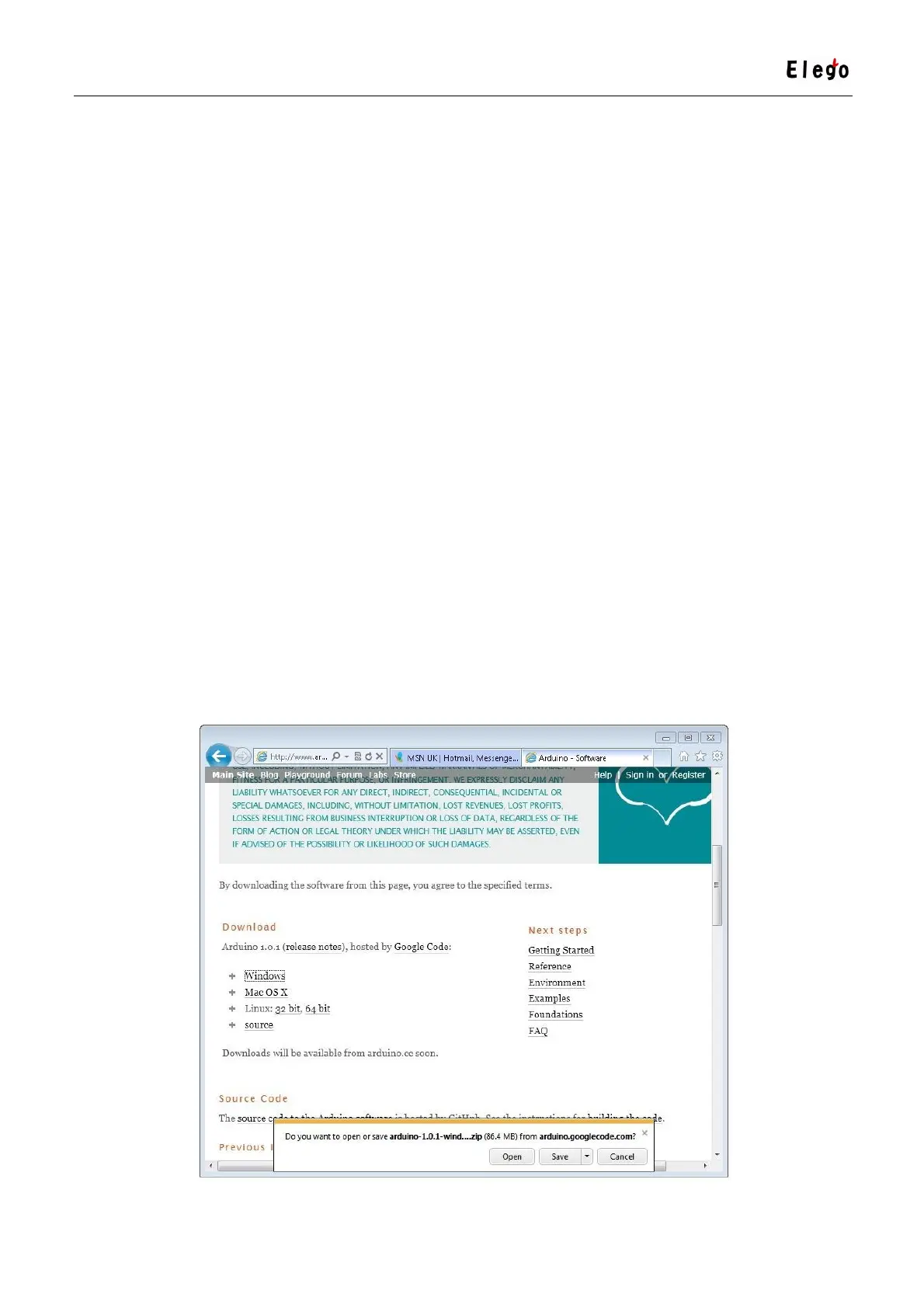
Get started by visiting the Arduino.cc website. As of April 2014 we suggest v1.05 as 1.5 is still
in beta. If 1.5 is no longer in beta when you read this you can try it out!
Start by downloading the zip file for Windows. There is only one version of the software,
whether you are using Windows XP through to Windows 7.



 To Next Page