- 34 -
Causes of power drop under load:
– Extension cables too long.
– Mains power cord from power point (fuse box) to plug is too long or cable
cross-section is too small – it must be at least 6 mm
2
.
– The mains voltage is below the normal value.
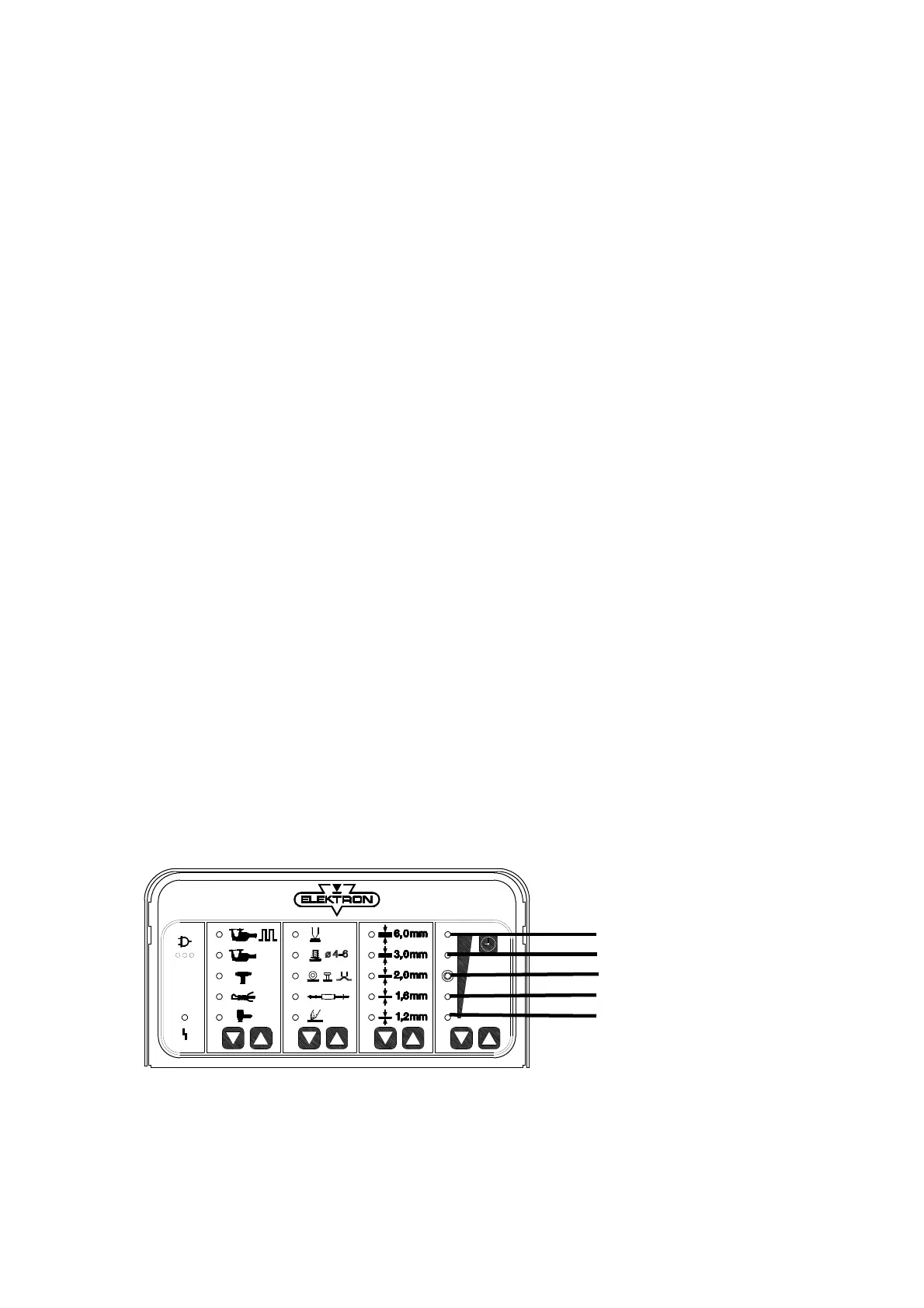
LEDs in Panel I
I 1) System faults
– Call service
I 2) Frequency fault – power supply frequency not recognized
– Call service
I 3) + red LED: Tool not inserted or contact fault
– Insert tool to its fullest extent (see also 1) or call Service
I 4) + red LED: Thermal protection of the tool has tripped
– Allow the tool to cool down
(when the tool is cold, call Service)
I 5) Cooling is activated
– If no cooling air is delivered, check the air supply
LEDs in Panel II
II 1) Transformer thermal protection has tripped
– Allow the unit to cool down
II 3) 230 V power inlet
– With 400 V power supply unit, check power fuses –
extension cable
Panel I Panel II Panel III Panel IV
LED
1
2
3
4
5



 To Next Page