P220 Stationary Barcode Scanner User Manual 27
Chapter 6 Barcode Symbol Parameter
Each type of barcode has its own unique properties, and the recognition of scanner can be adjusted
to adapt to these property changes through the set barcode in this chapter. You can also prevent the
recognizing function from recognizing the type of barcode that will not to be used so that it can
improve the performance of the recognizing function.
● ENA-8
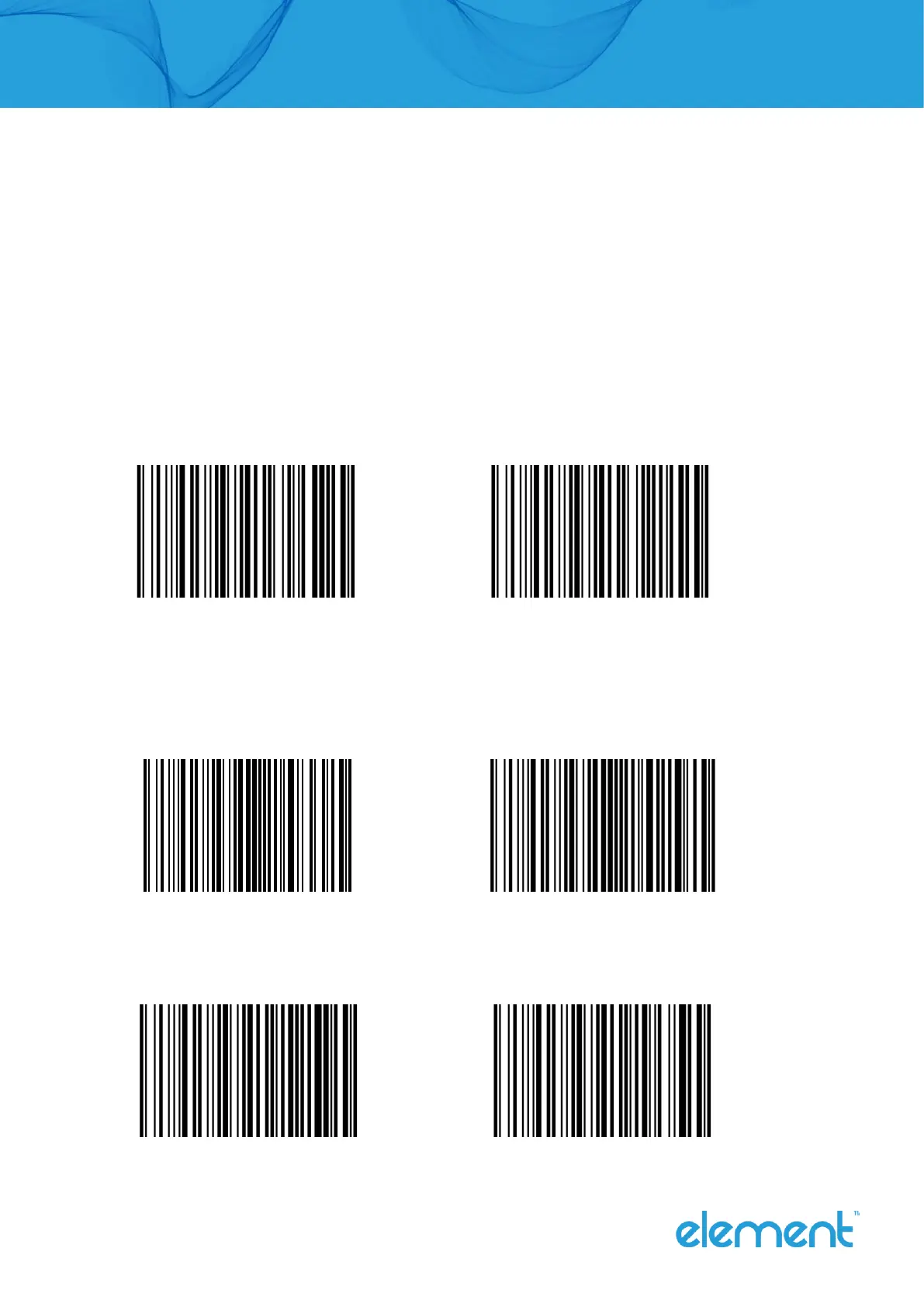
Enable/disable recognize EAN-8
Enable (Default) Disable
Setting whether to read 2/5-bit extra-code.
2/5-bit extension code means that the 2/5-digit digital barcode appended after a normal
barcode.
Allow reading 2/5-bit extra-code (Default) Not to read 2/5-bit extra-code
EAN-13 Setting whether to extend the result to EAN-13.
The result is extended to EAN-13, which is to add 5 zeros before the barcode data of EAN-8.
Do not extend barcode to 13 bits (Default) Extend barcode to 13 bits



 To Next Page