User Manual V3.1
Element14 | element14.com/minode 11
Image 3.2c – mi node package
3.3 Working Without mi:node Libraries
You can also use the micro:bit pin library to control the sensor modules directly. To do so, the
micro:bit pin ID is required. This ID can be found using the E-brick connector ID and the lookup
table shown in Table 2.4 – Pin Mapping above.
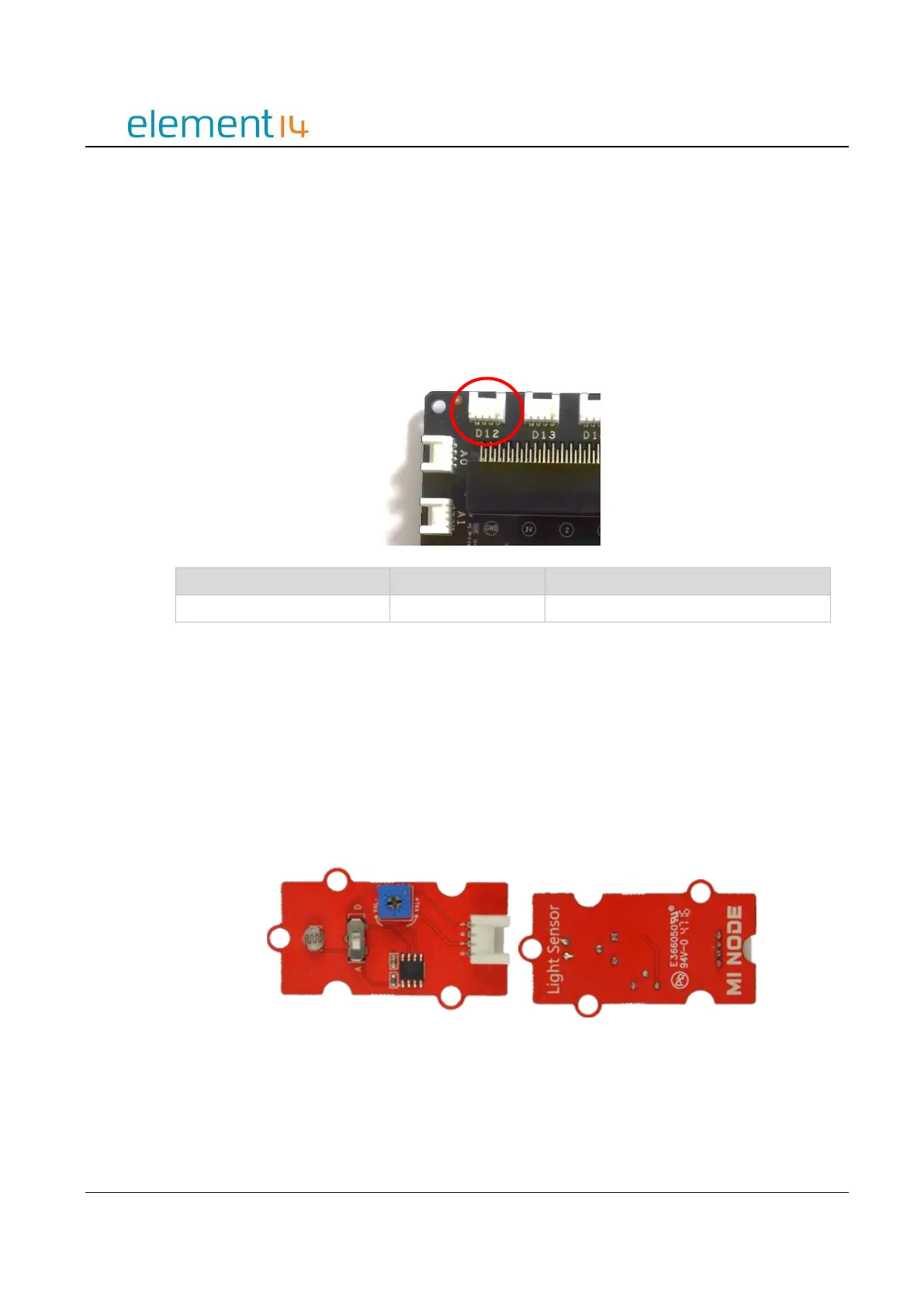
For example, if you connect a sensor module to D12 on the Connector Board, from the table you
can see that this connector corresponds to pin12 on the micro:bit.
3.4 Module Usage & API Reference
This section describes the main uses for each of the mi:node sensor modules and the API
(Application Program Interface) references required to carry them out.
a) Light Sensor
The Light Sensor module can be used to detect the intensity of light in the surrounding
environment.
Image 3.4a – Light Sensor Module
This module requires an analog connection, therefore can only be plugged into A0, A1, or
A3 on the Connector Board.



 To Next Page