User Manual V3.1
Element14 | element14.com/minode 25
h) RGB LED Module
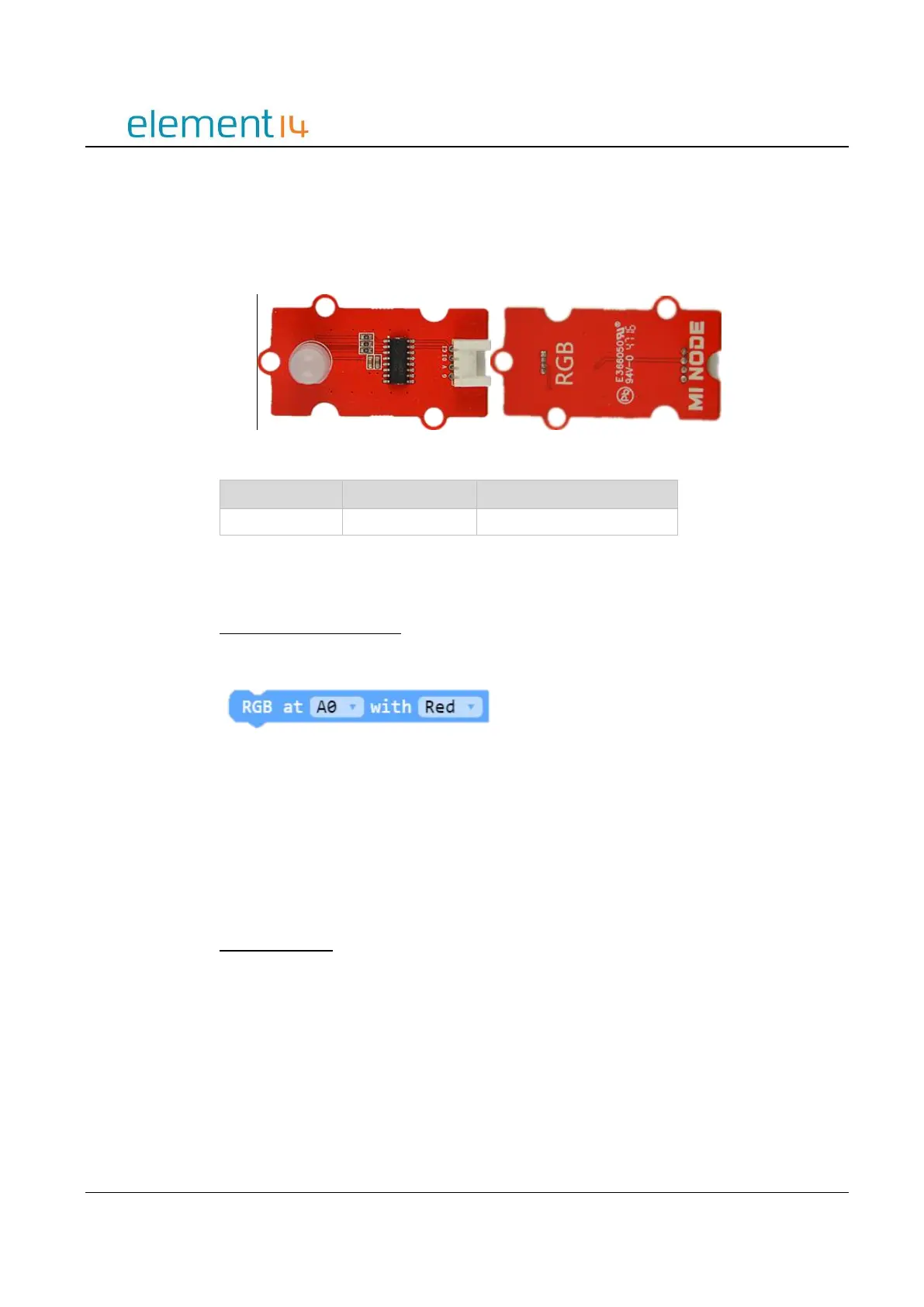
This module includes an LED that can display a number of different colors. The color and
brightness can be programmed and are controlled by the greyscale value of red, green
and blue.
Image 3.4h – RGB LED Module
Block API
Choose a Pre-Coded Color
The color the RGB LED displays can be selected.
Function
RGBChooseColor(connName: ConnName, color: MiNodeColor): void;
Parameters
‘ConnName’ is the analog connector's name.
‘Color’ is your choice of one color from the following pre-coded mi:node colors:
Red, Green, Blue, Yellow, Pink, Cyan or White.
Select Any Color
To change the color of the RGB, adjust the three greyscale values.



 To Next Page