EasyManua.ls Logo

Elements eONE - User Manual

Elements eONE
42 pages
Print Icon
To Next Page IconTo Next Page
Loading...
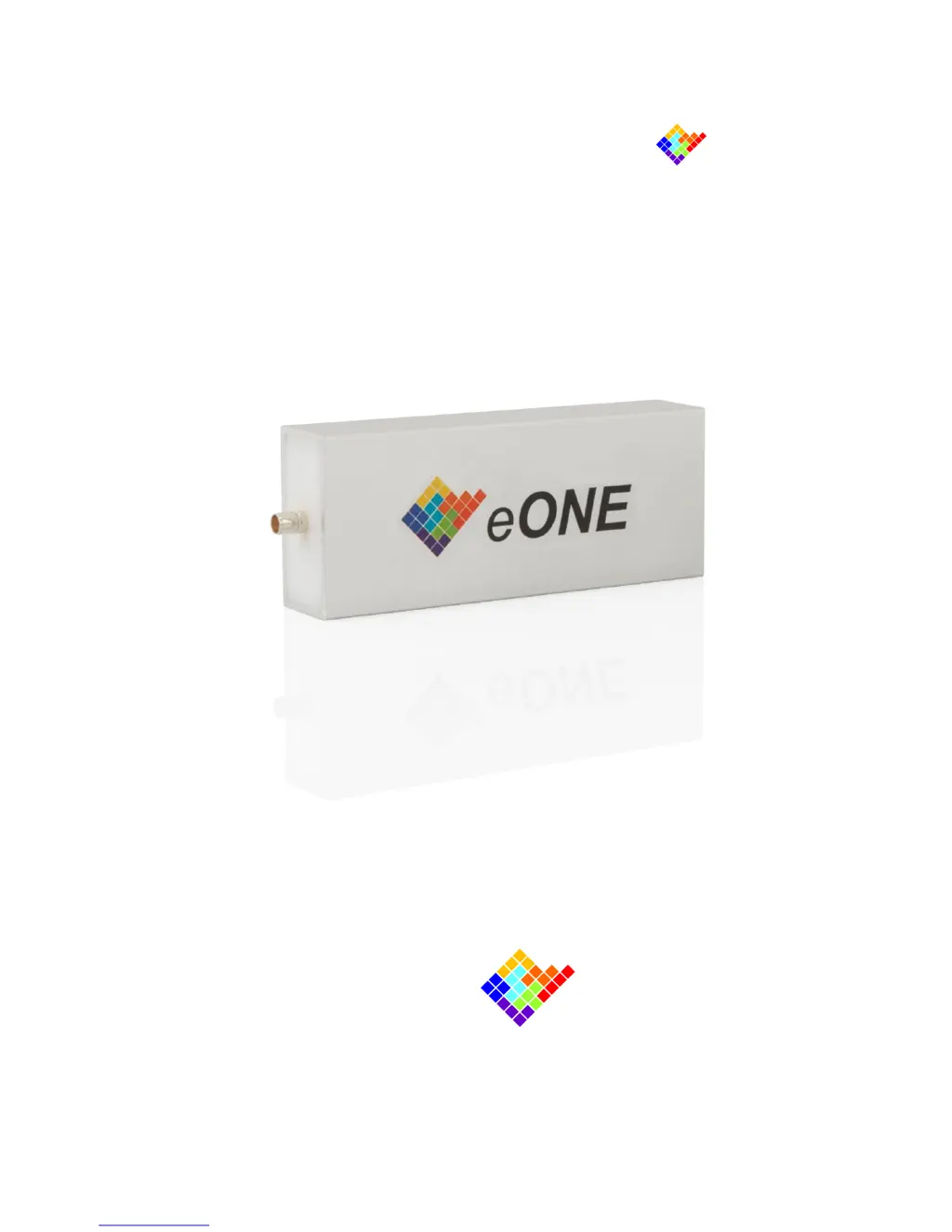
eONE
Miniaturized One-Channel Amplifier
USER’S GUIDE
October 2015
elements
enabling technologies for Life Science

Questions and Answers

Summary

Preliminary Information

Safety Instructions and Usage Notes

Provides critical safety instructions for installation and important notes regarding the proper usage of the eONE device.

General Description and Connections

Product Description and Key Features

Details the eONE miniaturized amplifier and lists its essential technical features and capabilities.

Hardware Setup and Front Connections

Guides users through the hardware setup, focusing on the front panel connections for the Device Under Test.

Typical Experimental Setup

Illustrates a typical electrophysiology setup, demonstrating how to correctly connect the eONE device.

Software Installation and Description

Software Guide and Requirements

Introduces the Elements Data Reader software and lists the minimum system requirements for installation.

Troubleshooting Guide

Common Faults and Resolutions

Lists common issues, their possible causes, and recommended remedies for the eONE device.

Elements eONE Specifications

General IconGeneral
Frequency Response20Hz - 20kHz (±0.5dB)
Input Impedance47kΩ
Damping Factor>100
InputsRCA
OutputsBinding posts