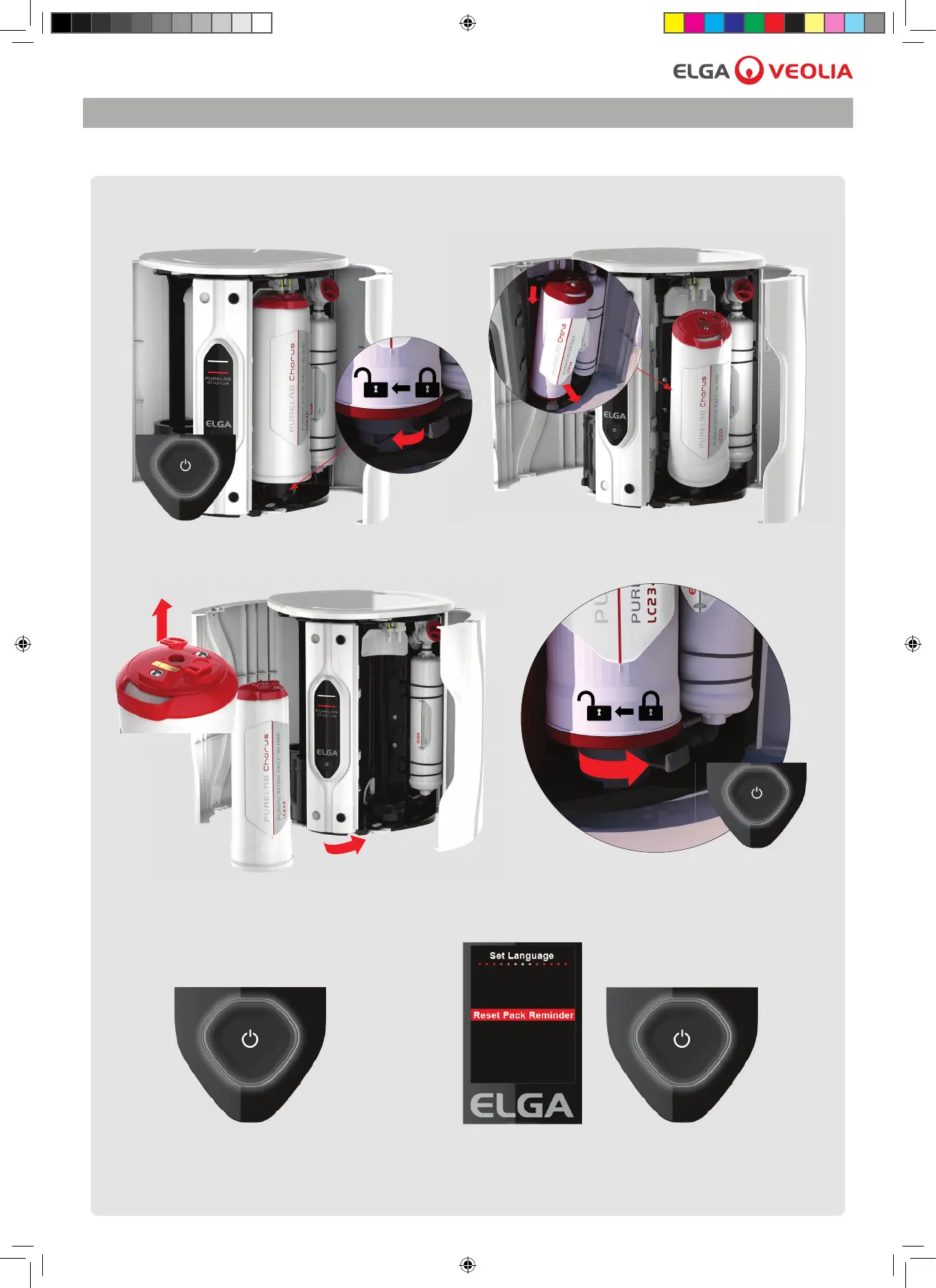
3.3 Replacing the Purifi cation pack
Follow the instructions below.
Chorus 2 Operator Manual MANU40003 Version 03 3/19 Page 5
3. MANTENANCE
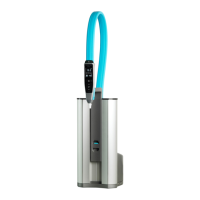
1. Process button (OFF). Rotate the handle
to the unlock position, remove Puri cation Pack.
2. Pull down and tilt towards to remove.
3. Remove transit plugs and insert a new
Puri cation pack.
4. Process button (ON), normal operation resumes.
.
When a puri cation pack is tted into the system it will record the serial number of the
Puri cation Pack. After 8760 hours (12 months) a reminder is activated to replace the Puri cation
Pack. Status light will be blinking white showing system needs attention.
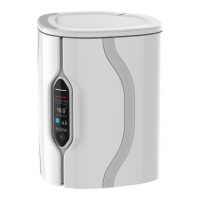
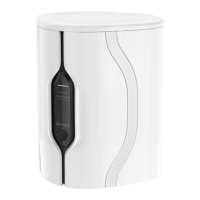
5. Press for 10 seconds to enter menu. 6. Press to scroll, press and hold to con rm
the reset pack reminder. Normal operation resumes.



 To Next Page