EasyManua.ls Logo

ELGA PURELAB flex 1 - Process Flow Diagrams

ELGA PURELAB flex 1
55 pages
Print Icon
To Next Page IconTo Next Page
To Previous Page IconTo Previous Page
Loading...
PURELAB flex
Section 1 Process Description Issue 4 Page 7 of 45
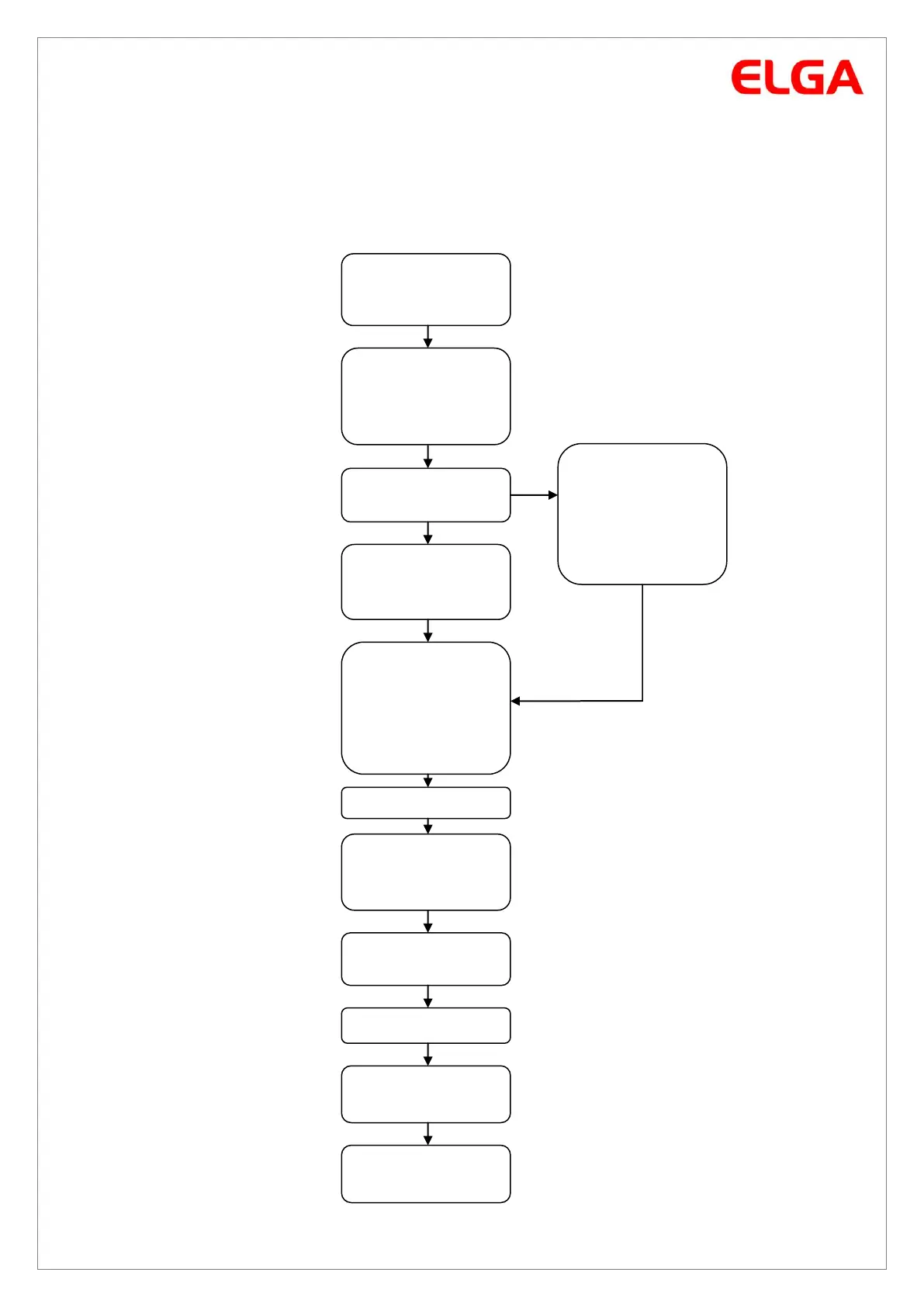
Process Flow Diagrams
The Process Flow Charts are a simplified visual representation of the software routines to assist a
trained technician to understand the process flow and troubleshoot symptoms.
Commissioning
Commissioning
Complete
Connect the
power supply to
the PURELAB flex
System dispenses
5 litres
V1 opens
P1 starts
V2 opens
Press Accept
Turn on the
water supply to
the flex and
place a 5 litre
container under
the outlet
No
Highlight No and
press Accept
Yes
Remove Bypass
pack and install
DI pack. High
light Yes and
press accept
Do you want to
install a DI pack?
Set Language
High light correct
language and
press Accept
V2 Closes
System returns
to recirculation
mode

Related product manuals