the measured temperature is lower than temperature upper limit, in the status display
interface, the symbol “ ”lights, indicating lower limit alarm.
6. Record interval
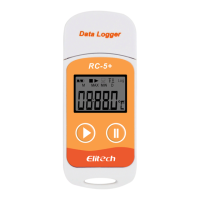
The record interval could be set in RC-5 data management software. After setting, it
will save the data in the data logger according to the set record interval. In RC-5 data
management software, when record interval is set, click the setting bar of record time
length, then the software will automatically calculate the record time length.
7. Record time length
The “record time length “means the total record time when the memory reaches its
full capacity.
8. Clear the recorded data
The recorded data could be cleared through setting the parameters in RC-5 data
management software.
9. Inner clock and calendar
The clock could be adjusted by RC-5 data management software.
10. Sensor failure
When there is a sensor failure or over temperature range, it could query by two
methods as below:
1) When the temperature exceeds temperature range or there is a break circuit or short
circuit, it will display “Err” in the position of temperature in the status display
interface.
2) There will appear an instruction of “Sensor error” in RC-5 data management
software.
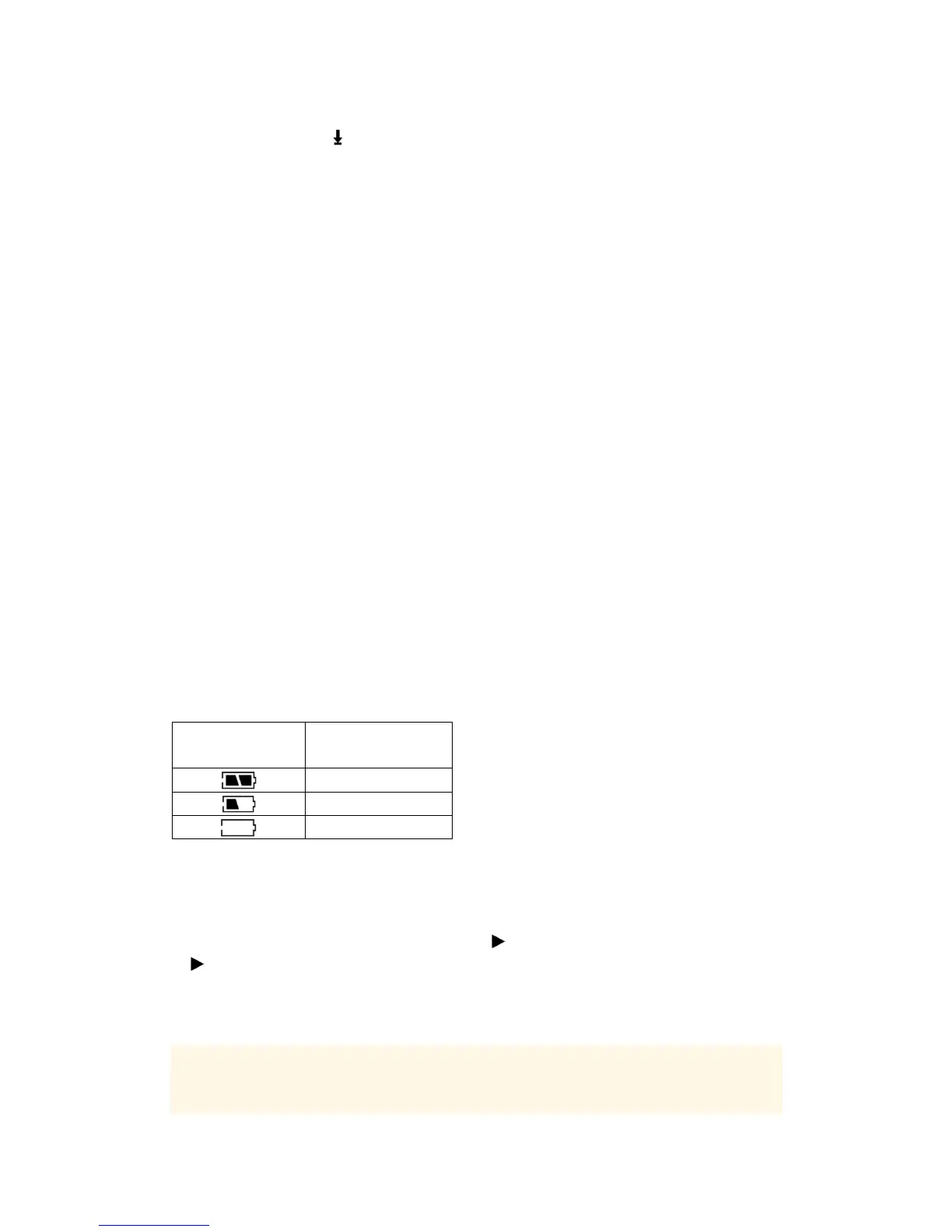
11. Battery level indication
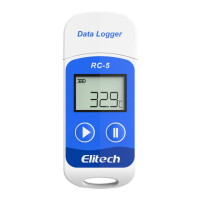
The battery level could be displayed in RC-5 LCD screen.
Battery level
indication
Level
25%~100%
10%~25%
<10%
Note: If the battery is in a very low level (<10%), please replace the battery timely.
12. Other function:
A、Record time delay: It could delay the time of starting recording by pressing
the button. Delay time 0~6.0 hours adjustable(interval 0.5hour)
During the delay time, the symbol“ ”flashes, and after started, the symbol
“ ”stops flashing.
B 、 Temperature unit ℃ or ℉ optional, the default setting is ℃
C、Serial number and user information could be set by software.
13. RC-5 temperature data logger data management software
It has the data analysis function, and could show the data in the data label or in data
graph. Historical data can be queried, save, print or exported in the format of Word,
Excel, TXT, or PDF. And the data management software supports the system of


 To Next Page