4
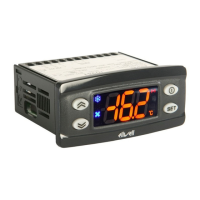
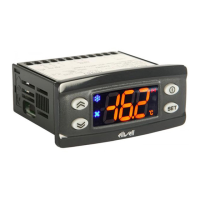
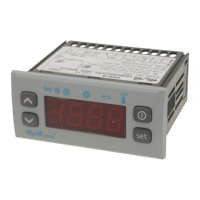
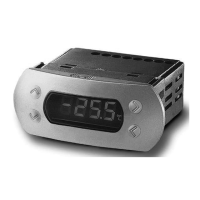
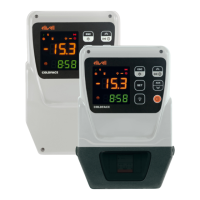
LEDs
Reduced SET / Economy
Flashing: reduced set active
Quick flashing: access to level 2 parameters
Off: otherwise
Compressor LED
Permanently on: compressor active
Flashing: delay, protection or
blocked start-up
Off: otherwise
Defrost LED
Permanently on: defrost active
Flashing: manual or D.I. activation
Off: otherwise
Fan LED
Permanently on: fans active
Off: otherwise
(only EWPlus 971 and EWPlus 974)
Alarm LED
Permanently on: alarm on
Flashing: alarm acknowledged
Off: otherwise
HEAT mode LED
Permanently on: compressor in HEAT mode
Off: otherwise
(only EWPlus 902 and EW Plus 961)
NOT USED
(only EWPlus 902 and EWPlus 961)
Aux LED
Permanently on: Aux active*
*depending on model
(only EWPlus 971 and EWPlus 974)
°C LED
Permanently on: °C setting (dro = 0)
Off: otherwise
°F LED
Permanently on: °F setting (dro = 1)
Off: otherwise
NOTE:
If the instrument is set in the COOL mode, in order to
use it in the HEAT mode it is necessary to re-program
the instrument by using the properly programmed
Copycard.
The same procedure should be followed to pass from
the HEAT mode to the COOL mode.



 To Next Page
 Loading...