- 7 -
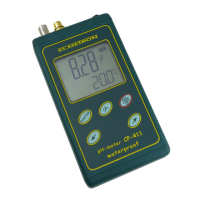
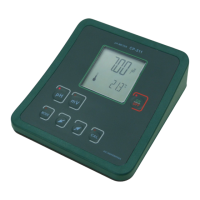
The meter’s keyboard (Pic. 2) is equipped with the following buttons:.
- switching the meter on and off;
- choosing the pH measurement;
-choosing the mV measurement;
- holding this button in the measurement function enters the
calibration mode; pressing shortly in this mode confirms the calibration
result;
,
- buttons used for entering parameters.
In the upper wall of the meter there are inputs placed with the symbols given
below:
pH/mV – the BNC-50 connector for the combination or measuring pH
electrode or redox electrode;
Gnd – the connector for the reference electrode;
temp – the Chinch connector for the temperature probe;
POWER – the power adapter connector.


 To Next Page