What the Symbols Represent
NOTE: Elna recommends physically
setting-up the machine before attempting
to thread. This ensures that all machine
parts are correctly positioned and makes
threading easier.
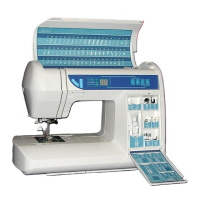
DF = Differential Feed
Turn the DF dial until the setting
indicated on the reference card is
shown in the DF display window.
Differential feed may be set from 0.5
to 2. The 1 setting representsa1to
1 feeding ratio, the most commonly
used setting.
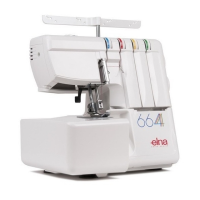
SL = Stitch Length
Turn the SL dial until the setting
indicated on the reference cards is
shown in the SL display window. Stitch
length may be set from 0.5 to 4.0.
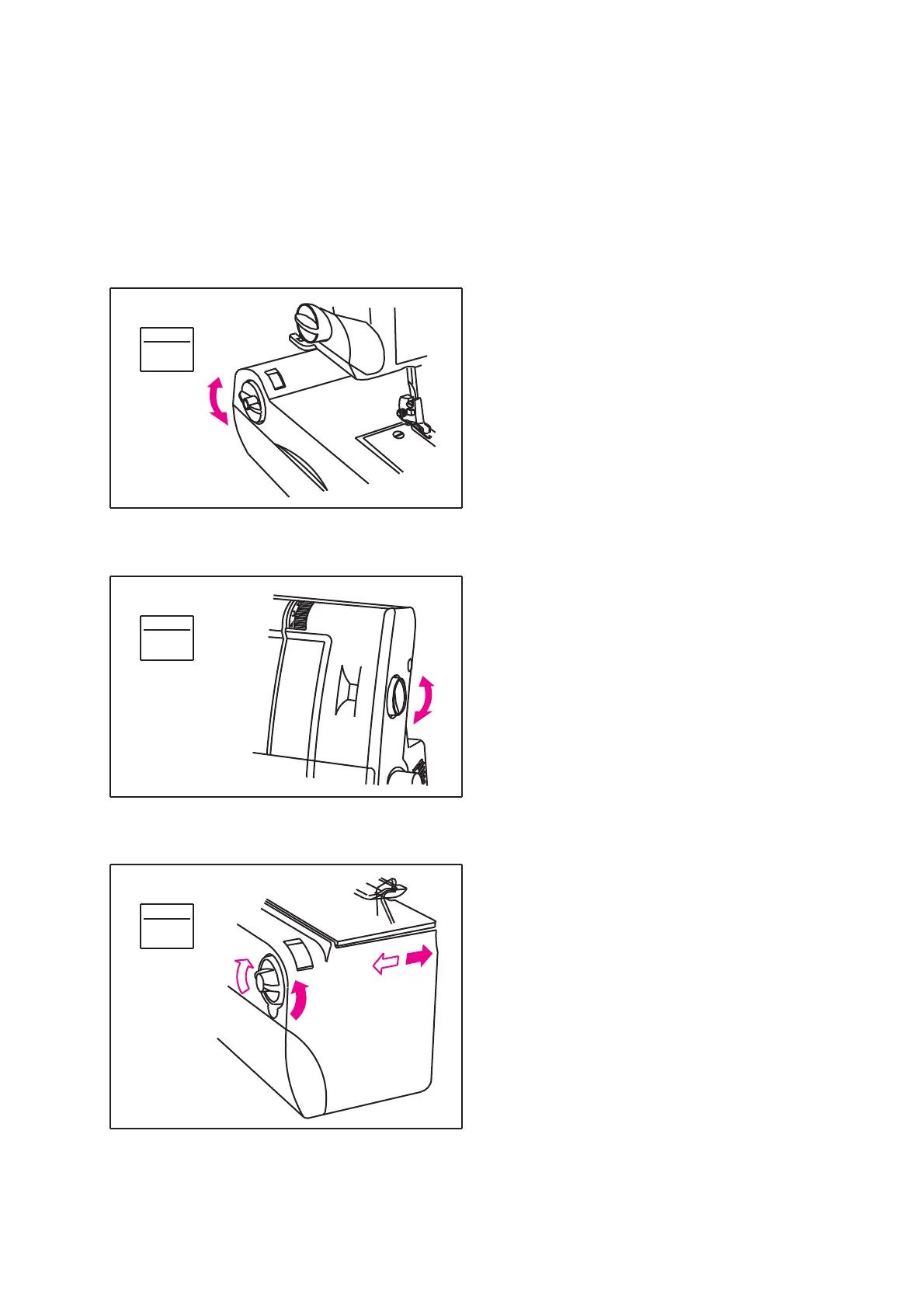
CW = Cutting Width
The CW dial indicates the distance
between the left needle (A) position
and where the blades cut. The cutting
width dial displays the settings in
millimeters. Turn the dial until the setting
on the reference card is shown in the
cutting width display window. The N
represents the most commonly used setting.
20
CW
SL
DF
1
2.5
N


 To Next Page