24
C.
Program Number
The program display automatically sets
the thread tensions for the selected
program number shown. In addition,
instructions for machine set-up are
displayed using easy to read symbols.
NOTE: It is very important to have the
SELECT number in the display panel
correspond to the desired stitch. We
recommend physically setting-up the
machine before attempting to thread. This
ensures that all machine parts are
correctly positioned and makes threading
easier.
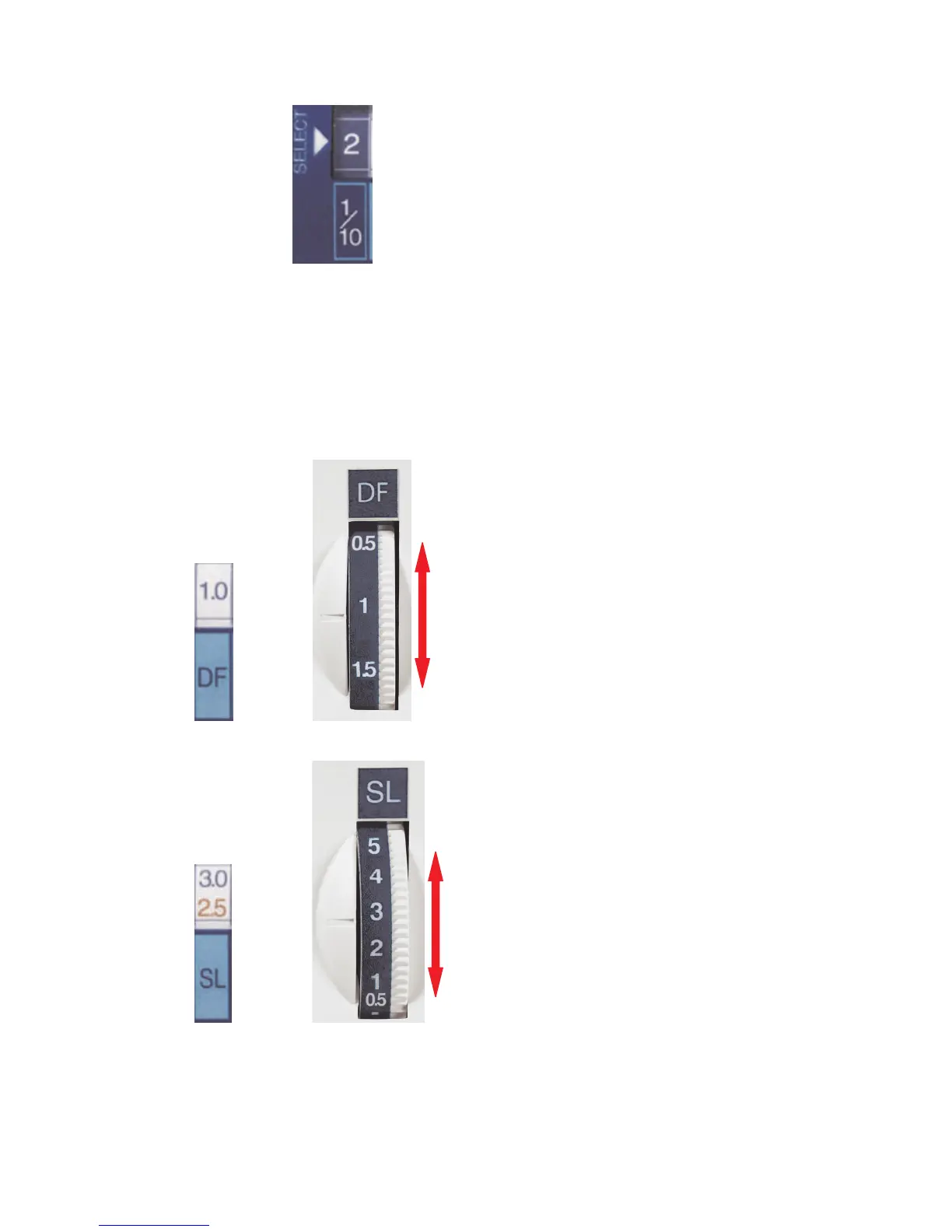
D. DF = Differential Feed
Move the DF dial until the setting mark is
aligned with the number shown in the
display panel. Differential feed may be set
from 0.5 to 2.
Example:
Move DF dial to 1 setting.
E.
SL = Stitch Length
Move the SL dial until the setting mark is
aligned with the number shown in the
display panel. Stitch length may be set
from 0.5 to 5.
Example:
• 5 Thread and 3 Thread Wide – move
SL dial to 3 setting.
• Overlock 3 – move SL dial to marked
line located between 2 and 3 for the
2.5 setting.



 To Next Page