16
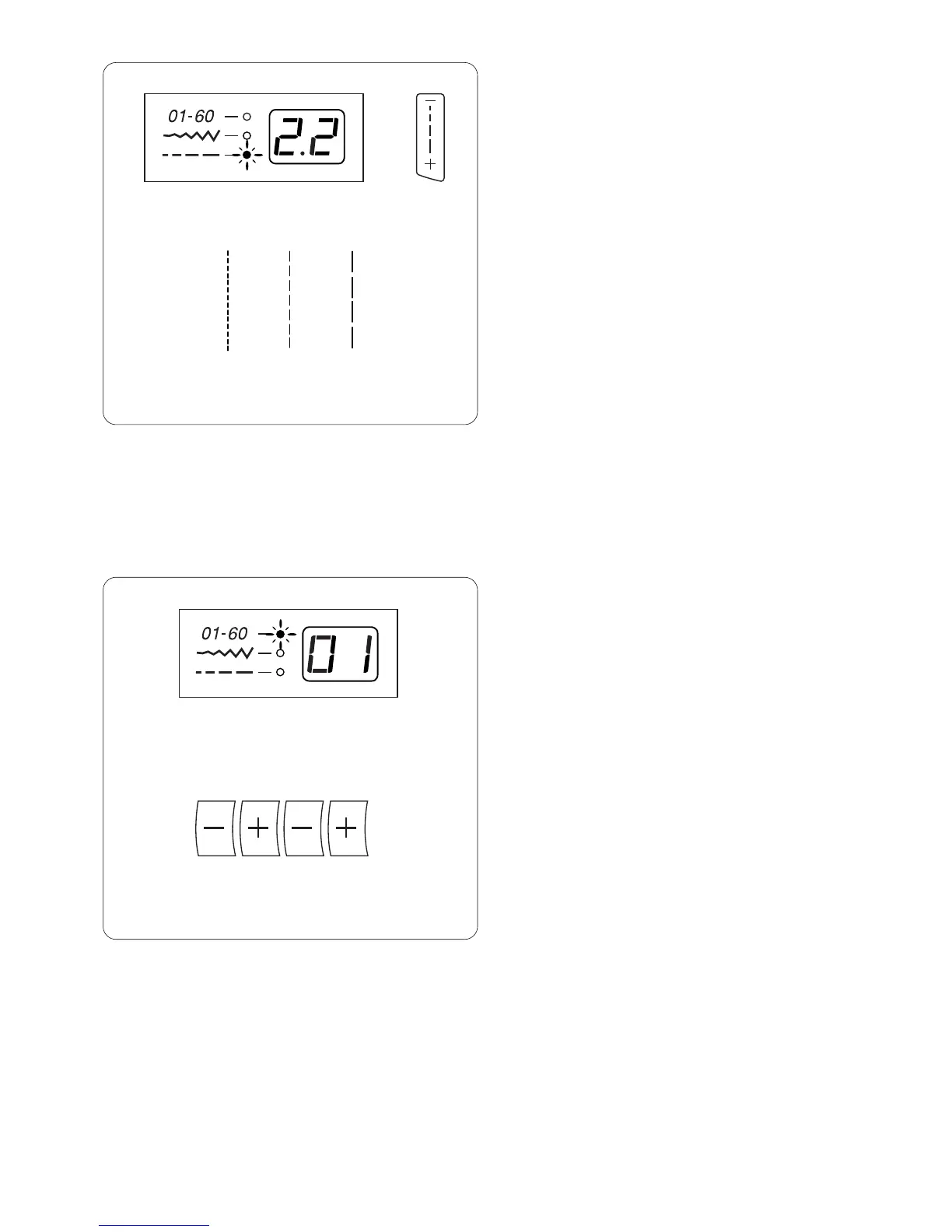
y Stitch Length Key
Press this key to display pre-programmed stitch
length.
Depending on the stitch selected, stitch length can
be set between 0.0 and 5.0.
To decrease length, press “–” side of key.
To increase stitch length, press “+” side of key.
a 1.0 Stitch length
b 2.2 Stitch length
c 5.0 Stitch length
NOTE: Fine fabrics should have a stitch length
between 1.5 and 2.4, medium fabrics between 2.0
and 3.0 and heavier fabrics between 3.0 and 4.0.
u Stitch Selection Keys
a Press this “–” key to change digit in the LED
readout 10’s column between 0 and 5.
Example: If the readout is 01 and this key is
pressed, the readout will change to 51.
b Press this “+” key to change digit in the LED
readout 10’s column between 0 and 5.
Example: If the readout is 01 and this key is
pressed, the readout will change to 11.
c Press this “–” key to change digit in the LED
readout 1’s column between 0 and 9.
Example: If the readout is 01 and this key is
pressed, the readout will change to 60.
d Press this “+” key to change digit in the LED
readout 1’s column between 0 and 9.
Example: If the readout is 01 and this key is
pressed, the readout will change to 02.
1.0
2.2
5.0
a
bc
abcd













 To Next Page