16
IMPORTANT:
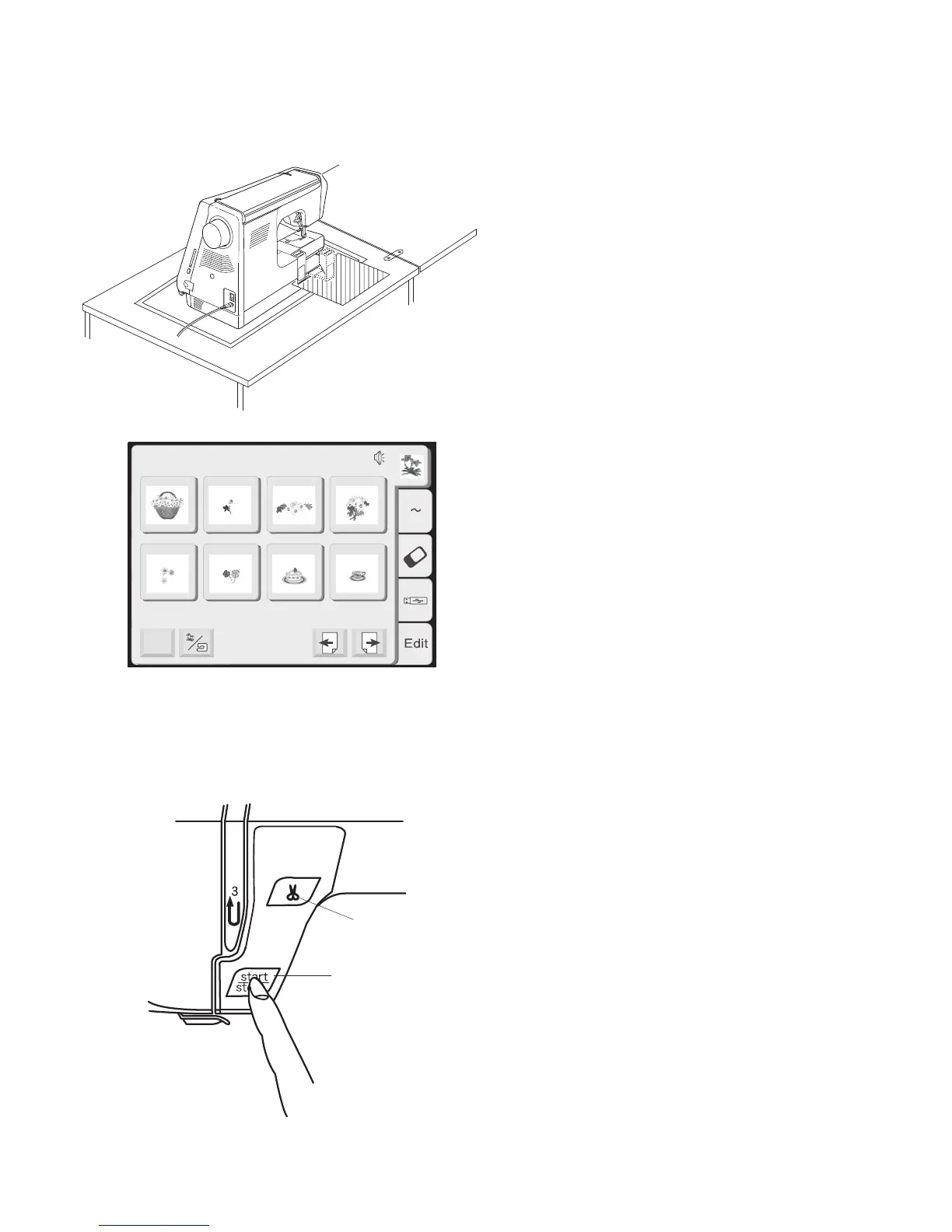
Before turning on your machine, clea
r
your table surface of anything that migh
t
obstruct the carriage movement. If you
r
machine is in a cabinet, check that th
e
machine is even or above the cabine
t
surface. (The carriage could possibly hi
t
the cabinet and disturb the sewing result.
)
TURN ON THE POWER SWITCH
.
NOTE: After turning on the machine there is
approximately a six second delay before the LCD
Touch Screen becomes visible. (This is the
required boot up time and is not a malfunction.)
q Start/Stop Key (changes color to indicate
function
)
Press this (green) key to start the machine.
When the machine is running, press this (red)
key to stop machine.
NOTE
: This sewing machine is equipped with a
safety feature that will automatically shut down
the machine to prevent overheating if it is
running overloaded. Follow the instructions
that appear in the LCD touch screen should
this occur.
w Thread Cutter Key
Press this key to cut the threads after sewin
g
is finish.
q
Mode
1 2 3 4
5 6 7 8
Built-in Designs
A Z
Hoop Size A(F): 126
X
110 mm
1/14
w














 To Next Page