64
Xperience
Ready to Sew
Mode
Jog
ST
A Z
A(F):126 x 110mm
Black 5596
Edit
Font
A Z
AB
OK
M
L
S
AB
Mode
G
H
IJKL
M
N
OP
Q
RST
U
V
W
X
YZ
A
B
C
DEF
Gothic
AB
A(F)
A Z
X
Edit
Font
A Z
AB
OK
M
L
S
AB
Mode
Gothic
AB
A(F)
X
Edit
Font
A Z
AB
OK
M
L
S
AB
Mode
Gothic
AB
A(F)
Xperience
Sewing Alphabets
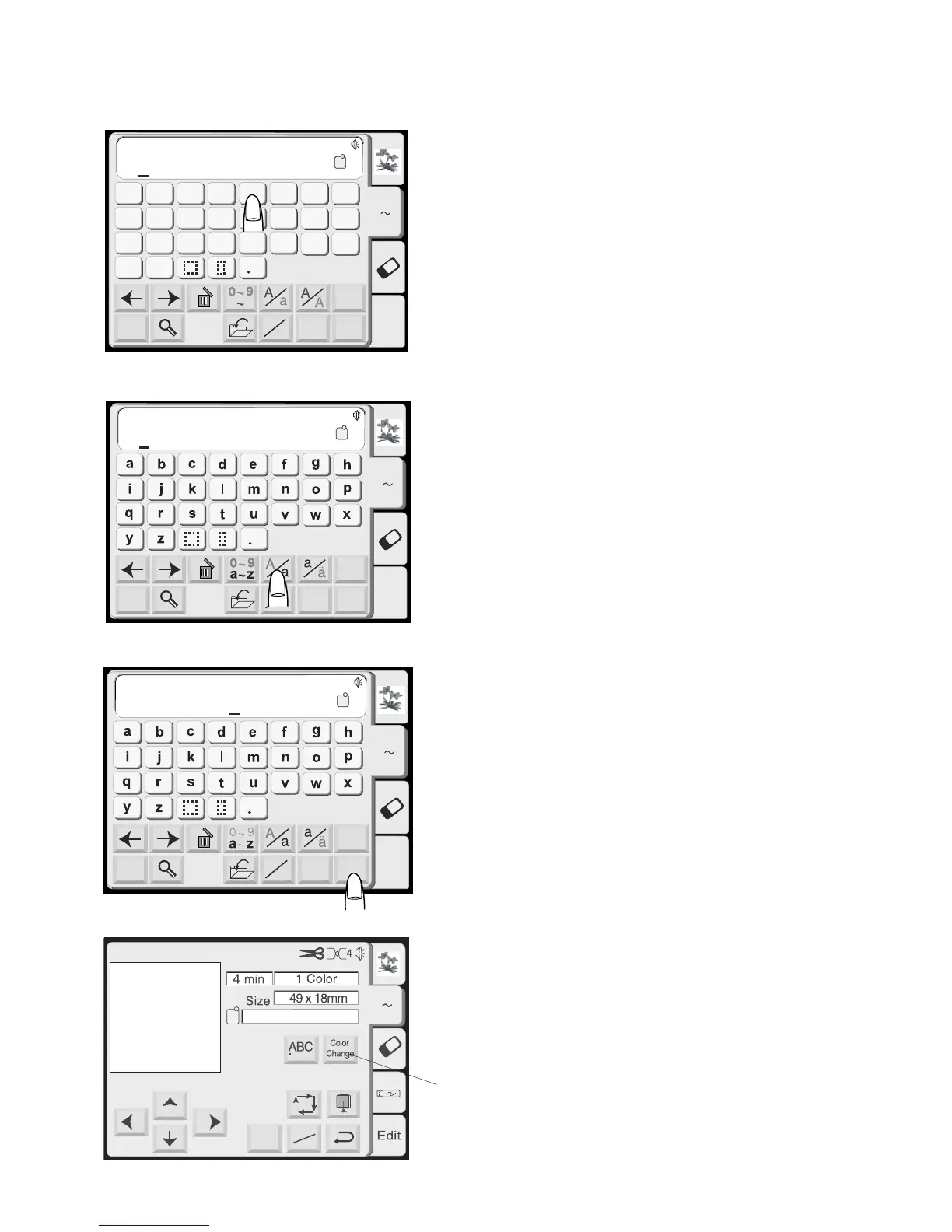
The alphabet selection window should be open.
See page 60.
Touch the “Font” key and select the Gothic style.
Select “X”.
Touch the “Upper/Lower Case” key to select lower
case.
Select “p”, “e”, “r”, “i”, “e”, “n”, “c” and “e”.
Touch the “OK” key.
Touch the “Return” key in the hoop size warning
message.
The ready to sew window will open.
q Color Change key
Touch this key if you want the machine to stop
between each letter so that the thread color
can be changed.
q














 To Next Page