Page 18
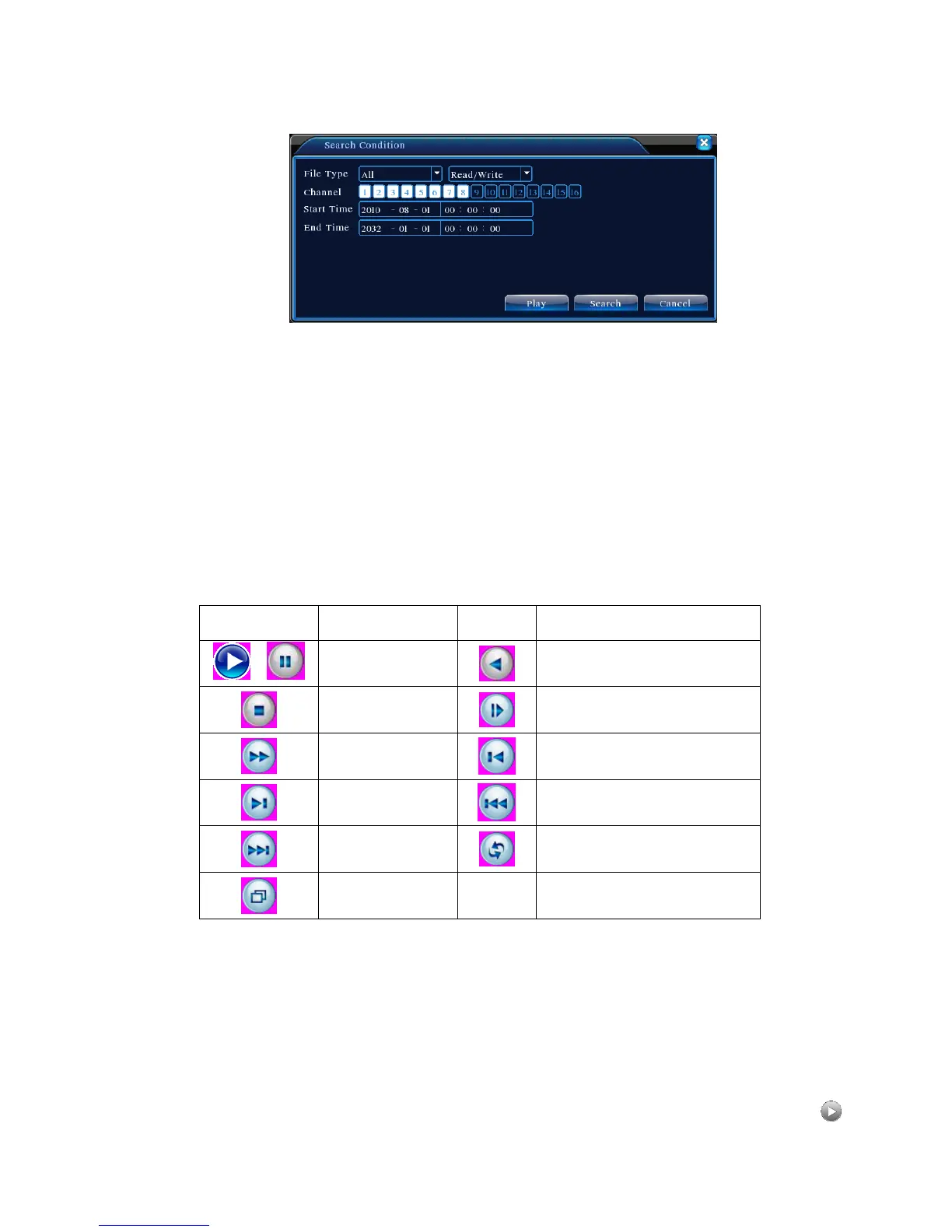
【File Search】Search for records based on the specified search criteria;
Figure 3.7 File Search
File Type: Select the type of files to be played back;
Hard Drive Selection: Select the type of storage device;
Channel: Choose the channel number for playback. “All” means all channels;
Start time: Specify the start time of the record being searched.
End time: Specify the end time of the record being searched.
Descriptions of Table【Playback Control】please see below:
Table 3.2 Playback Control Keys
Note: Frame playback can only be used in Pause mode.
【Operation tips】Show the function of the button indicated by the cursor.
Special Features:
Accurate Playback:In 【Search Criteria】 window, enter the time (hour, minute,
second) of the record being searched. Click Enter to access playback screen. Click



 To Next Page