Page 45
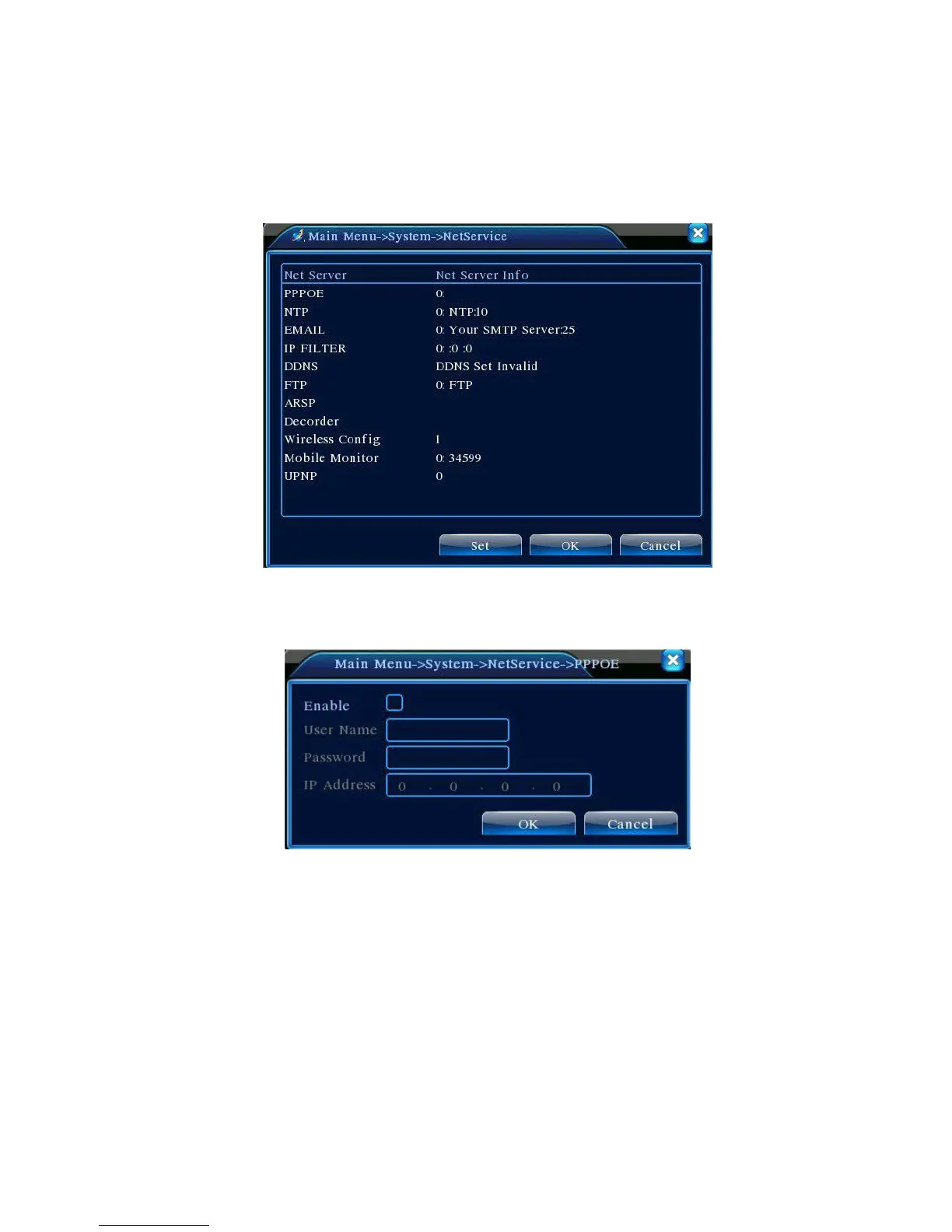
4.4.4 Network Service
Configure advanced network functions. Select Network Service options and click Settings or
double click a service option to configure the parameters.
4.17 Network Service
【PPPoE Settings】
Figure 4.18 PPPOE
Enter PPPoE user ID and password provided by ISP(Internet Service Provider). Save and restart
the system. After restart, DVR will automatically connect the network using PPPoE. Upon successful
network connection, the IP in 【IP Address】 will be changed automatically to the assigned dynamic WAN
IP address.
Operations:After dialling up PPPoE successfully, look up in 【IP Address】 for the current IP address
of the DVR. Use this IP address to access the unit from the user port.
【NTP Settings】



 To Next Page