Page 53
【Parity】Includes odd parity, even parity, parity flag, none parity. The default is None.
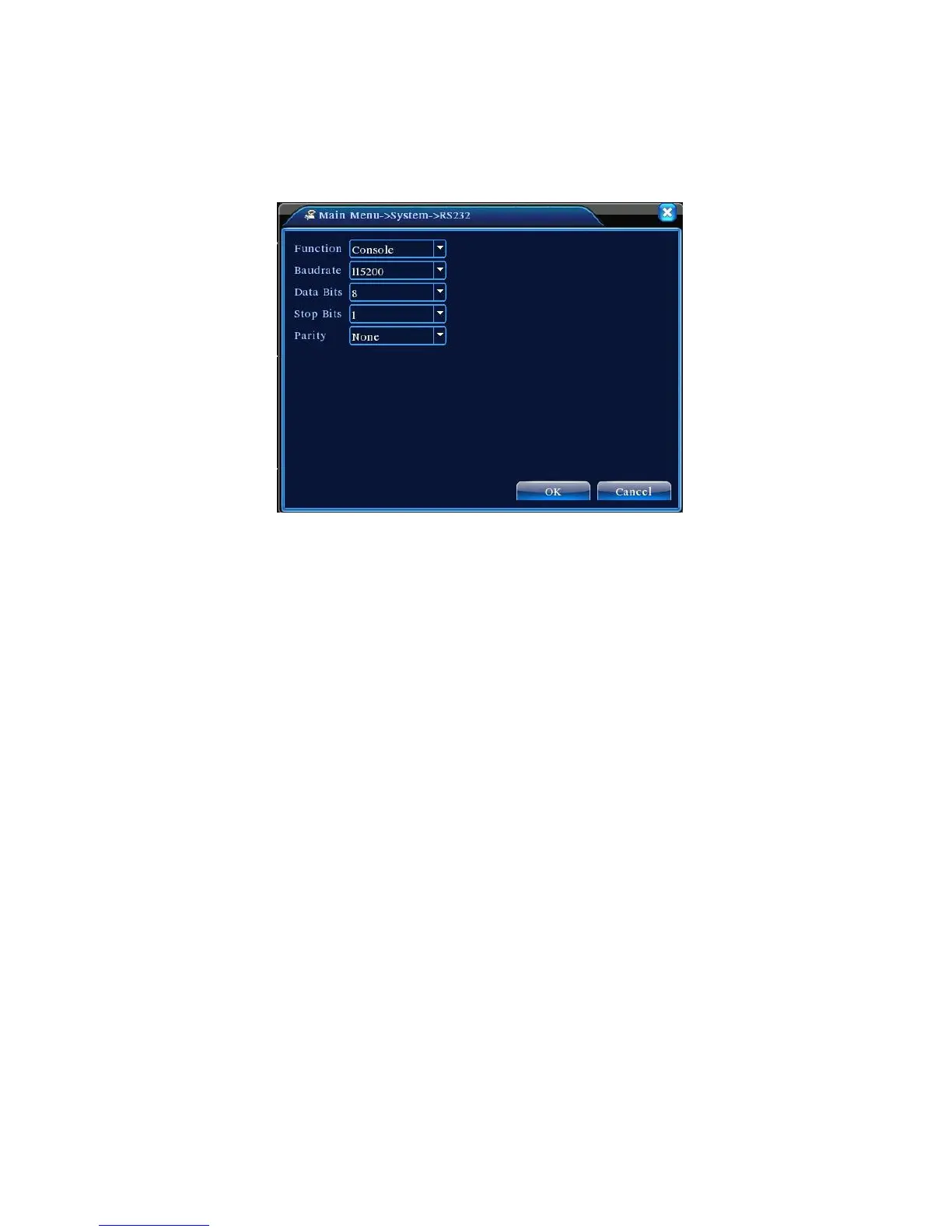
4.4.7 Serial Port Settings
Figure 4.29 Serial Port Settings
【Function】 Ordinary serial port is used for serial debug and upgrade, as well as certain serial port
peripherals;
【Baud Rate】Select the appropriate baud rate length;
【Data Bits】Available options: 5-8;
【Stop Bits】Two options are 1 and 2;
【Parity】Includes odd parity, even parity, parity flag, none parity.
4.4.8 Auto Sequence Settings
Set screen auto sequence display. Highlight to enable the mode. Available selections include
single mode auto sequence such as single screen, 4-screen, 9-screen, and 16-screen or mixed mode
auto sequence.



 To Next Page