Page 58
Figure 4.35 Add Group
【Delete User】Delete existing user. In Figure 4.29, select the user to be deleted. Click Delete User
button;
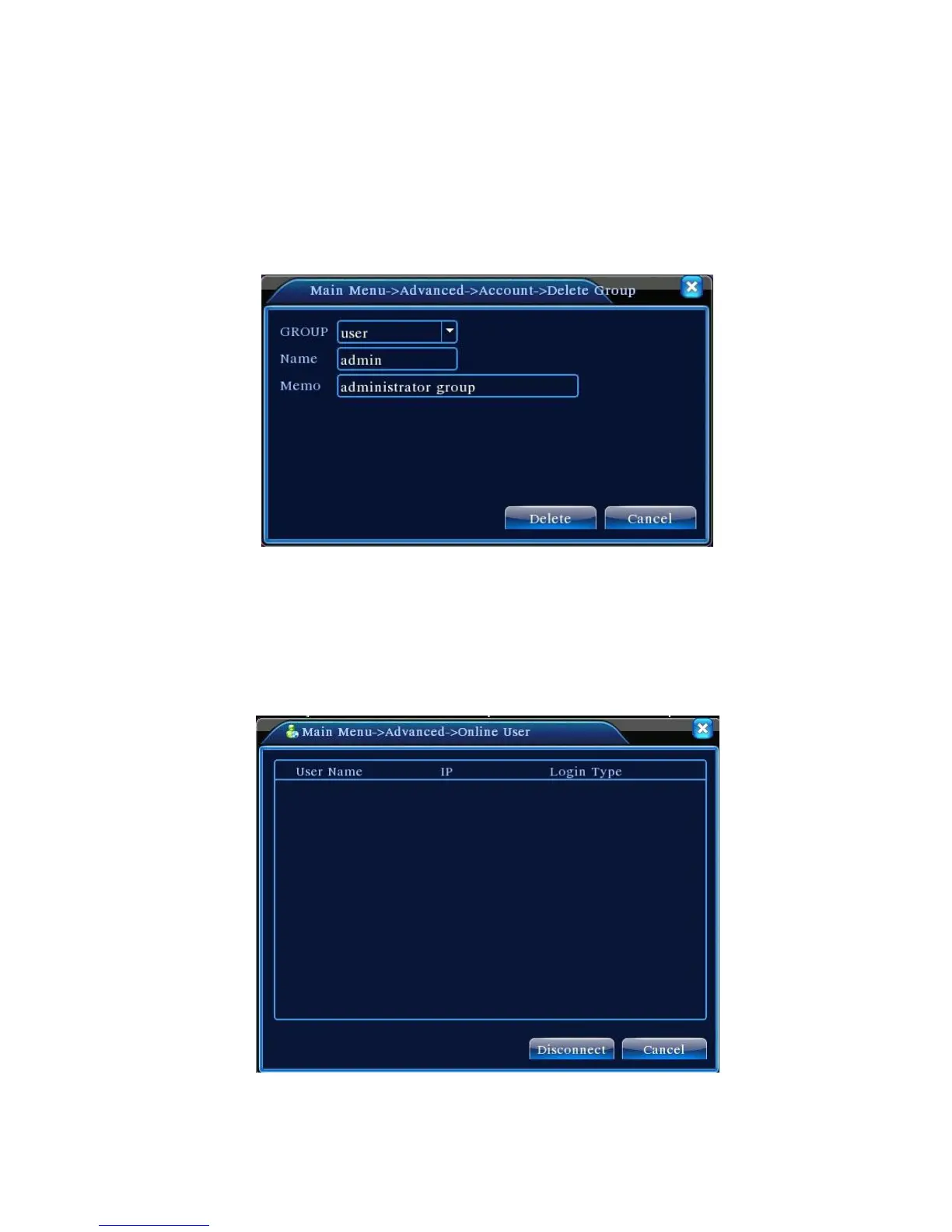
【Delete Group】 Delete existing group(make sure there is no user in the group). In Figure 4.29,
click Delete Group button to show Figure 4.33. Select the group to be deleted and click Delete button.
Figure 4.36 Delete Group
4.5.3 Online User
View information on the network users connected to the local DVR. You may also disconnect the
selected network users(by tick √ in checkbox). The account will be frozen until the next reboot.
Figure 4.37 Online User



 To Next Page