Page 40
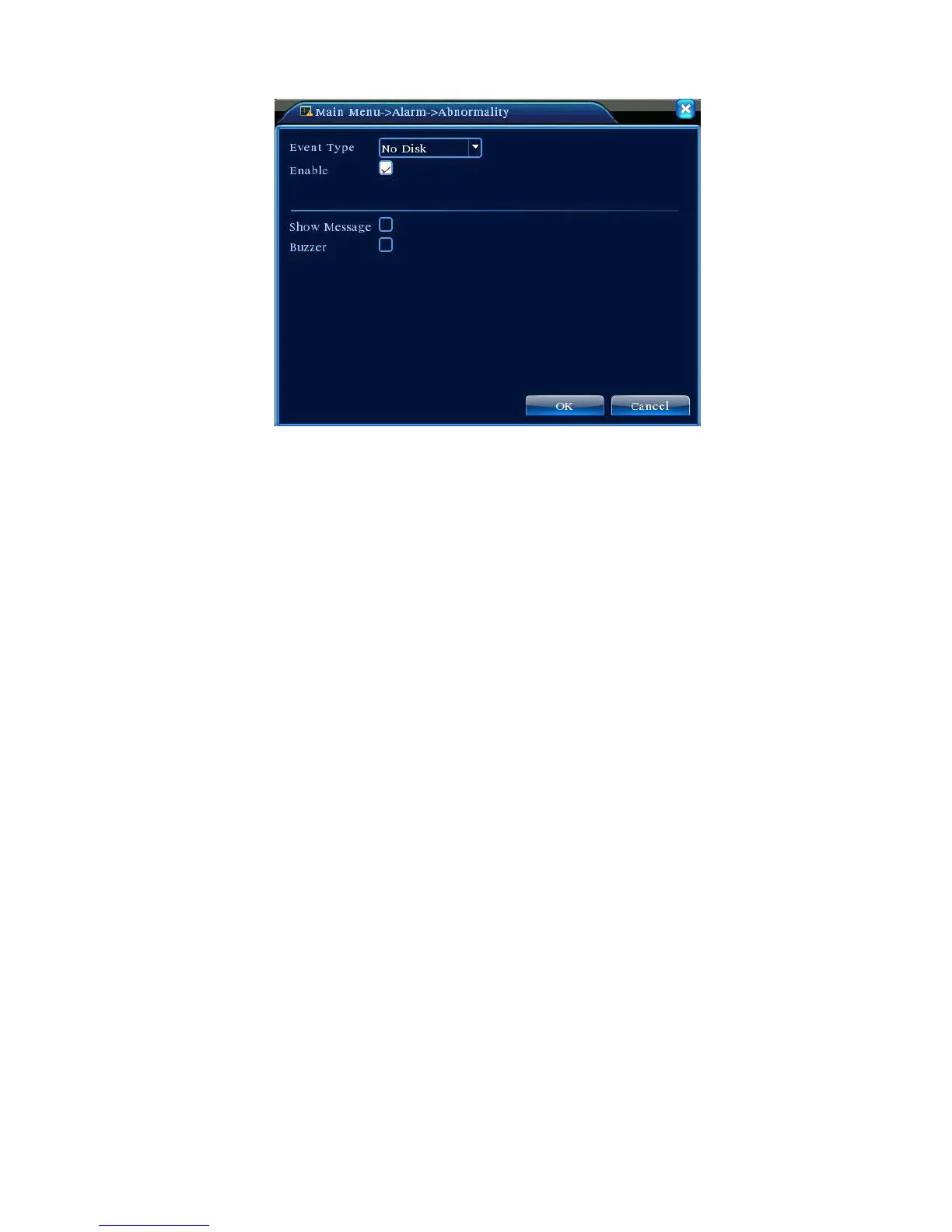
Figure 4.11 Exception Handling
【Event Type】 Select the exceptional event in the drop-down list for testing
【Enable】Highlight ■ to enable Exception Handling function. Settings can only be activated after
Enable is ticked;
【Screen Prompt】The on-screen alarm information prompt pops up on local display;
【Buzzer】 The device generates two long buzzer beeps when the alarm sounds.
4.4 System Settings
To set various function parameters in DVR: general settings, encoding settings, network
settings, network service, output modes, PTZ settings, serial port settings, and auto sequence
settings.



 To Next Page