Page 61
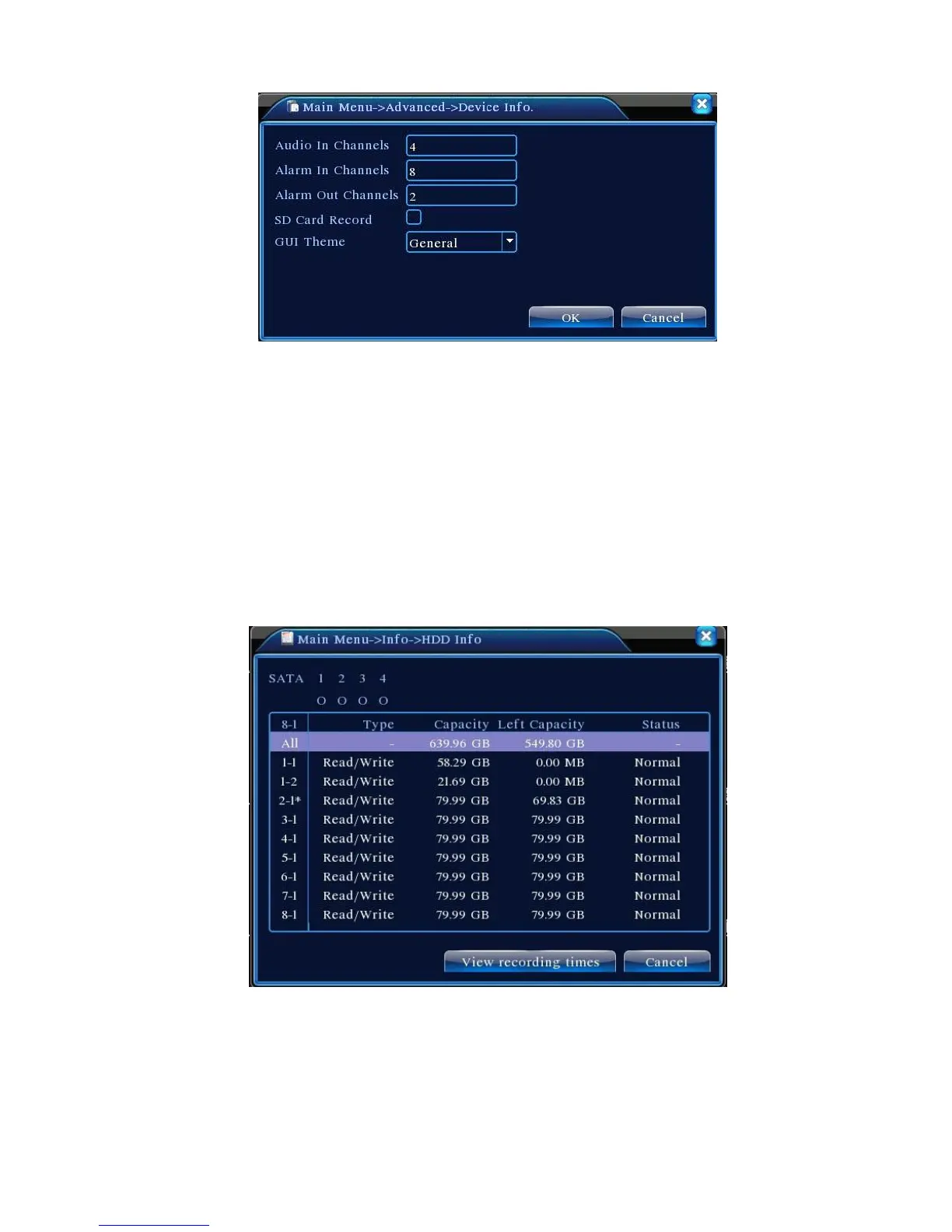
Figure 4.41 Device Information
4.6 System Information
Display DVR information on: Hard drive, Streaming statistics, Log, and Version Information.
4.6.1 Hard Drive Information
Display the status of the installed hard disk, including the types of the disks, aggregate size, free
space, and recording time.
Figure 4.42 Hard Drive Information
Tip: In Hard Drive Information, ○ means the disk works properly, X indicates a failure, and –
means not installed. If the user needs to replace a bad disk, shut down the device before removing the
bad disk and install the new one.



 To Next Page