Page 36
Figure 4.5 Set Area
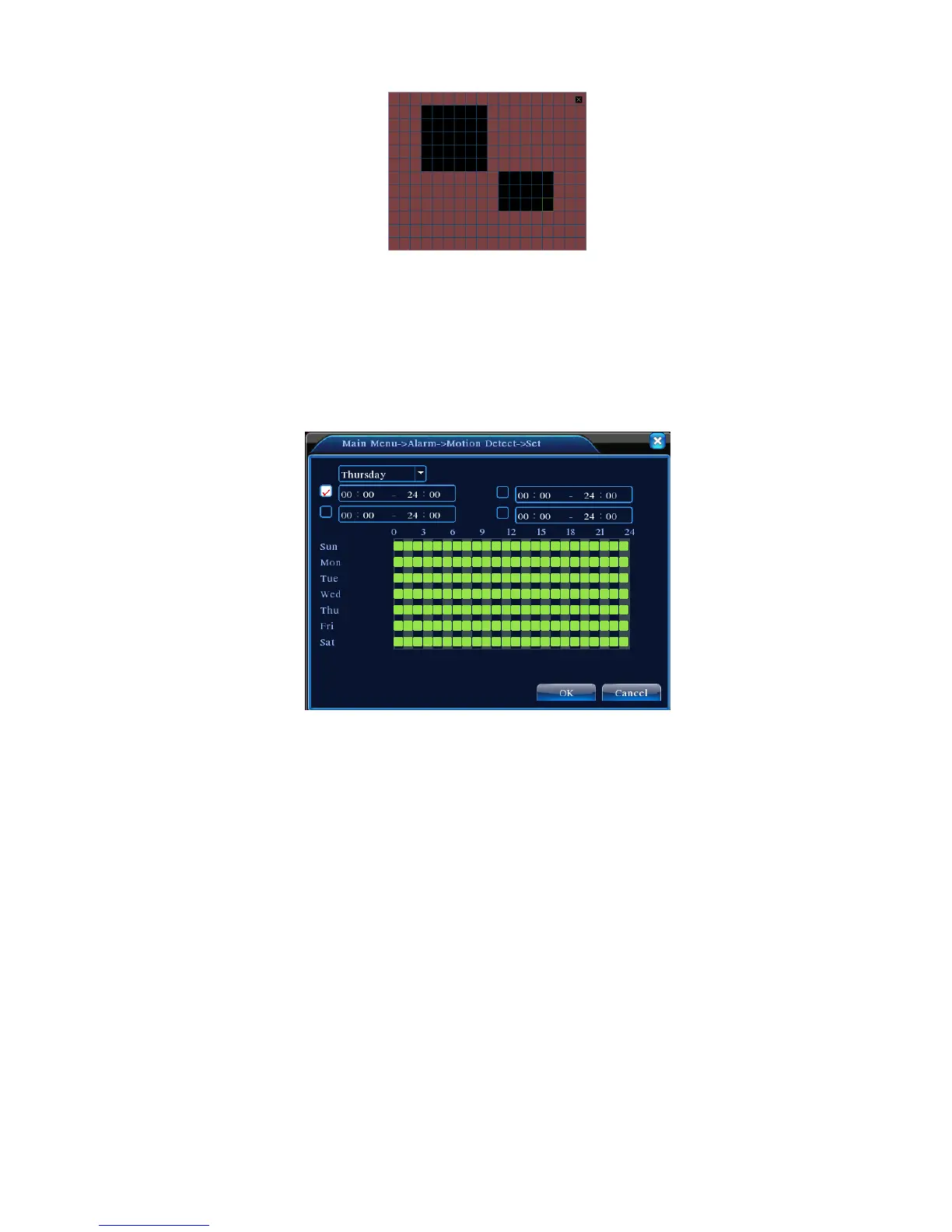
【Arm/Disarm Schedule】 DVR triggers motion detection alarm signal only during the time periods
set up as in Figure 4.6. Recording can be scheduled weekly or in a general calendar. Each day is
divided into four time sections. The time range will take effect only if the checkbox ■ before the time
range is ticked.
Figure 4.6 Time Range Setup
【Time Interval】Within the scheduled time interval, if there are several occurrences, the detection
only triggers alarm in sequence;
【Alarm Output】When motion occurs, the setting will activate corresponding external devices
connected to the alarm output port;
【Delay】Indicate the extended time for which the alarm will continue after the alarm ends, ranging
from 10~300 seconds;
【Recording Channel】Select the desired recording channel (Can be ticked). When alarm is
triggered, the system will activate the recording signal on that channel;
Note: To perform corresponding video recording, it requires the settings in 【Record Settings】
to activate test recording in the defined time periods
【Auto Sequence】Highlighted ■ indicates it is selected. When alarm signal is present, the



 To Next Page