Page 50
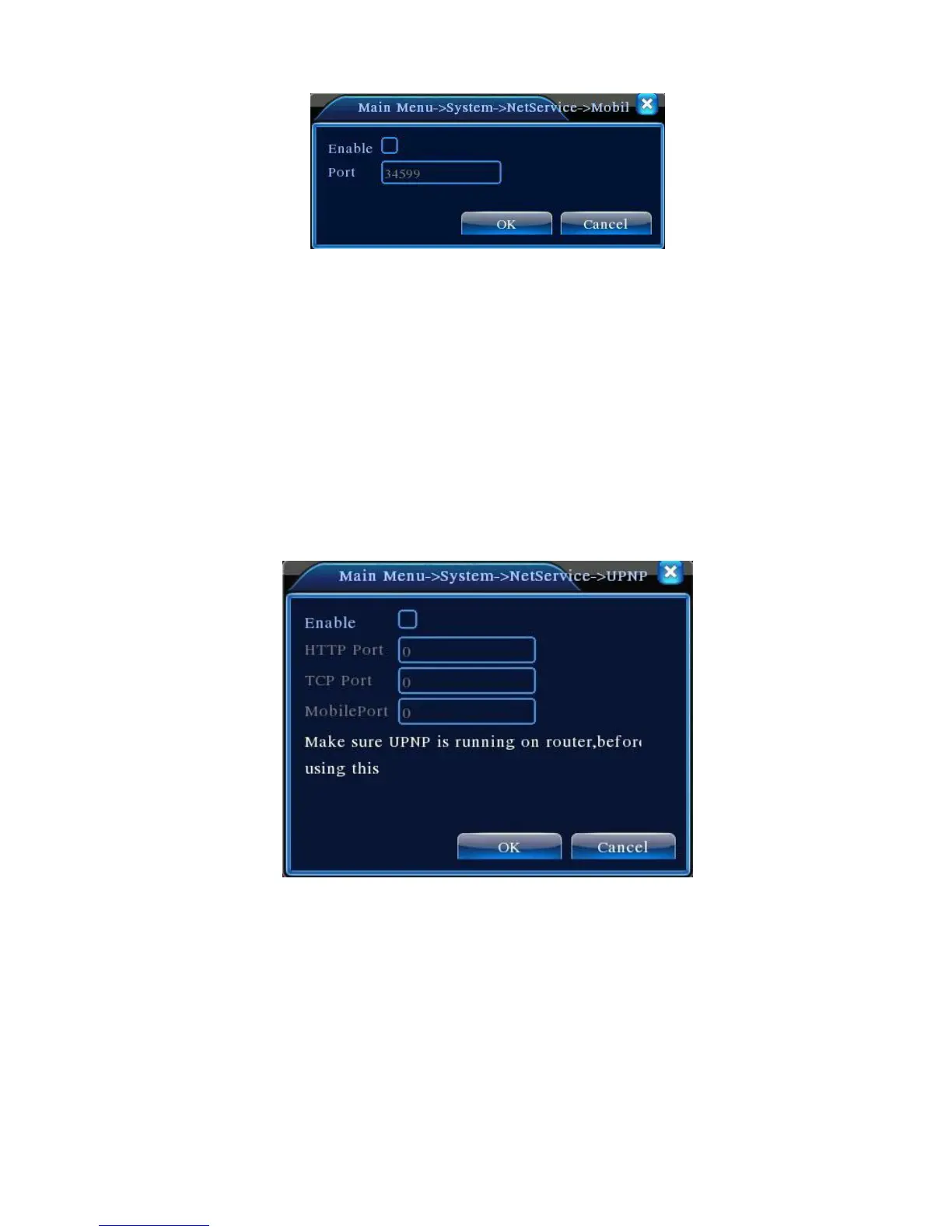
Figure 4.25 Mobile Monitoring Settings
【Enable】Highlight ■ to enable the mobile monitoring function. Settings can only be activated after
you tick Enable;
【Port】 Mobile monitoring port number. To access DVR using mobile device, map the port number
on the router
【UPnP】
UPnP protocol automatically forwards port mapping on the router. When using the
function, make sure that the UPnP on the router is enabled.
Figure 4.26 UPnP Settings
【Enable】Highlight ■ to enable the UPnP function. Settings can only be activated after Enable is
ticked;
【HTTP】:Router will automatically assign a port number to the device. Need to enter the port
number to start an IE browser
【TCP】:Router will automatically assign a port number to the device. Monitoring using client
software will go through this port



 To Next Page