Page 56
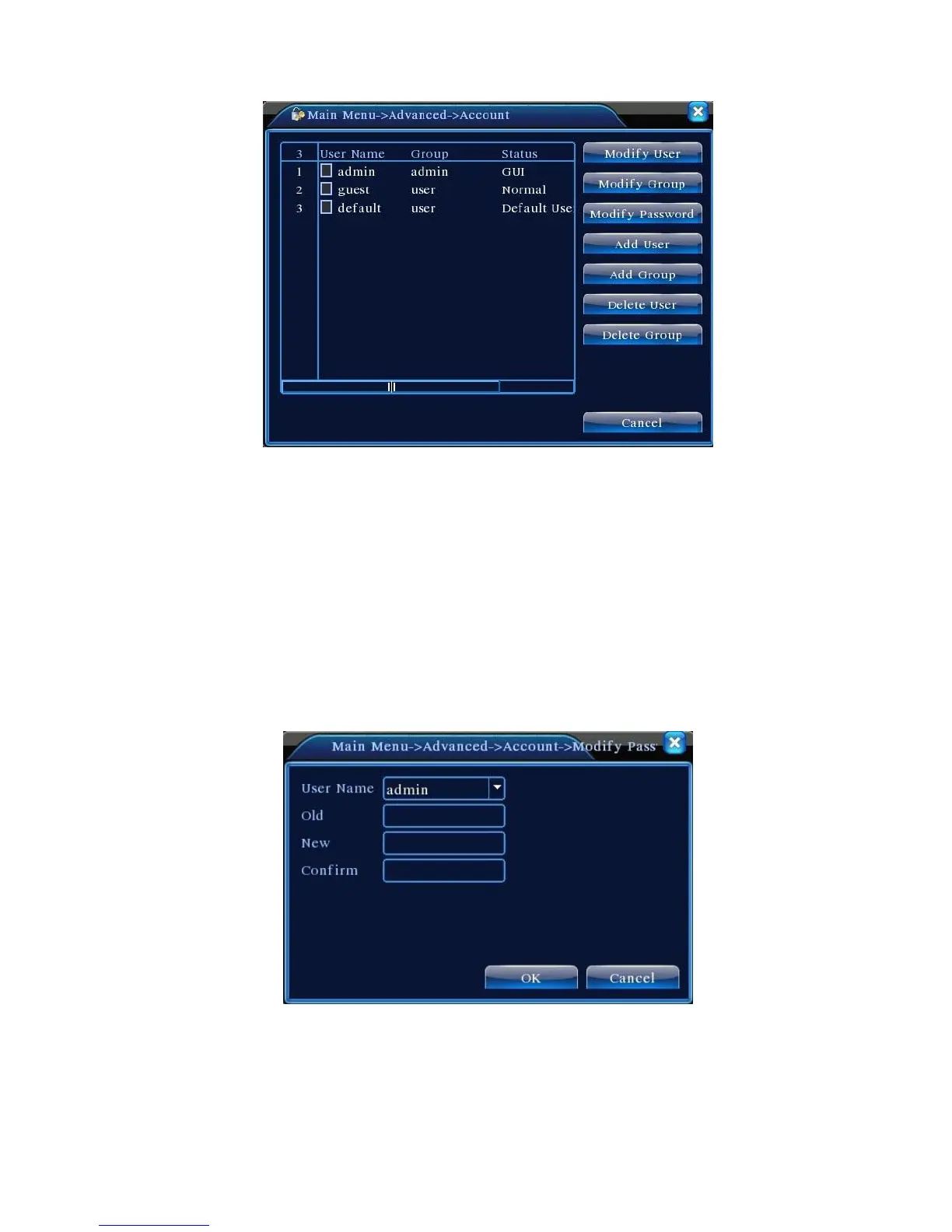
Figure 4.32 User Management
【Modify User】Modify the attributes of an existing user;
【Modify Group】Modify the attributes of an existing user group;
【Modify Password】Modify user password. Password can be set to 1-6 letters. The
beginning and end of the password cannot be left blank while spaces are allowed between
letters.
Note: User with administrator rights is able to change not only his own password but
also other users' passwords.
Figure 4.33 Modify Password
【Add User】Add group members and set user permission as shown in Figure 4.31. Enter Add User
menu, input user name and password, select the belonging group, and select whether the name can be



 To Next Page