Page 32
Then follow the routine:
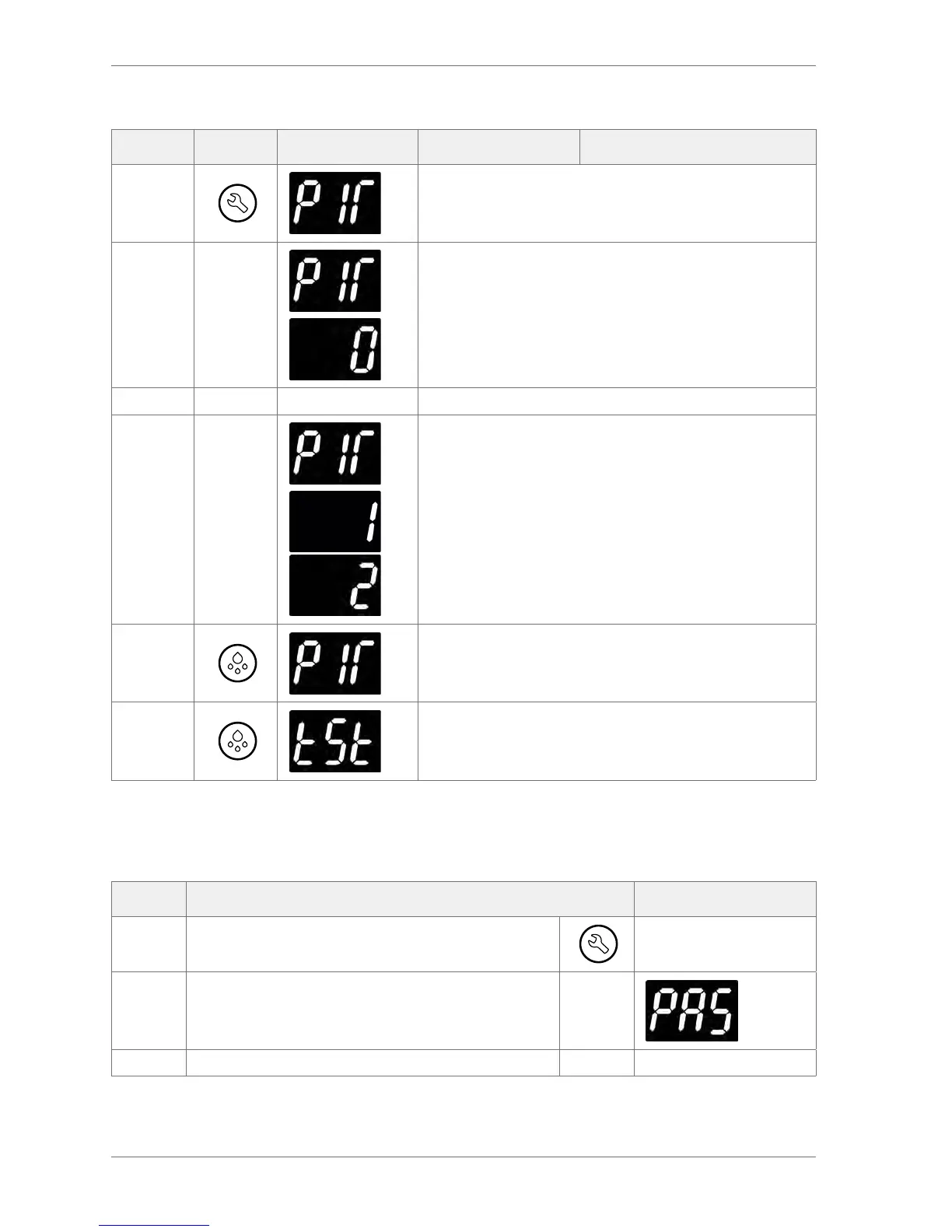
Action Button Display Test Check
Press
Press the Set button to enter the motion sensor test.
Place your hand about 300mm from the motion sensor
Move your hand from left to right. Check for the following:
The display count increments for each detected movement.
The motion LED ashes for each detected movement.
Press Press the Defrost button to exit the test.
Press Press the Defrost button to return to the test menu.
3.9 Viewing the last three cooler faults witnessed by the controller (FLt)
It is possible to view the last three faults and understand problems that have occurred with the cooler.
Step Action Display
1 Press the Set button
2 The display shows:
3 Enter the appropriate password to access the menu



 To Next Page